SnapProPro capture, record & OCR
About
SnapPro is the professional screenshot and screen recording tool macOS deserves. Pixel-perfect capture, unlimited recording, on-device OCR — included at no additional purchase.
Built natively with ScreenCaptureKit, the Vision framework, and Metal. Optimized for Apple Silicon. No watermark on the base tier. No time limit on recordings.
WHAT MAKES SNAPPRO DIFFERENT
- EVERYTHING UNLOCKED, NOTHING WATERMARKED
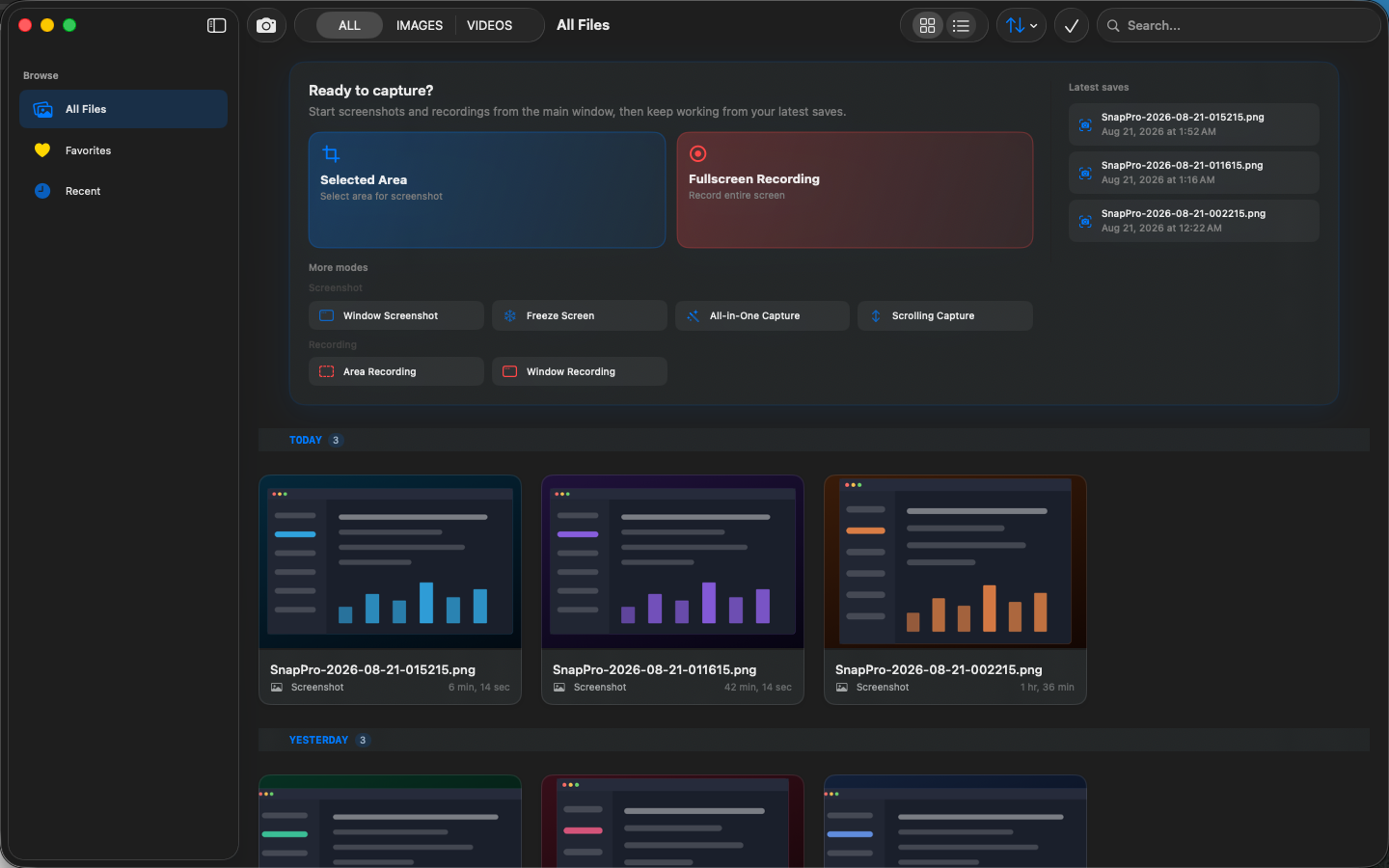
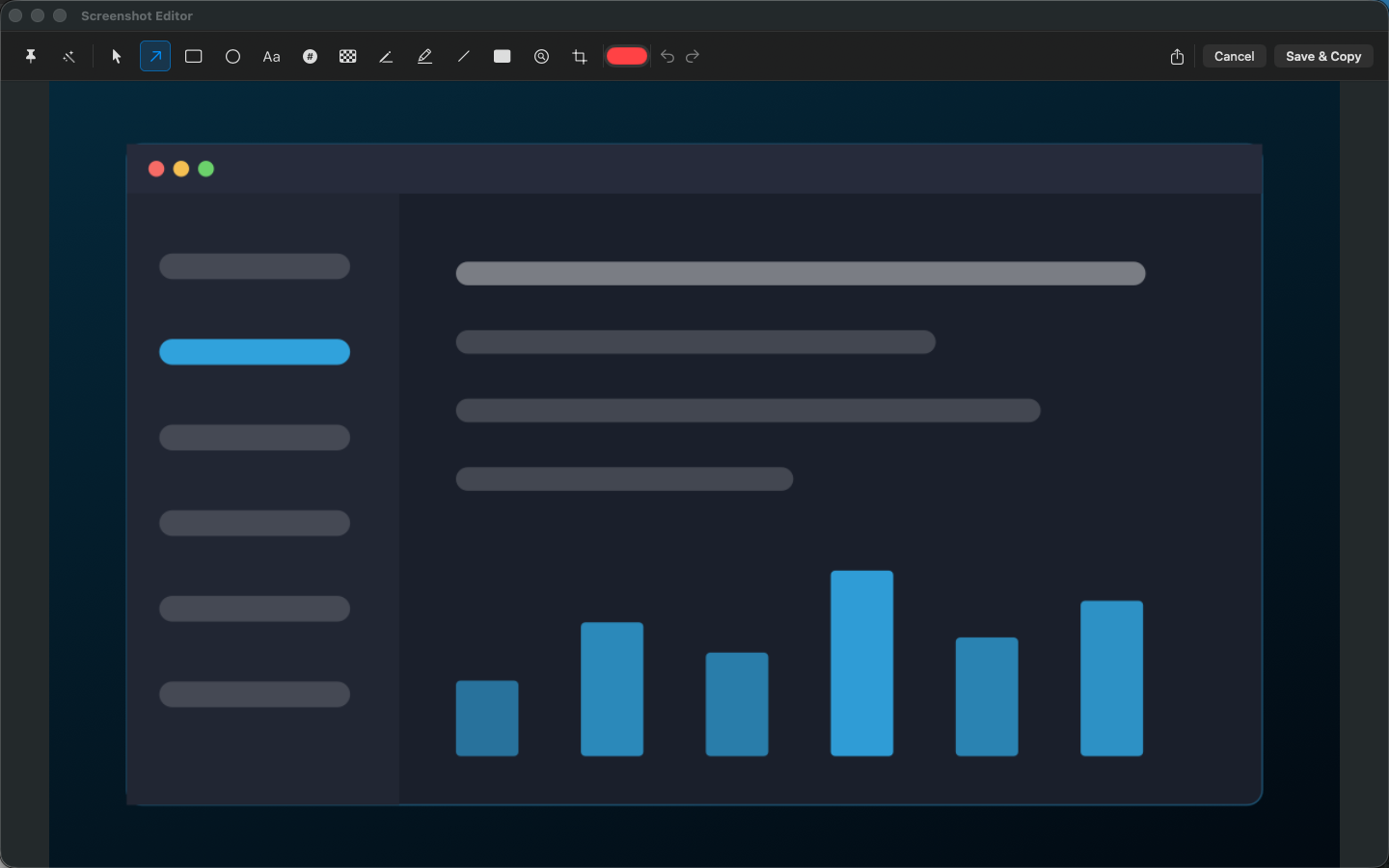
Fullscreen, area, window, and All-in-One smart capture. Unlimited screen recording with H.264 and HEVC encoding. On-device OCR text recognition (Chinese and English). Full annotation suite — arrows, shapes, text, blur. All unlocked. Forever.
- ON-DEVICE OCR
Text in any screenshot is selectable instantly. Built on Apple's Vision framework. No cloud round-trip, no "upload to our AI server" delay. Works offline on a plane.
- SCREENCAPTUREKIT NATIVE
Apple's modern capture API — the same engine Final Cut Pro and QuickTime use for screen recording. Sharper than legacy capture, less CPU overhead, hardware-accelerated.
- AI SMART NAMING (Pro)
Files auto-named from screenshot content. 'login-form-error-state.png' instead of 'Screen Shot 2026-05-17 at 3.42.17 PM.png'. The first thing you'll wonder is how you ever lived without.
- AUTO PRIVACY BLUR (Pro)
Faces auto-detected and blurred. Sensitive text (emails, phone numbers, API keys, credit cards) auto-redacted before you ship the screenshot to Slack.
- PROFESSIONAL RECORDING
H.264, HEVC, and ProRes (Pro) encoding. System audio + microphone. Camera picture-in-picture overlay. Custom recording area. GIF export (Pro).
- 100% LOCAL, ZERO TELEMETRY
No cloud, no tracking, no accounts. All AI processing happens locally on your Mac. Network access is for StoreKit only.
WHO IS SNAPPRO FOR?
- Designers who tried CleanShot X and balked at the price tag
- Developers who screenshot constantly and need OCR to grab error text
- Folks who used Kap or LICEcap and wanted ProRes-quality output
- Anyone who has named 400 screenshots 'Screen Shot ...png' and given up
- Apple Silicon Mac users who want hardware-accelerated capture, not legacy CPU encoding
PRICING
Unlimited screenshots, unlimited recording (H.264/HEVC), OCR, annotation, hotkeys, and media library — all included at no additional purchase. Pro unlocks AI smart naming, batch capture, auto privacy blur, GIF export, ProRes codec, and export presets via monthly subscription, annual subscription, or a one-time lifetime in-app purchase. Never a watermark.
IF YOU'RE COMPARING TOOLS
Coming from CleanShot X, Shottr, Xnapper, or Snagit? SnapPro covers the whole checklist in one app: a screen recorder with visually lossless ProRes capture, scrolling capture for full-page screenshots, OCR text extraction, and annotate-and-share in two clicks.
BUILT FOR APPLE
Requires macOS 15.0 or later. Optimized for Apple Silicon. Supports Shortcuts automation. ScreenCaptureKit + Vision + Metal under the hood.
FEEDBACK
Made by Peter Zhang. Every email at obeliskclubclub@gmail.com is read personally.
Learn more: https://obelisk.club/snappro-screenshot-record
Terms of Use (EULA): https://obelisk.club/snappro-screenshot-record/terms
Core Capabilities
Professional Recording
H.264, HEVC, and ProRes encoding with system audio + microphone recording, camera picture-in-picture overlay, and custom recording area.
Smart Screenshot Suite
Fullscreen, area, and window capture with All-in-One smart mode, timed and batch capture, plus screenshot annotation and editing.
On-Device AI
OCR text recognition (fully offline), smart file naming, and automatic content analysis — all powered by Apple Vision framework on your Mac.
Privacy Protection
One-click EXIF metadata removal, automatic face detection and blurring, sensitive text redaction, and custom watermarks.
Smart Media Library
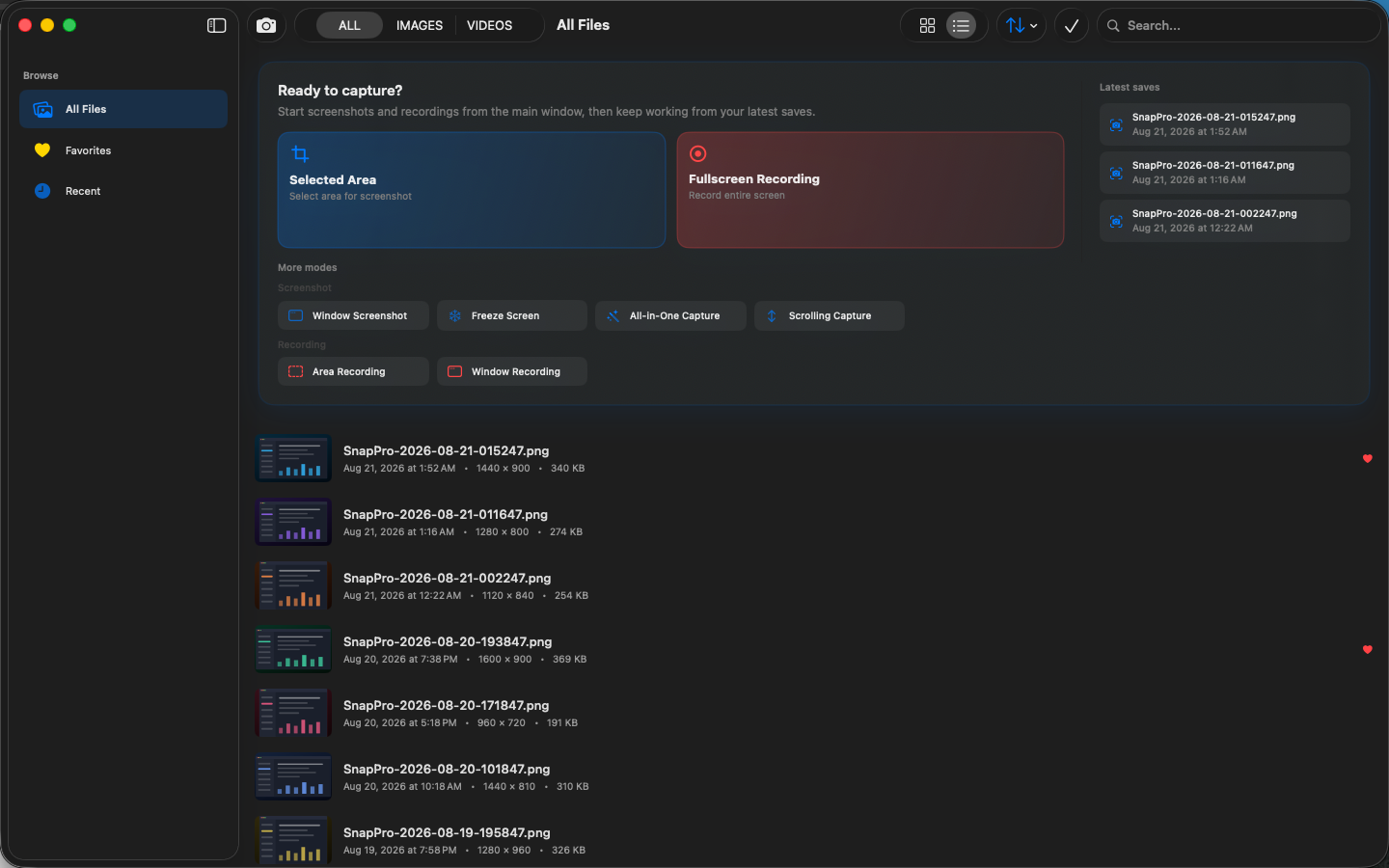
Intelligent organization for all captures and recordings with quick preview, search, and one-click sharing and export.
Base + Pro Model
All capture features unlocked including unlimited screenshots and unlimited recording with H.264/HEVC. Pro subscription or lifetime purchase unlocks AI smart naming, batch capture, ProRes, GIF export, and more.
Frequently Asked Questions
- Is SnapPro free, and does it add a watermark?
- The base tier is fully unlocked with no watermark and no time limit on recordings. Fullscreen, area, window and All-in-One capture, unlimited H.264/HEVC screen recording, on-device OCR and the full annotation suite are all included. Pro adds AI smart file naming and automatic privacy blur.
- Does SnapPro's OCR work offline?
- Yes. Text recognition is built on Apple's Vision framework and runs entirely on-device, in both Chinese and English. There is no cloud round-trip, so it works on a plane and your screenshots never leave your Mac.
- How is SnapPro different from the built-in macOS screenshot tool?
- SnapPro uses ScreenCaptureKit — the same modern capture engine as Final Cut Pro and QuickTime — and adds unlimited hardware-accelerated recording, instant OCR text selection in any screenshot, a full annotation suite, and a searchable media library for everything you capture.
- Can SnapPro blur sensitive information automatically?
- With Pro, faces are auto-detected and blurred, and sensitive text such as emails, phone numbers, API keys and credit card numbers is auto-redacted before you share a screenshot.
- Is there a time limit on SnapPro screen recordings?
- No. Screen recording has no time limit and no watermark even on the free base tier, with H.264 and HEVC encoding optimized for Apple Silicon.
Interface
High Fidelity UI
High Fidelity UI
High Fidelity UI
Guides for SnapPro
How to screen record on a Mac without a watermark (2026 guide)
macOS includes Screenshot and QuickTime for clean recordings. Here is when they are enough, when they fall short, and how SnapPro handles longer captures.
CleanShot X alternatives in 2026 — five options compared, with real prices
CleanShot X is $29 — plus $19/year for updates. Here are five 2026 alternatives compared on price, recording, OCR and privacy, with real numbers.
More from Obelisk
ViewOne
Your iPhone fired off 50 burst photos at the playground. Now they're sitting on your Mac, and you can't bring yourself to sort through them.…
PhotoBridge
PhotoBridge backs up your iPhone photos directly to storage you own — Synology, QNAP, Nextcloud, AWS S3, MinIO, Aliyun OSS, or an external d…

SipNote
SipNote is a beautifully designed caffeine and beverage tracker for coffee, tea, milk tea, and energy drink lovers. Built local-first for iP…
How SnapPro compares
Honest, dimension-by-dimension comparisons — including where the other tool wins.
Mac screenshot and screen recording
SnapPro vs CleanShot X
CleanShot X is the reigning premium screenshot app on the Mac, and it earned that position with genuine polish. SnapPro competes on a different axis: everything runs locally, unlimited recording and OCR ship in the base tier, and there is no cloud account anywhere in the product. Here is an honest look at where each one wins.
Mac screenshot and screen recording
SnapPro vs Shottr
Shottr is a tiny, fast, much-loved Mac screenshot tool with an almost absurdly fair price. It is also screenshot-only — it does not record the screen at all. SnapPro overlaps with Shottr on capture and OCR but adds a full recording stack. Which one fits depends on whether you ever press record.
Mac screenshot and screen recording
SnapPro vs macOS Screenshot
Every Mac ships with a perfectly serviceable screenshot and screen recording tool behind Cmd-Shift-5. It is free, always there, and completely local. SnapPro exists for the people who hit its ceiling — no system audio in recordings, timestamp filenames, minimal markup — often enough to want a real tool.
Mac screenshot tools
SnapPro vs Xnapper
Xnapper is the Mac app that made 'beautiful screenshot in 2 seconds' a product category: automatic padding, rounded corners, a smart-picked gradient background, and social-media presets. SnapPro is a broader capture suite — screenshots plus unlimited screen recording, on-device OCR, and privacy tooling. They overlap on screenshots and diverge sharply everywhere else.