
HashForge生成并校验 MD5、SHA 哈希
关于
在设备上直接生成并校验加密哈希——快速、清爽、完全离线。
输入或粘贴任意文本,或选择一个文件,一次性得到所有常用摘要:MD5、SHA-1、SHA-256、SHA-384 和 SHA-512。点一下任意结果即可复制。想核对下载文件或签名?把预期的哈希值粘进来,立即看到匹配或不匹配。
使用方法 输入文本或选择文件,哈希会即时算出。需要哪个点一下就复制,或把预期值填进校验栏,确认两个文件或字符串是否完全一致。近期生成的哈希会自动保存,方便再次查找。
HashForge 的独特之处
- MD5、SHA-1、SHA-256、SHA-384、SHA-512 一屏呈现
- 支持对文本和文件计算哈希
- 对照预期哈希校验,实时显示匹配结果
- 任意结果一键复制
- 保留近期历史,不怕丢失
- 干净克制的界面,专为快速核对而生
定价
HashForge 本身免费,全部哈希算法、文件哈希与校验功能均已包含。一次性解锁新增 HMAC 生成器,可用密钥对消息签名(MD5 到 SHA-512),并将历史记录从最近若干条扩展为无限条,还支持把完整哈希记录导出为 CSV——买断一次,永久使用,无订阅。
反馈
由一个小型独立团队打造。如有反馈、问题报告或功能建议,欢迎发邮件至 obeliskclubclub@gmail.com。
隐私 所有计算都在你的设备上完成。无需账号、无需登录、不做追踪,数据也绝不离开你的手机。
核心能力
常用哈希算法
一屏生成 MD5、SHA-1、SHA-256、SHA-384、SHA-512 摘要。
文本与文件哈希
哈希粘贴的文本或本地文件,数据不发往任何服务器。
哈希校验
将计算结果与预期值比对,立即看到是否匹配。
常见问题
- Is it safe to paste an API key or password into an online hash generator?
- No — a web-based hash tool sends whatever you type to someone else's server, where it can be logged, and a secret that has left your control should be treated as compromised. This app computes MD5, SHA-1, SHA-256, SHA-384, and SHA-512 entirely on your device: no account, no sign-in, no tracking, and nothing ever leaves your phone.
- How do I verify a downloaded file's SHA-256 checksum on iPhone?
- Publishers list a checksum so you can confirm a download arrived intact and untampered — if your computed hash matches theirs, the file is byte-for-byte identical. In this hash generator, pick the file, paste the expected hash into the verify bar, and a live indicator shows an instant match or mismatch.
- What's the difference between MD5, SHA-1, and SHA-256?
- They are all one-way digest functions, but MD5 and SHA-1 are cryptographically broken — practical collision attacks exist — so they should only be used for non-security checks like detecting accidental corruption, while SHA-256 remains the standard for integrity and signatures. The app computes all five common digests (MD5 through SHA-512) at once from the same input, so you can copy whichever one a given system expects.
- Can this app generate an HMAC with a secret key?
- Yes, with the Pro unlock, which adds an HMAC generator for signing messages with a secret key using MD5 through SHA-512 — handy for testing webhook signatures and API authentication. Pro is a one-time purchase with no subscription, and it also unlocks unlimited history and CSV export of your full hash log.
- Can I hash both text and files, and find hashes I computed earlier?
- Yes. Type or paste any text, or pick a file, and every digest computes immediately with one-tap copy on each result. Recent hashes are saved to a history so a value you computed earlier doesn't get lost; the Pro unlock extends this to unlimited history.
界面展示
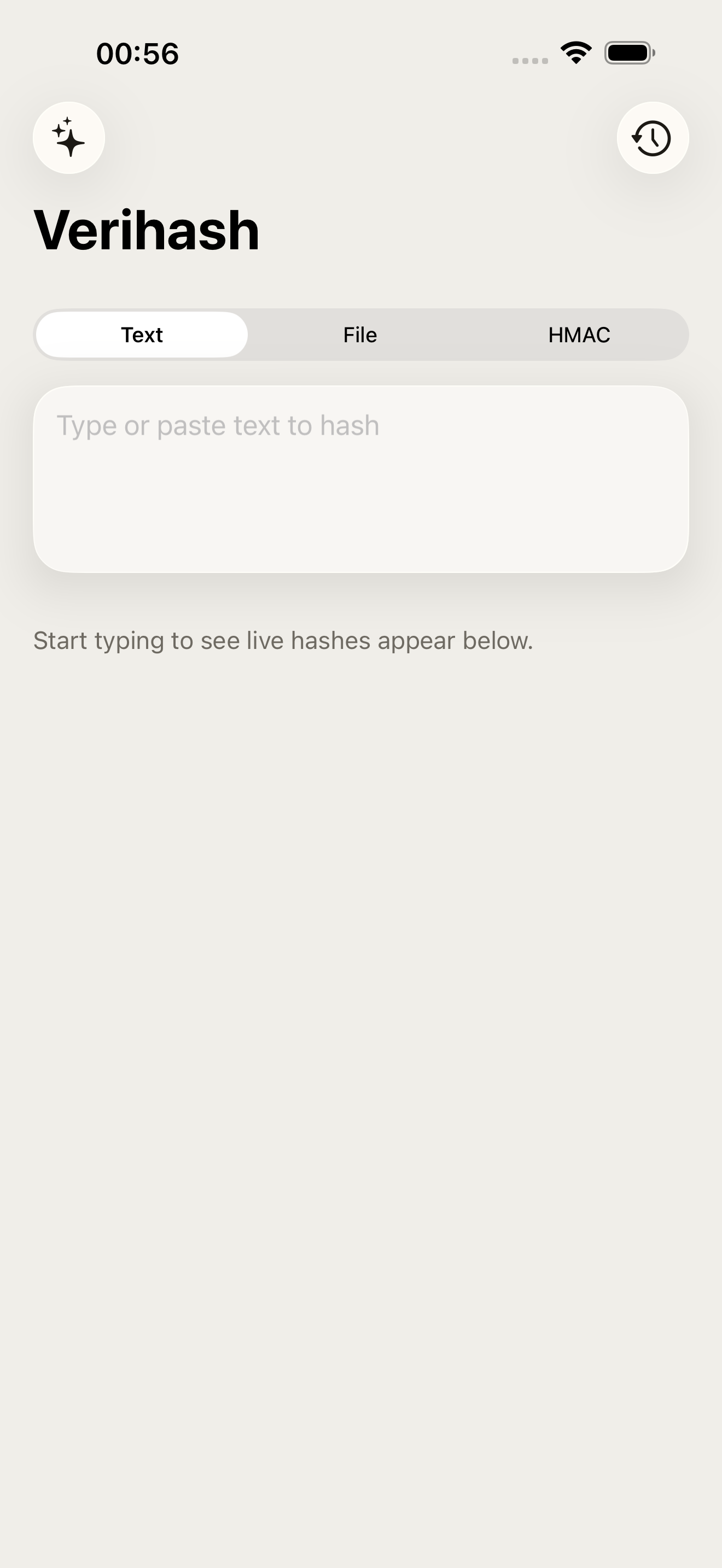
高保真界面
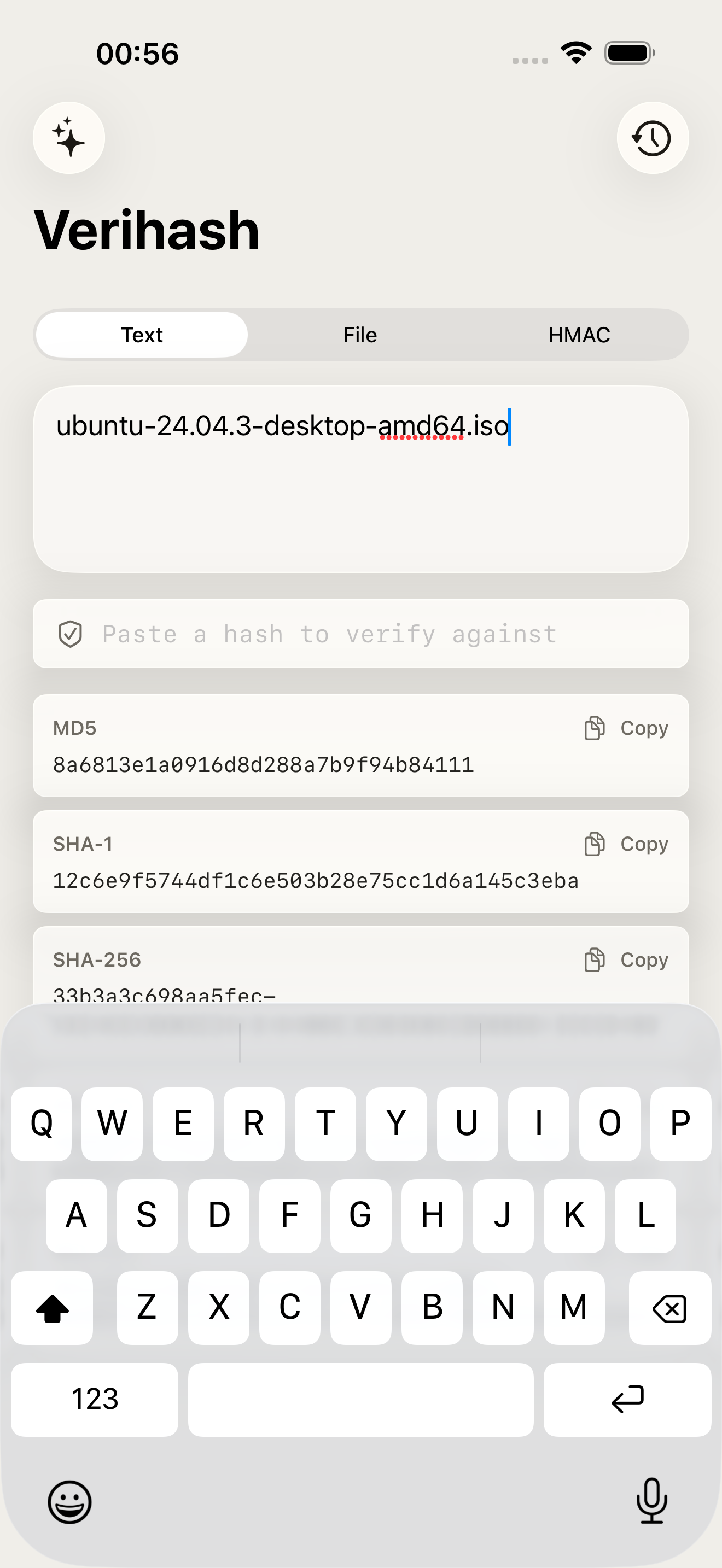
高保真界面
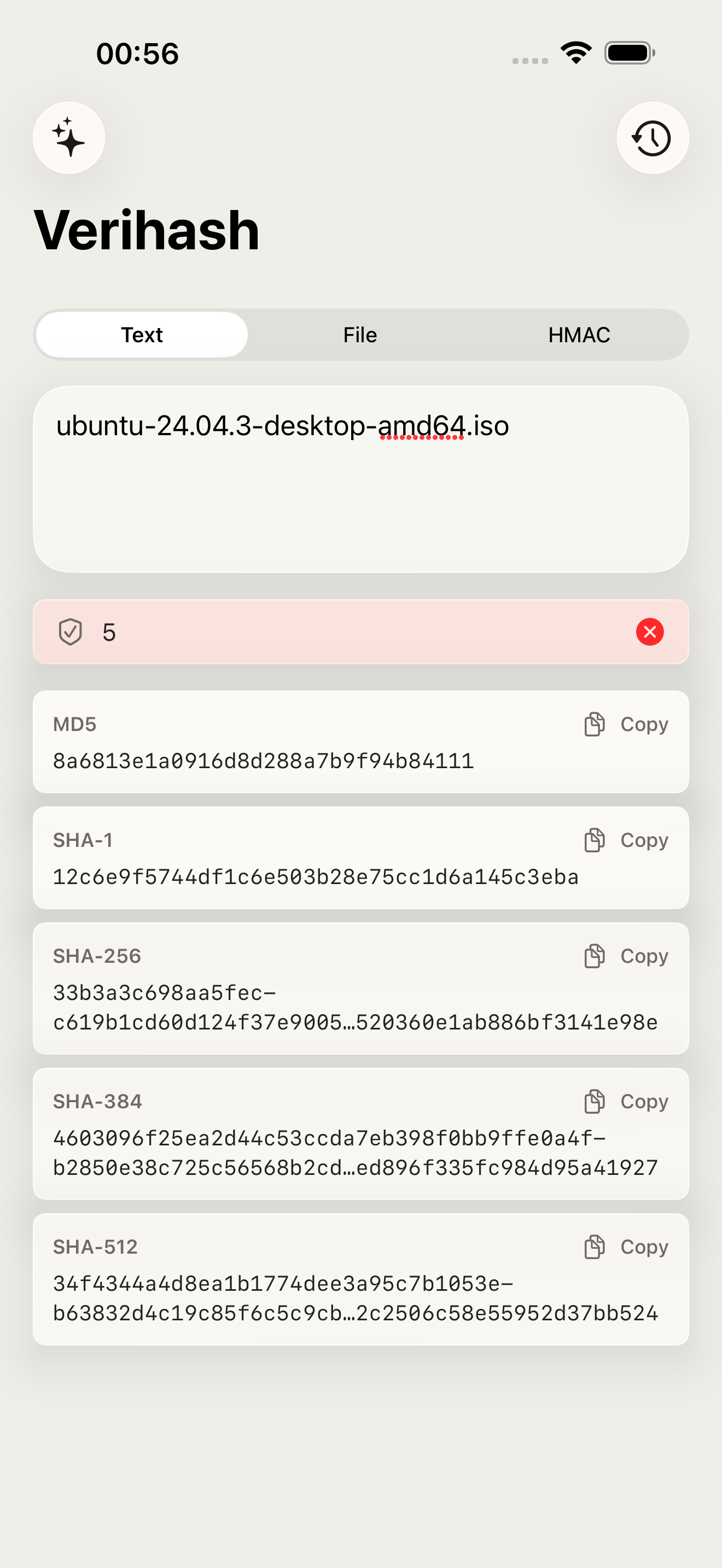
高保真界面
其他 Obelisk 应用

SnapPro
SnapPro 是 macOS 上最专业的截图和录屏工具。像素级无损捕获、无限时长录屏、端侧 OCR——均无需额外购买。 基于 ScreenCaptureKit、Vision 框架和 Metal 原生构建。针对 Apple Silicon 优化。基础档无水印。录屏无时长限制。 —…

ViewOne
手机在游乐园拍了 50 张连拍,现在堆在 Mac 里,你又懒得一张张挑。 ViewOne 帮你解决这个问题。把文件夹拖进来,立刻识别每一组连拍。并排对比、轻点挑出心仪的,剩下的一键扔进废纸篓。 挑不出来?交给 AI——它会分析清晰度、曝光、构图甚至表情,帮你找到最佳那张。 — V…

PhotoBridge
影像方舟(PhotoBridge)把 iPhone 照片直接备份到你自己的存储——群晖、QNAP、Nextcloud、AWS S3、MinIO、阿里云 OSS 或外接硬盘。不走第三方云,不订阅陌生人的照片仓库。 专为这些时刻设计:iCloud 账单越看越不爽,或者你只是想把照片放…