ScannicDocument Scanner & PDF Export
About
Scannic turns any photo of a document into a clean, straight, well-lit scan — in seconds, completely offline.
WHAT MAKES SCANNIC DIFFERENT
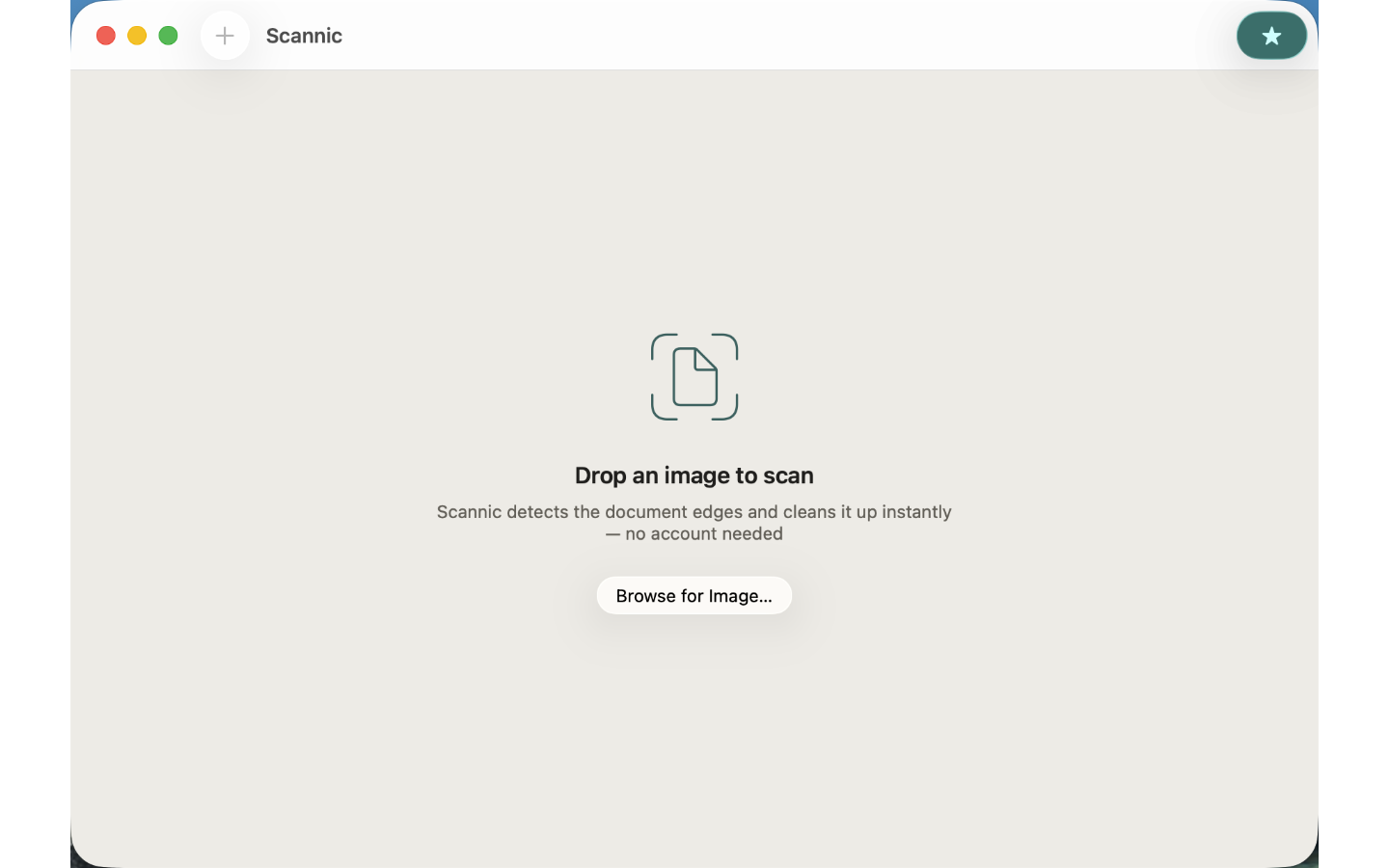
Drop a photo of a receipt, contract, whiteboard, or book page onto Scannic. Apple Vision automatically finds the document edges, corrects the perspective, and enhances the image. Export a crisp PDF with one click. No account. No cloud. No waiting.
FEATURES INCLUDED
- Auto edge detection — Vision framework finds the document rectangle in any photo
- Perspective correction — straightens tilted or angled shots instantly
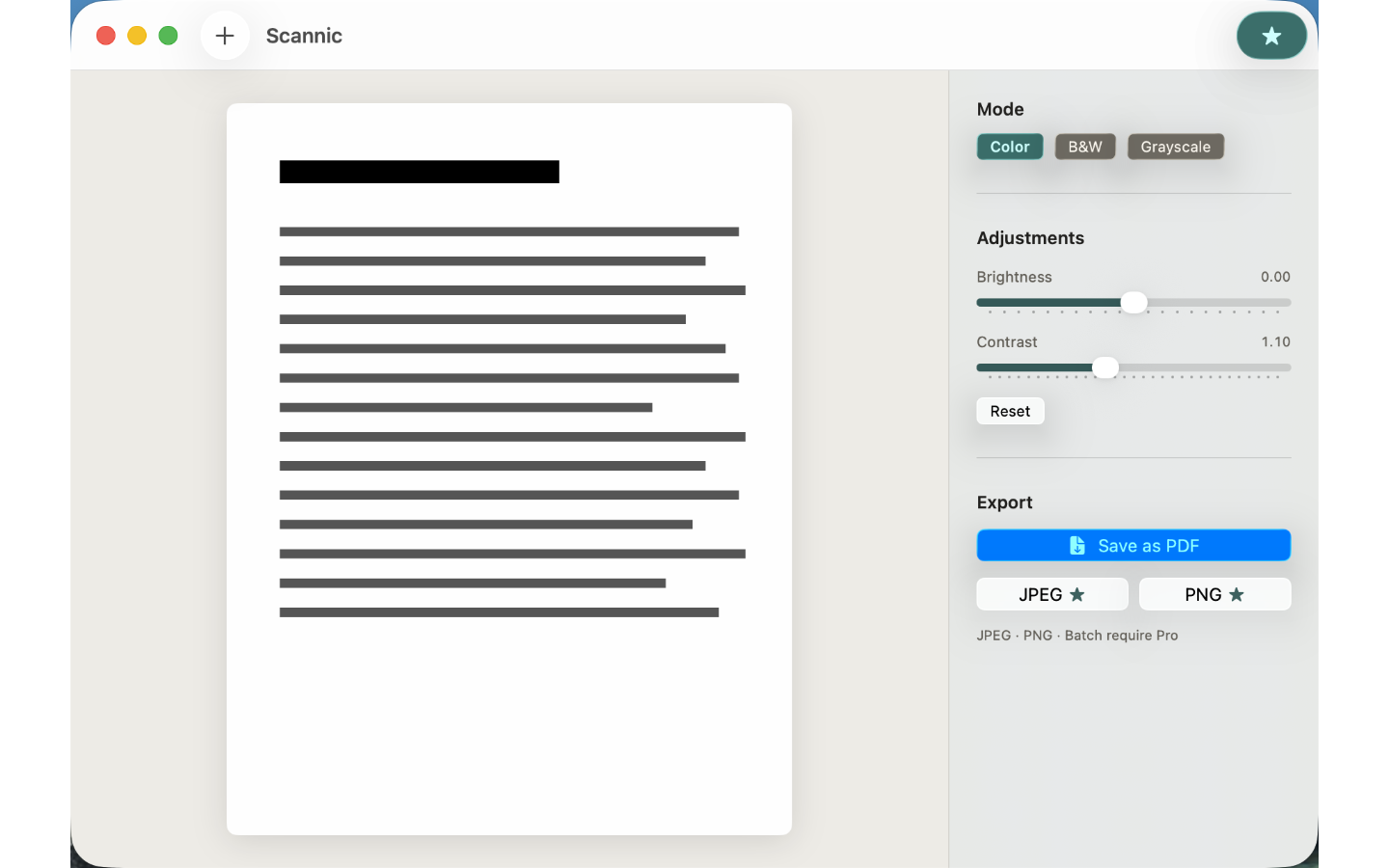
- Color, B&W, and Grayscale modes — pick the look that suits the content
- Brightness and contrast controls — fine-tune before export
- Export to PDF — single-page, full resolution, saved where you choose
PRICING
Everything above is free. Scannic Pro — one-time unlock, no subscription:
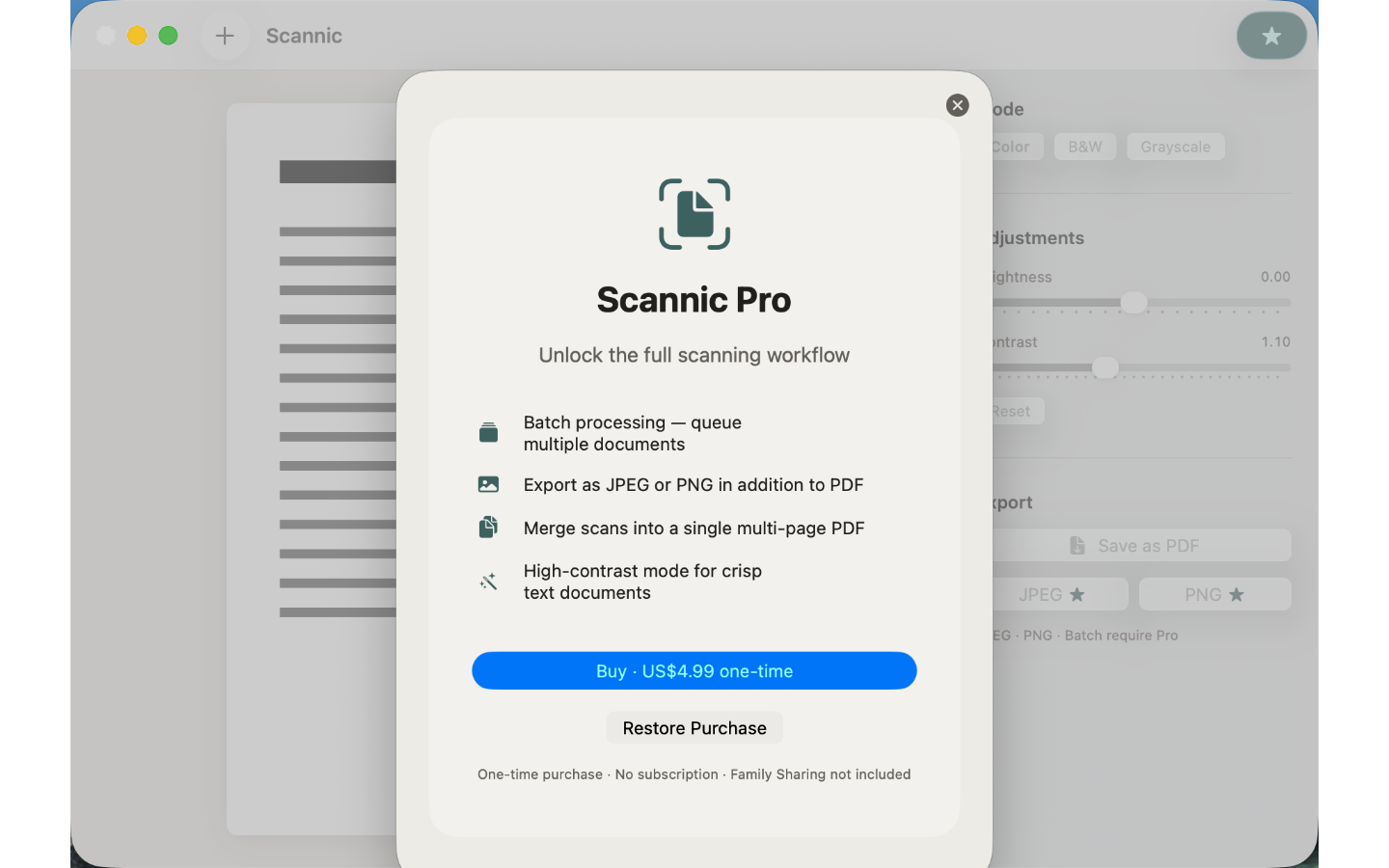
- Batch processing — queue and process multiple documents at once
- JPEG and PNG export — choose the format that fits your workflow
- Multi-page PDF — merge several scans into one document
- High-contrast mode — optimised for dense text documents
All processing happens on your Mac. Scannic never sends your documents anywhere.
A DOCUMENT SCANNER FOR MAC, NO HARDWARE NEEDED
Scannic is the document scanner Mac users reach for when a flatbed is overkill: drop in a photo and scan to PDF in seconds. Use it as a PDF scanner for contracts, a receipt scanner at expense time, a whiteboard scan cleaner after meetings, or a quiet office scanner replacement.
FEEDBACK
Made by Peter Zhang. Every email to obeliskclubclub@gmail.com is read personally. Learn more: https://obelisk.club/documentscannermac
Privacy Policy: https://obelisk.club/documentscannermac/privacy · Terms of Use: https://obelisk.club/documentscannermac/terms
Core Capabilities
Auto edge detection via Apple Vision
Instant perspective correction
Color, B&W, and Grayscale modes
Export to PDF — no account needed
Pro: batch processing and JPEG/PNG export
100% offline — documents never leave your Mac
Frequently Asked Questions
- Does Scannic work offline?
- Yes, completely. All processing happens on your Mac using Apple Vision — no account, no cloud, and Scannic never sends your documents anywhere.
- How do I scan a document with Scannic?
- Drop a photo of a receipt, contract, whiteboard, or book page onto Scannic. Apple Vision automatically finds the document edges, corrects the perspective, and enhances the image; then you export a crisp PDF with one click.
- Can Scannic straighten a tilted or angled photo?
- Yes. Perspective correction straightens tilted or angled shots instantly, and you can fine-tune brightness and contrast before export. Color, B&W, and Grayscale modes let you pick the look that suits the content.
- What export formats does Scannic support?
- The included version exports single-page, full-resolution PDFs saved wherever you choose. Scannic Pro adds JPEG and PNG export and multi-page PDFs that merge several scans into one document.
- Can Scannic process multiple documents at once?
- With Scannic Pro, yes — you can queue and batch-process multiple documents in one go. Pro also includes a high-contrast mode optimised for dense text documents.
Interface
High Fidelity UI
High Fidelity UI
High Fidelity UI
More from Obelisk
SnapPro
SnapPro is the professional screenshot and screen recording tool macOS deserves. Pixel-perfect capture, unlimited recording, on-device OCR —…
ViewOne
Your iPhone fired off 50 burst photos at the playground. Now they're sitting on your Mac, and you can't bring yourself to sort through them.…

PhotoBridge
PhotoBridge backs up your iPhone photos directly to storage you own — Synology, QNAP, Nextcloud, AWS S3, MinIO, Aliyun OSS, or an external d…
How Scannic compares
Honest, dimension-by-dimension comparisons — including where the other tool wins.