About
Markstrip pulls exact moments out of long recordings — meeting calls, gameplay sessions, lecture footage — without opening a full video editor. Scrub to the moment, hit a single hotkey to drop a pin (like a lap timer), then batch-export every pin as a short clip or a still frame in one pass.
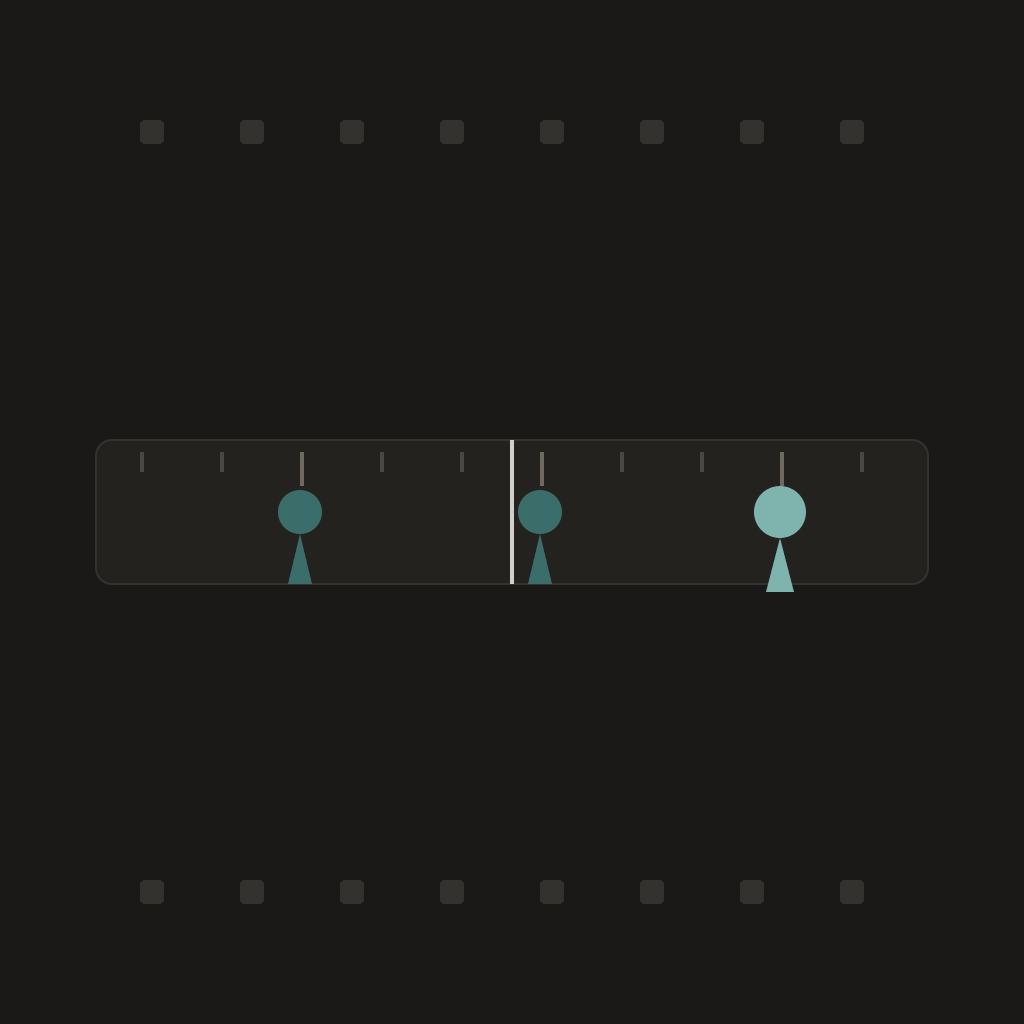
Type or paste a list of timecodes, import an .srt or chapter list, or just tap the mark hotkey while you watch — Markstrip builds the pin list live on a single horizontal scrub bar. No sidebar, no library grid, no render-queue babysitting.
Hit Export once and get a folder of numbered clips or stills, named from the labels you gave each pin.
Included:
- Mark unlimited pins by hotkey, typing, or importing .srt/chapter timecodes
- Inline-rename pins in a live side rail
- Batch-export up to 3 pins per pass as clips or stills
- Single clip or still export, unlimited
Markstrip Pro (one-time purchase) adds:
- Batch-export unlimited pins in one pass
- All future updates
Fully offline. No account. No cloud upload — your footage never leaves your Mac.
Core Capabilities
Hotkey mark — drop a pin like a lap timer while scrubbing
Type, paste, or import .srt/chapter timecodes
Inline-rename pins in a live side rail
One-click batch export to numbered clips or stills
Fully offline — no account, no cloud upload
Interface
No screenshots
More from Obelisk

SnapPro
SnapPro is the professional screenshot and screen recording tool macOS deserves. Pixel-perfect capture, unlimited recording, on-device OCR —…

ViewOne
Your iPhone fired off 50 burst photos at the playground. Now they're sitting on your Mac, and you can't bring yourself to sort through them.…

PhotoBridge
PhotoBridge backs up your iPhone photos directly to storage you own — Synology, QNAP, Nextcloud, AWS S3, MinIO, Aliyun OSS, or an external d…