About
Chronoburn burns a running stopwatch or countdown timer directly into your video — permanently, at export, so the clock is baked into the footage itself. Built for anyone reviewing workout sets, timing a recipe, or logging a timed practice drill who wants the time visible in the clip afterward, not just on-screen while filming.
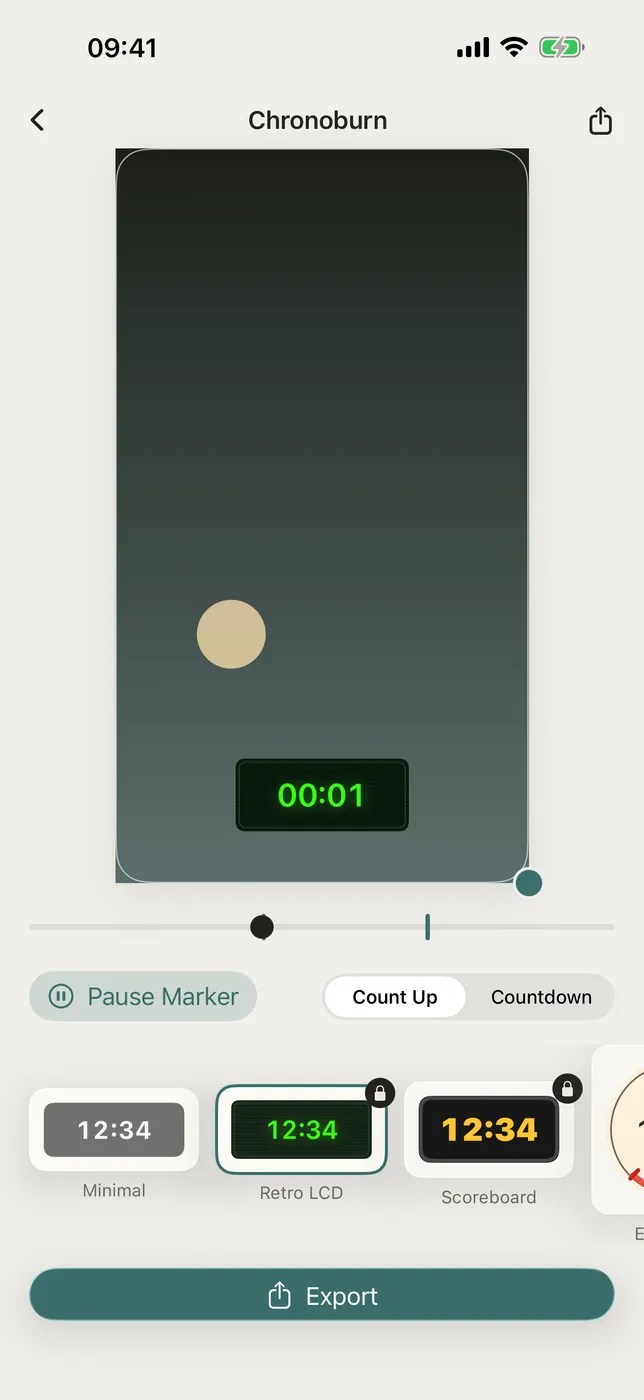
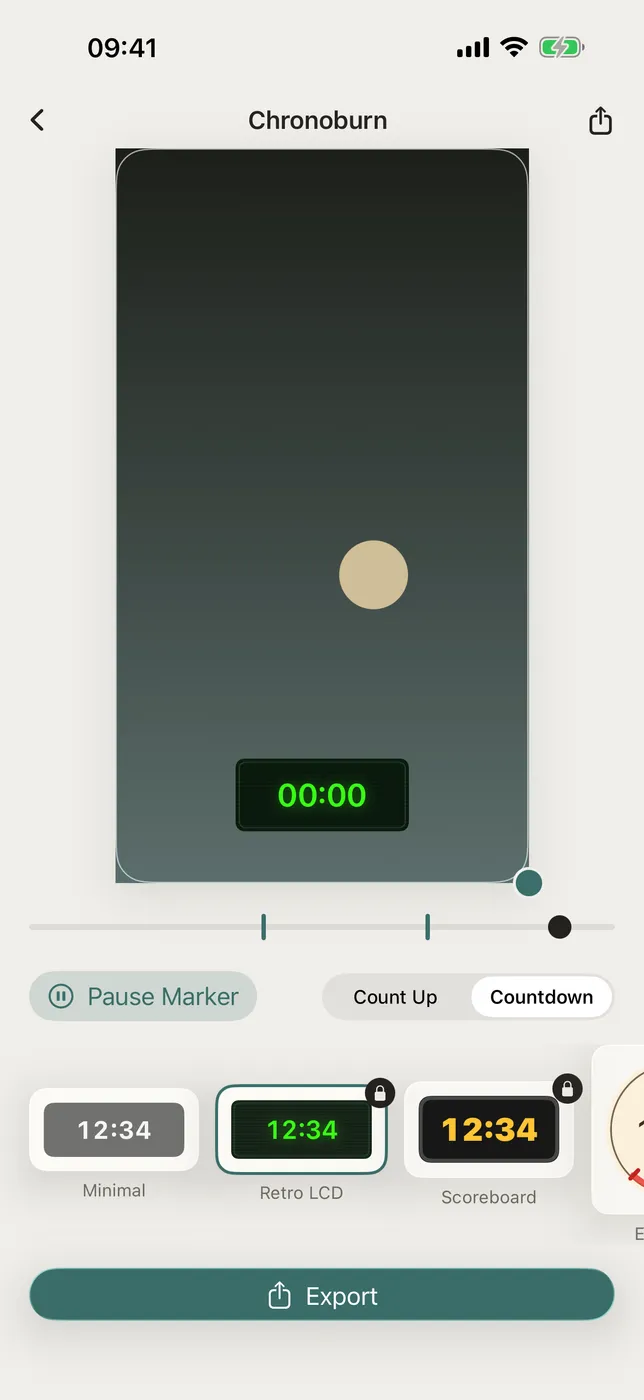
Position the timer by dragging it right on the video preview. Resize it with a pinch. Pick a start point and tap the timeline to freeze the clock exactly when you rest between sets or cut between takes, then let it run again. What you see in the live preview is exactly what gets burned into the exported video.
Included — Drag-to-place, drag-to-resize timer overlay with a live scrubbing preview — Count-up (stopwatch) and countdown modes — Tap-to-freeze markers on the timeline — pause and resume the clock with no keyframe editor — Four timer faces: Minimal, Retro LCD, Scoreboard, and Egg Timer dial — One-tap export to your Photos library
WHAT MAKES CHRONOBURN DIFFERENT Most video editors treat a clock as a text overlay buried in a timeline. Chronoburn makes the timer the whole product: drag, pinch, and tap-to-freeze — and the live preview is exactly what gets burned in, frame for frame. Fully offline. No account, no sign-in, no data collection, no ads.
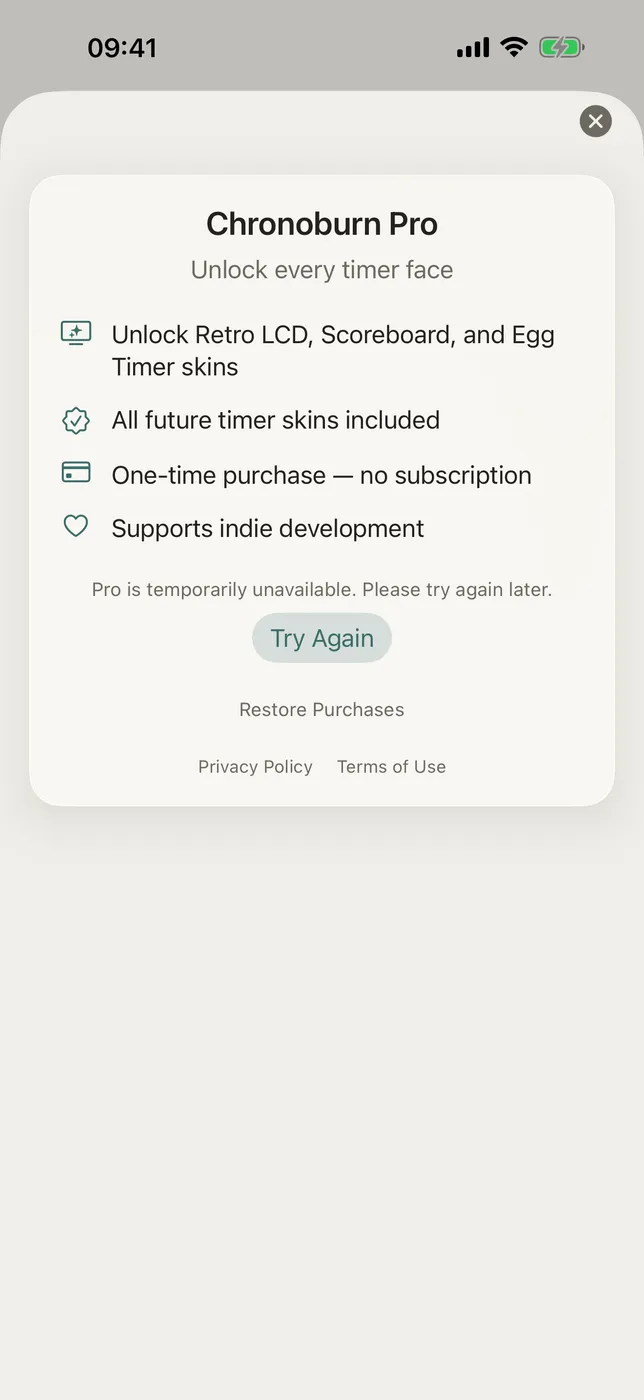
PRICING Chronoburn works out of the box with the Minimal timer face; exports carry a small Chronoburn watermark until you upgrade. Chronoburn Pro unlocks every timer face and removes the watermark — choose the monthly subscription (3-day trial, cancel anytime) or a one-time lifetime purchase. Prices are shown in your local currency in the app.
FEEDBACK Chronoburn is indie-built, and your feedback shapes the roadmap. Questions, ideas, or a timing use case we should support? Email obeliskclubclub@gmail.com.
Terms of Use (EULA): https://obelisk.club/videostopwatchtimerburn/terms
Core Capabilities
Drag directly on your video to position, resize, and time the clock — no keyframe editor.
Four timer faces: Minimal, Retro LCD, Scoreboard, and Egg Timer dial.
Tap the timeline to freeze the clock during rests or cuts, then resume it later.
Count up from any value or count down to zero, burned permanently into the exported file.
Pro removes the export watermark and unlocks every face — monthly with a 3-day trial, or one-time lifetime.
One-tap export straight to Photos. Fully offline — nothing ever leaves your device.
Interface
High Fidelity UI
High Fidelity UI
High Fidelity UI
More from Obelisk

SnapPro
Pixelperfect capture, unlimited recording, ondevice OCR — included at no additional purchase.
ViewOne
Your iPhone fired off 50 burst photos at the playground. Now they're sitting on your Mac, and you can't bring yourself to sort through them. ViewOne fixes that.

PhotoBridge
No thirdparty cloud. No subscription to a stranger's photo silo.