About
Lullcut finds every silent gap in your screen recordings, Zoom calls, and tutorial footage, then shows you exactly what it's about to cut — before you commit. If you record yourself talking through software, teaching a lesson, or narrating a walkthrough, you already know the pauses: seconds spent thinking, switching windows, or waiting for a slide to load. Lullcut removes them in under a minute.
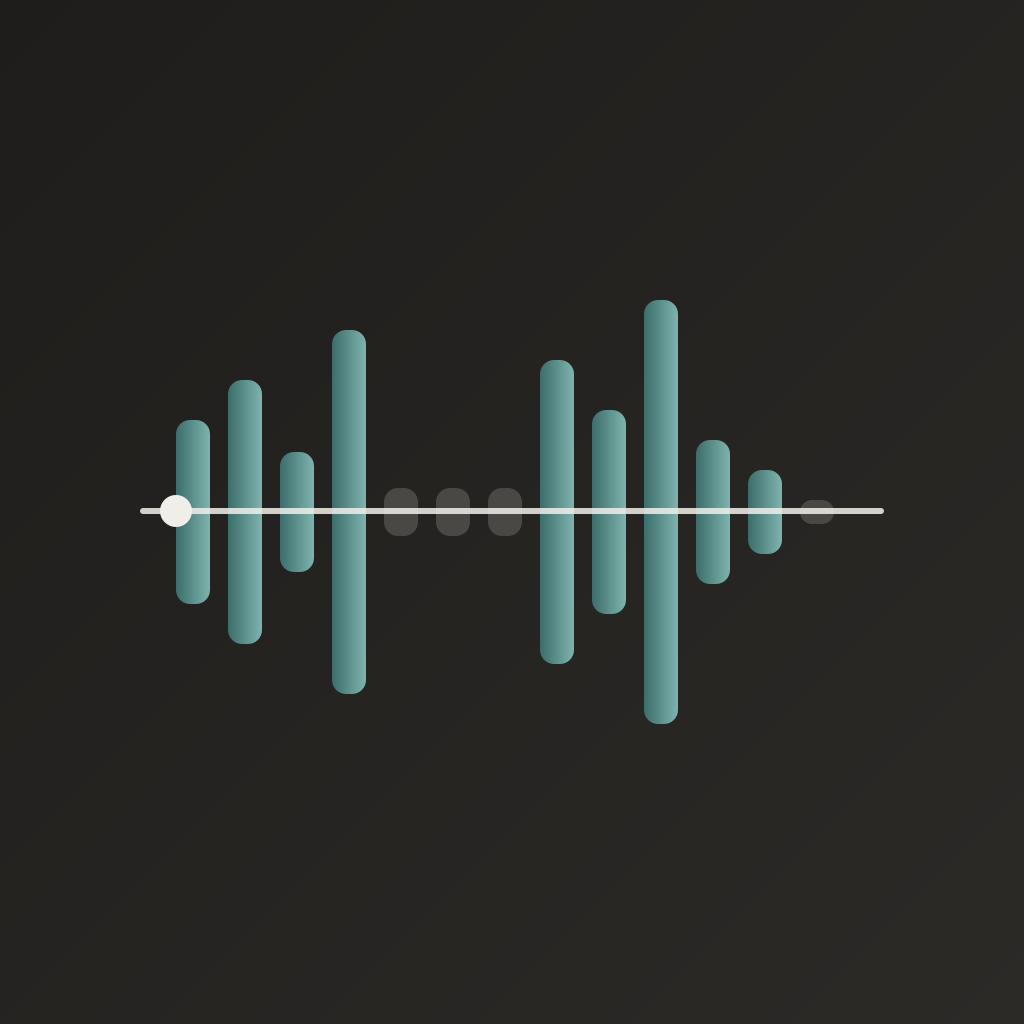
Drop a video onto the waveform. Lullcut analyzes the audio track on your Mac — no upload, no account, no cloud — and renders a single dark timeline: green where you're talking, gray where it's dead air. Drag the horizontal threshold line up or down to make Lullcut stricter or more forgiving about what counts as silence. Adjust the minimum gap length and the padding it leaves on each cut. Every change updates the timeline instantly.
Press Space to preview the edit with the gaps skipped, so you hear exactly what your exported recording will sound like before you export a single frame. One Export button, one file out.
Lullcut does one job: cutting silence out of a single video. It doesn't transcribe, caption, color-grade, or touch your resolution — just the dead air, gone.
Lullcut processes recordings up to 10 minutes long with no restrictions, so you can confirm it works well on your own footage first. Lullcut Pro removes that length cap for a one-time purchase — no subscription, because this is a tool you reach for occasionally, not a service you pay for every month.
Core Capabilities
Automatic silence detection from the audio waveform, entirely on your Mac
Drag-to-adjust dB threshold and minimum gap duration, with instant preview
Optional padding keeps a natural beat of breathing room around each cut
Skip-gaps preview playback (Space bar) — hear the edit before you export
Fast passthrough export — no re-encoding, no quality loss
Fully local — no accounts, no cloud, no network calls
Interface
No screenshots
More from Obelisk

SnapPro
SnapPro is the professional screenshot and screen recording tool macOS deserves. Pixel-perfect capture, unlimited recording, on-device OCR —…

ViewOne
Your iPhone fired off 50 burst photos at the playground. Now they're sitting on your Mac, and you can't bring yourself to sort through them.…

PhotoBridge
PhotoBridge backs up your iPhone photos directly to storage you own — Synology, QNAP, Nextcloud, AWS S3, MinIO, Aliyun OSS, or an external d…