
About
Turn a vertical clip into a horizontal or square one without losing the action. Instead of a static center crop that cuts off whatever moves, this app keeps your subject in frame as it travels across the shot.
Drop in a 9:16 video and an on-device suggestion instantly places a few keyframe dots along a filmstrip, tracing where the crop should travel. Nudge any dot to say where the frame should center at that moment, and the motion smoothly interpolates between them — no per-frame keyframing, no endless scrubbing. Preview the reframed result, then export a clean 16:9 or 1:1 video ready for a landscape feed, a video platform, or a presentation.
Everything runs on your iPhone. No account, no cloud upload, and your footage is never sent to a server.
WHAT MAKES VERTICALHORIZONTALREFRAME DIFFERENT
- Motion-aware reframing
Keeps a moving subject in frame instead of losing it to a static center crop.
- Suggested keyframes
Get an on-device motion path with draggable points along the filmstrip.
- Smooth interpolated movement
The crop moves smoothly between keyframes — no per-frame keyframing, no endless scrubbing.
- 16:9 and 1:1 exports
Prepare vertical footage for landscape feeds, square posts, or presentations.
- Project library
Live preview and a saved project library for every clip.
PRICING
ReframeKit is free to use for motion-aware reframing, keyframe suggestions, and previewing your reframed video, with no account required. Pro is a one-time purchase, yours forever, that unlocks unlimited watermark-free exports.
FEEDBACK
Made by a small indie team. Email obeliskclubclub@gmail.com with feedback, bug reports, or feature requests.
Core Capabilities
Motion-aware reframing
Keep a moving subject in frame instead of losing it to a static center crop.
Suggested keyframes
Get an on-device motion path with draggable points along the filmstrip.
16:9 and 1:1 exports
Prepare vertical footage for landscape feeds, square posts, or presentations.
Interface
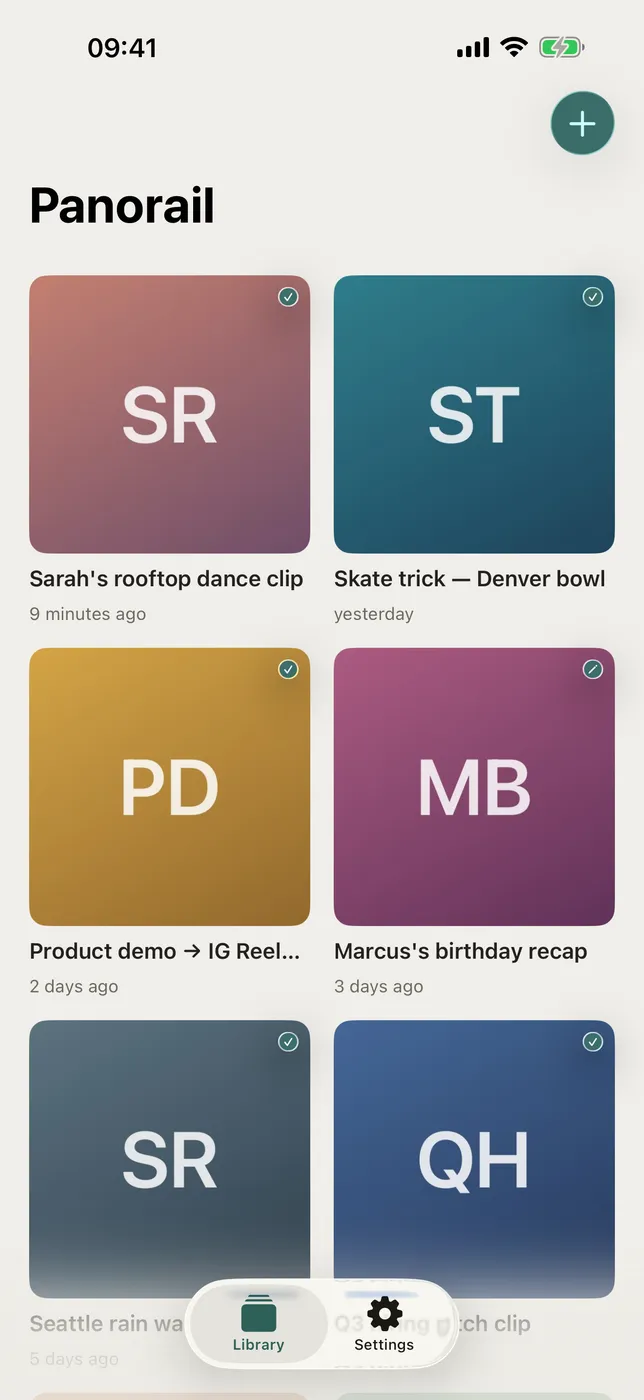
High Fidelity UI
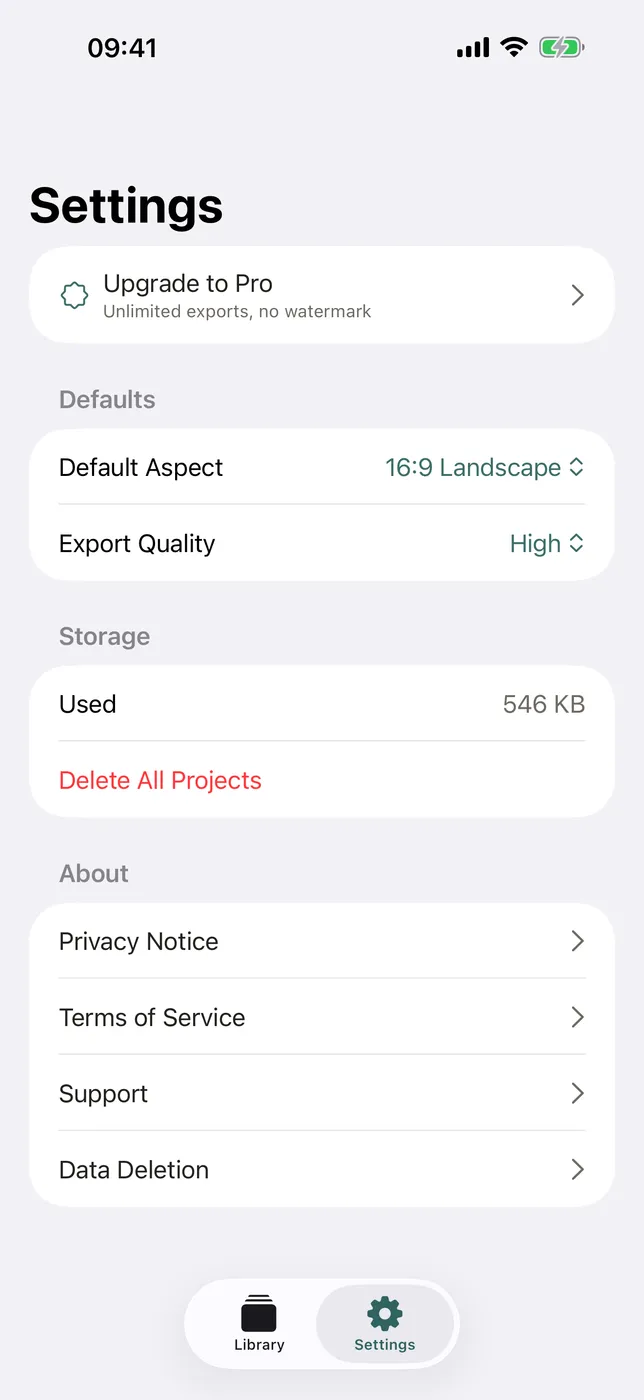
High Fidelity UI
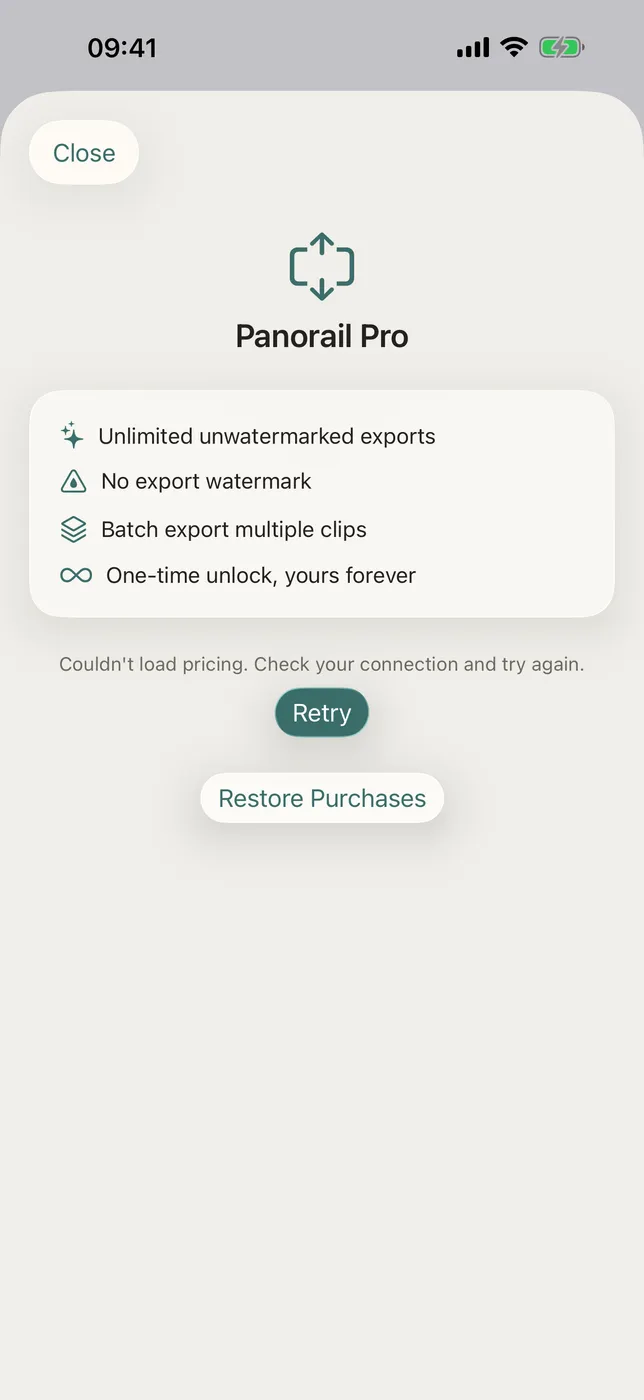
High Fidelity UI
More from Obelisk

SnapPro
Pixel-perfect capture, unlimited recording, on-device OCR — included at no additional purchase.

ViewOne
Your iPhone fired off 50 burst photos at the playground. Now they're sitting on your Mac, and you can't bring yourself to sort through them. ViewOne fixes that.

PhotoBridge
No third-party cloud. No subscription to a stranger's photo silo.
How ReframeKit compares
Honest, dimension-by-dimension comparisons — including where the other tool wins.