About
Urlescent is a fast, private way to encode, decode, and inspect URLs right on your iPhone and iPad.
Type or paste anything and see the result instantly. Switch between encoding modes with a tap, copy the output, and move on. No menus to dig through, no waiting.
WHAT MAKES URLESCENT DIFFERENT
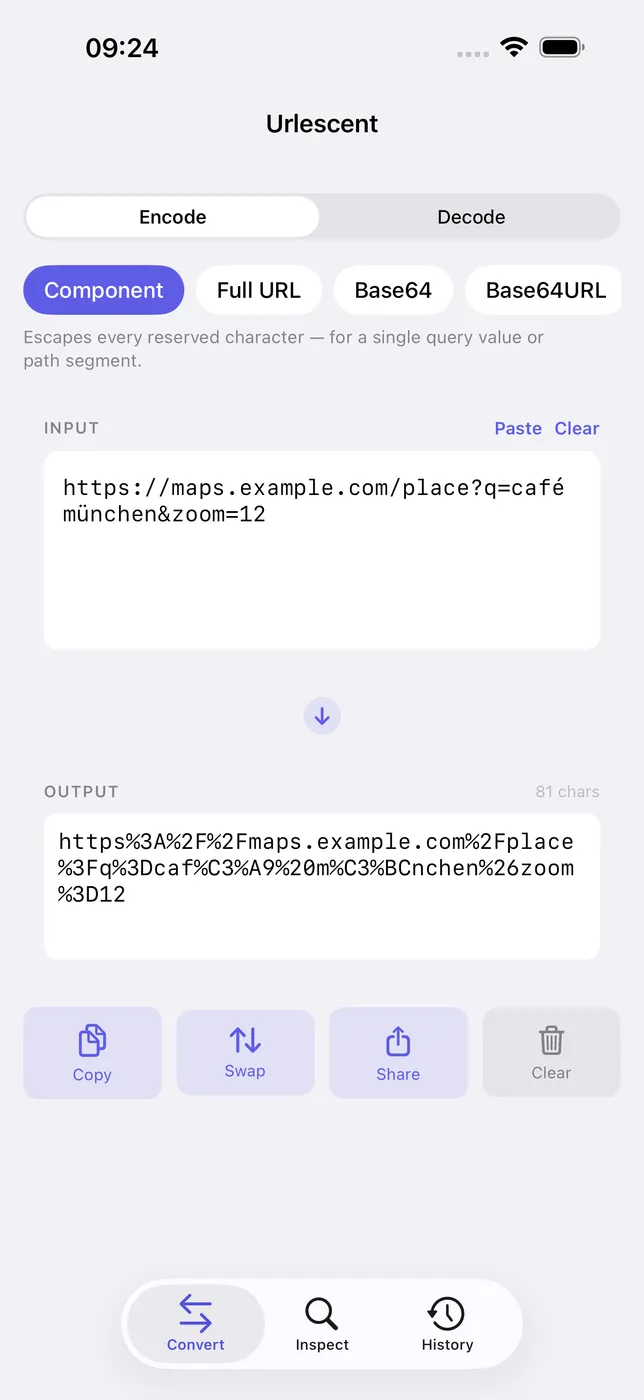
- Encode & decode instantly. Percent-encode a single component or a whole URL, plus Base64 and URL-safe Base64 — all live as you type.
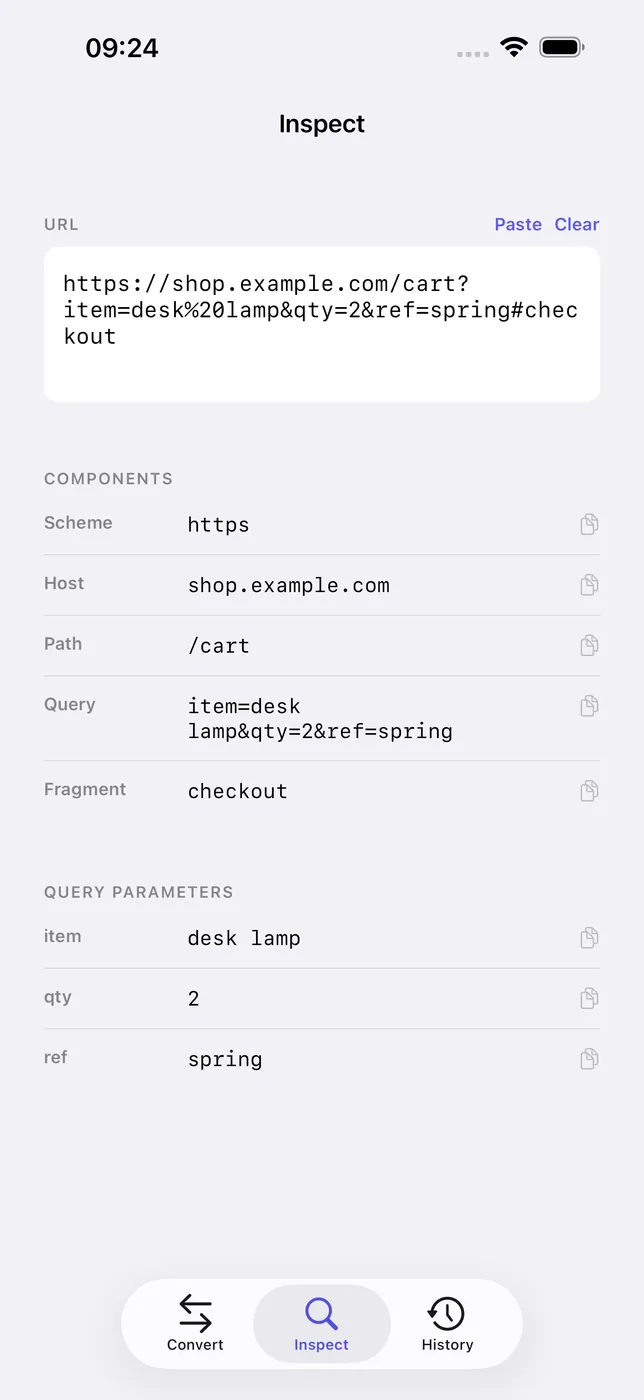
- Inspect any URL. Break a URL into scheme, host, port, path, query, and fragment, with every query parameter already decoded.
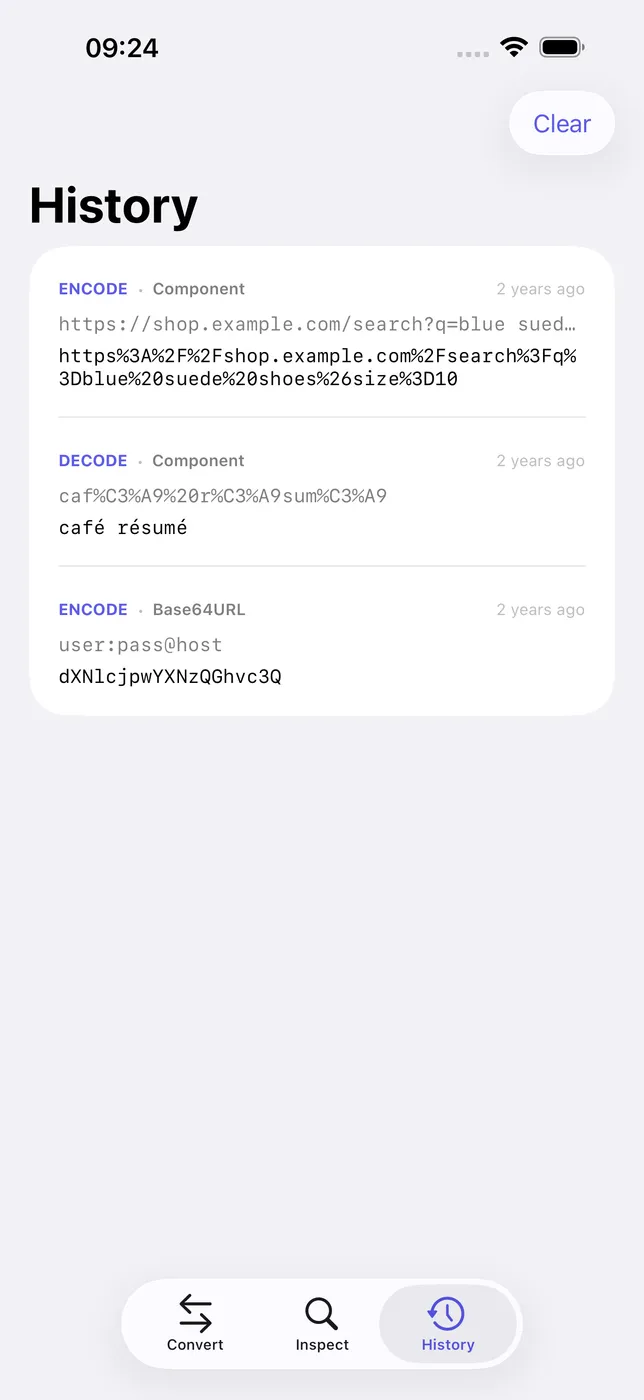
- Built for speed. Live results as you type, with one-tap copy, paste, share, and clear, plus locally saved recent conversions.
- Private by design. Everything happens on-device — no accounts, no sign-up, no network, no tracking.
PRICING
Urlescent needs no account and no subscription. Everything runs on-device, and there's nothing to unlock.
FEEDBACK
Made by a small indie team. Email obeliskclubclub@gmail.com with feedback, bug reports, or feature requests.
Made for developers, testers, and anyone who works with links, query strings, and APIs.
Terms of Use (EULA): https://obelisk.club/urlencoder/terms
Need a quick one-off? Try the free URL encoder and decoder in your browser.
Core Capabilities
Encode and decode URLs the moment you type
Percent-encode a single component or a whole URL
Base64 and URL-safe Base64 in the same place
Frequently Asked Questions
- What does URL encoding (percent encoding) actually do?
- URLs can only contain a limited character set, so reserved or unsafe characters are written as a percent sign plus their hex code — a space becomes %20, an ampersand becomes %26 — which keeps them from being mistaken for URL structure. Urlescent encodes and decodes live as you type, and can percent-encode either a single component or a whole URL with its structure preserved.
- Why does my URL break when a query parameter contains & or = ?
- In a query string, & separates parameters and = separates keys from values, so an unencoded & or = inside a value gets parsed as structure and splits your parameter apart. The fix is to percent-encode the value itself; Urlescent has a dedicated mode for encoding a single component like a query value, so only the characters inside the value are escaped.
- Is it safe to decode tokens or URLs with sensitive data in an online tool?
- URLs and Base64 tokens often carry session IDs, API keys, or personal data, and a web-based encoder sends all of it to a third-party server. Urlescent does everything on your device — no accounts, no network, no tracking — so the text you encode or decode never leaves your iPhone or iPad.
- What is URL-safe Base64 and how is it different from regular Base64?
- Standard Base64 uses + and /, which have special meanings in URLs, so the URL-safe variant swaps them for - and _ — that's why a JWT segment won't always decode as plain Base64. Urlescent handles both Base64 and URL-safe Base64 in the same place, and can decode any Base64 or percent-encoded string back to readable text.
- How can I see all the query parameters in a long URL?
- Urlescent's inspector breaks any URL into its scheme, host, port, path, query, and fragment, and lists every query parameter with its value already decoded, so you don't have to eyeball a wall of %-escapes. Tap any part to copy just that piece, and recent conversions are saved locally for reuse.
Interface
High Fidelity UI
High Fidelity UI
High Fidelity UI
More from Obelisk

SnapPro
Pixel-perfect capture, unlimited recording, on-device OCR — included at no additional purchase.

ViewOne
Your iPhone fired off 50 burst photos at the playground. Now they're sitting on your Mac, and you can't bring yourself to sort through them. ViewOne fixes that.

PhotoBridge
No third-party cloud. No subscription to a stranger's photo silo.