ZoneShiftWorld clocks at a glance
About
ZoneShift is the fastest, cleanest way to work across time zones.
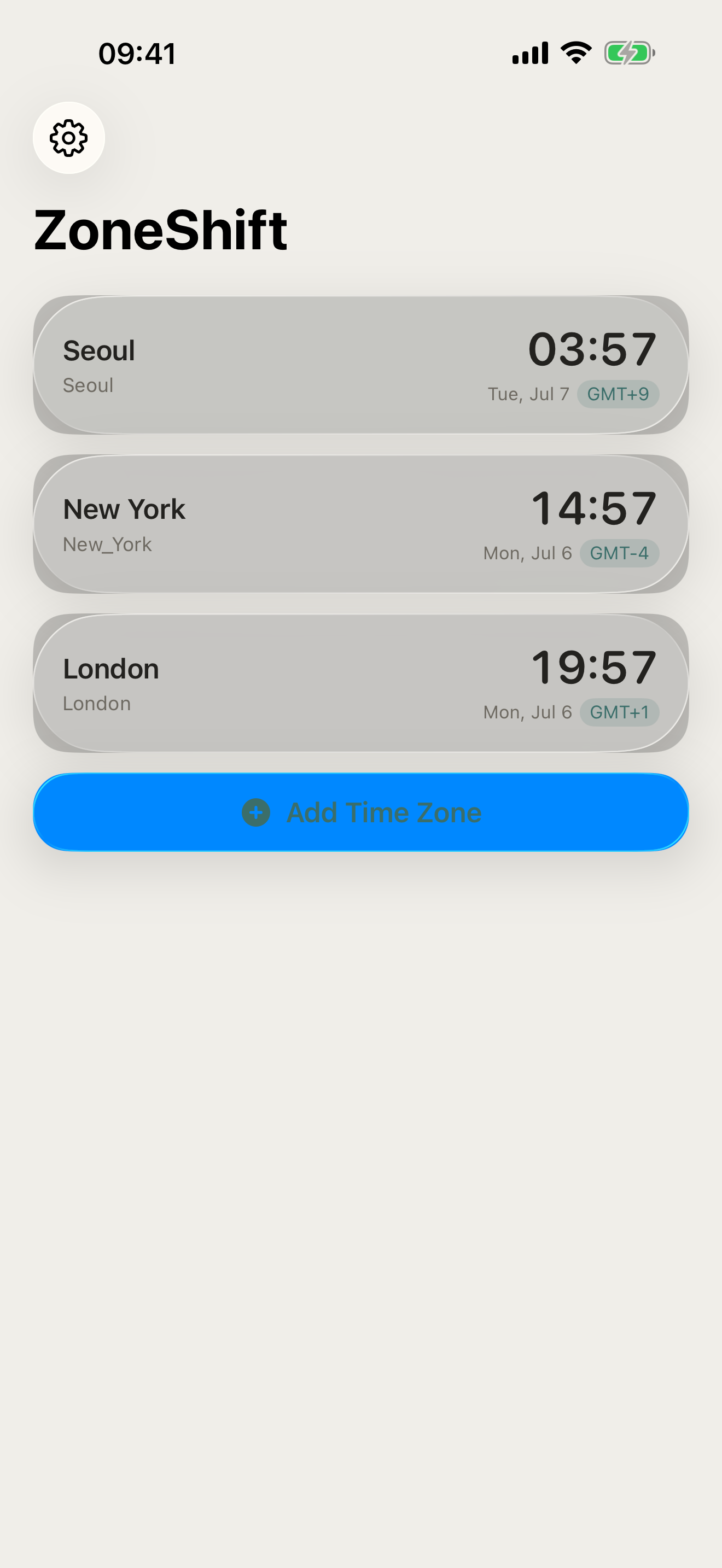
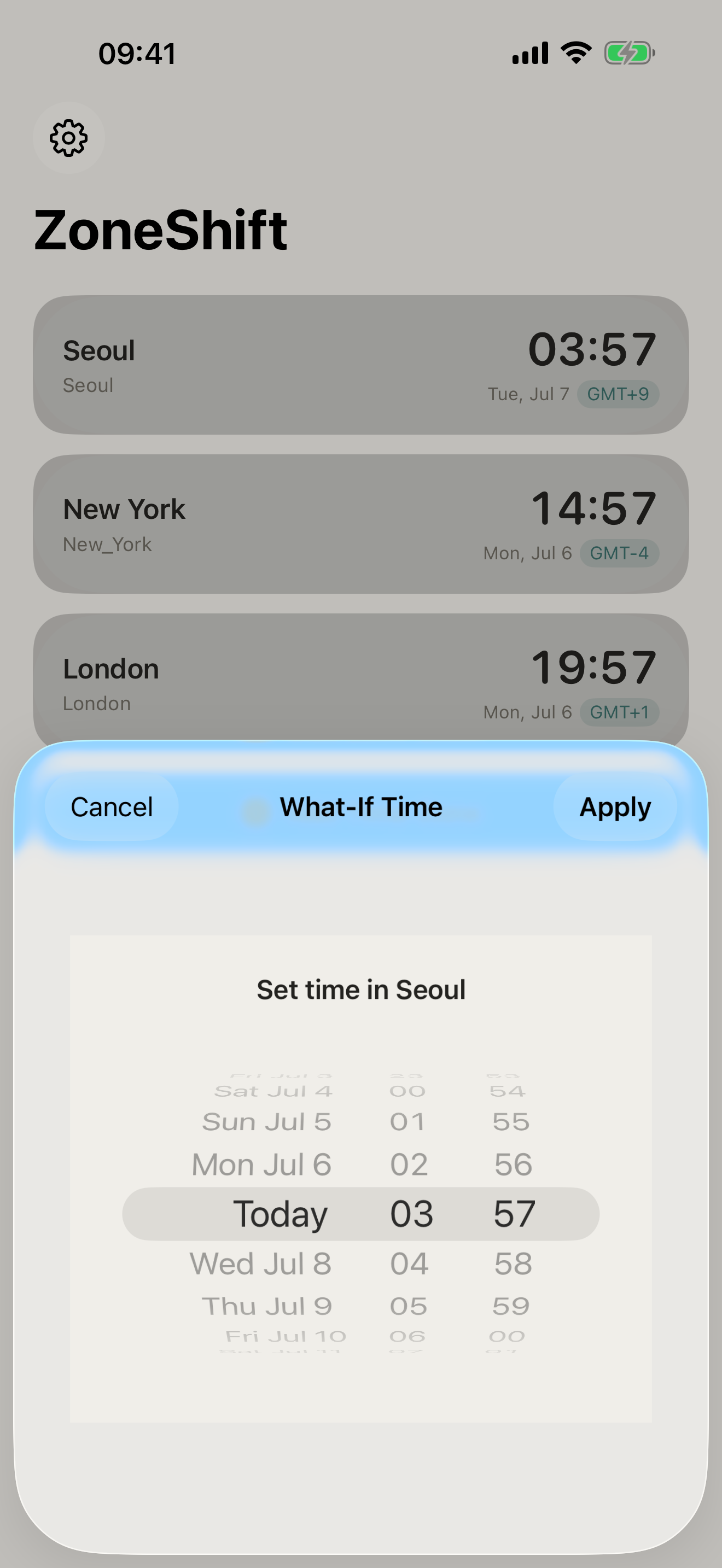
Pin your most-used cities and see their current times on one screen — no scrolling, no setup friction. Tap any card to enter What-If mode: type a time in that zone and every other pin updates instantly. Perfect for scheduling meetings, booking calls, or just keeping track of friends abroad.
WHAT MAKES ZONESHIFT DIFFERENT
- Fast single-screen design — all times visible at once
- What-If mode — type a time in any zone, see it everywhere
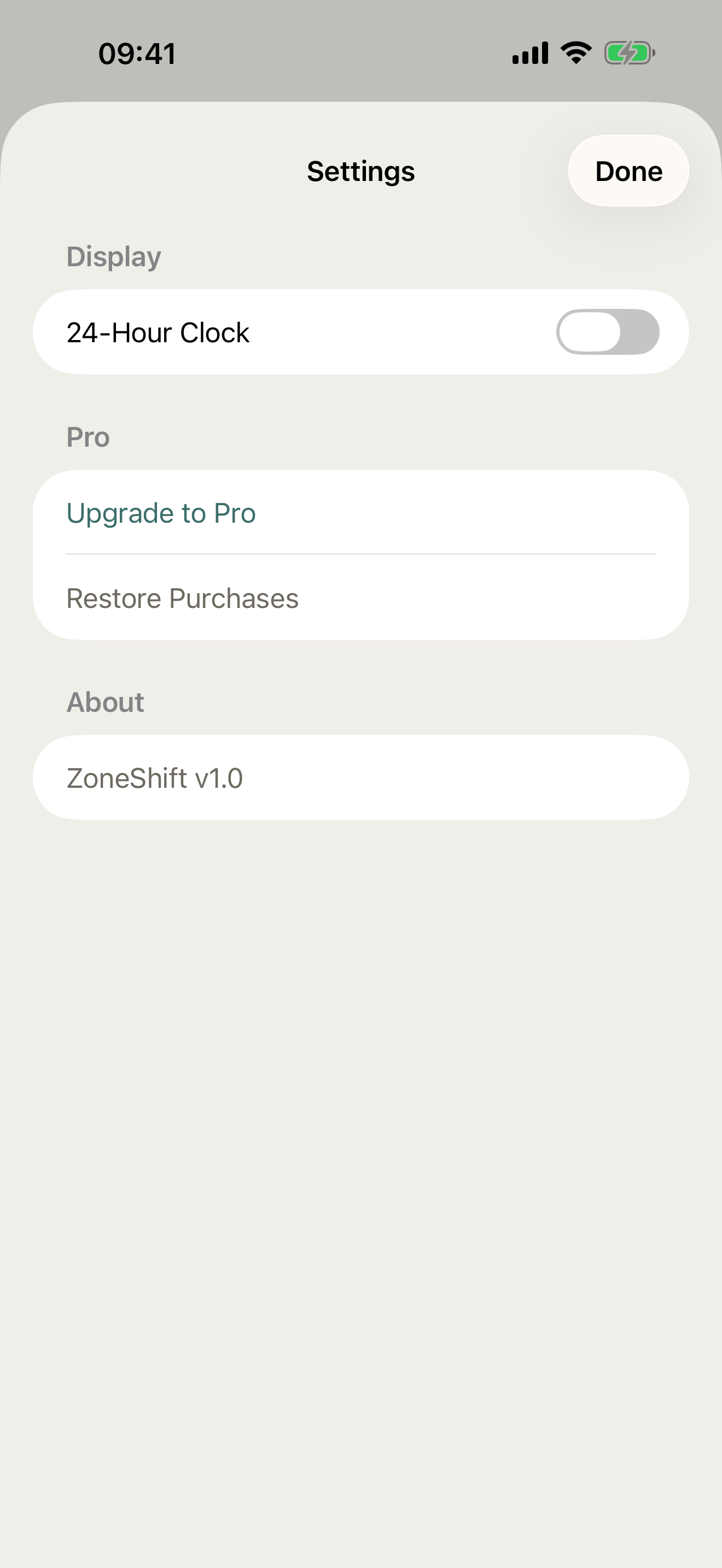
- 24h or 12h clock, your choice
- Fully offline — no internet required, no accounts, no tracking
- Overlap Finder (Pro) — see shared business hours across all your zones
- Unlimited zone pins (Pro)
PRICING
ZoneShift is free, with pinned zones, What-If mode, and clock format choice included. ZoneShift Pro is a one-time purchase that unlocks the Overlap Finder and unlimited zone pins forever — no subscription.
FEEDBACK
Made by a small indie team. Email obeliskclubclub@gmail.com with feedback, bug reports, or feature requests.
Privacy Policy: https://obelisk.club/timezoneconverter/privacy Terms of Use (EULA): https://obelisk.club/timezoneconverter/terms
Core Capabilities
Instant time conversion across all pinned zones
What-If mode for scheduling hypothetical meetings
Overlap Finder shows shared business hours
Frequently Asked Questions
- How do I find a meeting time that works across multiple time zones?
- The practical approach is to pick a candidate time and see what it maps to in every participant's zone, rather than converting pairs one at a time. In ZoneShift you pin your cities on one screen, tap any card to enter What-If mode, type a time in that zone, and every other pin updates instantly. Pro adds an Overlap Finder that shows the shared business hours across all your zones.
- Does a time zone converter work without internet?
- Yes — time zone rules, including daylight saving transitions, ship with the operating system, so conversion needs no server. ZoneShift is fully offline with no accounts and no tracking, which means it keeps working on a plane or anywhere without coverage.
- What is the best way to keep track of coworkers' or friends' time zones?
- Rather than converting on demand each time, keep the zones you actually care about visible at a glance. ZoneShift lets you pin your most-used cities and see all their current times on a single screen with no scrolling, in 24-hour or 12-hour format. The free version covers pinned cities; ZoneShift Pro, a one-time purchase, unlocks unlimited zone pins.
- Can I see what 3pm in one time zone is everywhere else at once?
- Yes — that is exactly what ZoneShift's What-If mode does. Tap any pinned city's card, type a hypothetical time in that zone, and every other pinned zone updates instantly to show its local equivalent, which makes scheduling calls or booking flights much faster than one-by-one conversion.
- Is ZoneShift a subscription?
- No. ZoneShift Pro is a one-time purchase that unlocks all features forever, including the Overlap Finder for shared business hours and unlimited zone pins. The app itself requires no account and does no tracking.
Interface
High Fidelity UI
High Fidelity UI
High Fidelity UI
More from Obelisk

SnapPro
SnapPro is the professional screenshot and screen recording tool macOS deserves. Pixel-perfect capture, unlimited recording, on-device OCR —…

ViewOne
Your iPhone fired off 50 burst photos at the playground. Now they're sitting on your Mac, and you can't bring yourself to sort through them.…

PhotoBridge
PhotoBridge backs up your iPhone photos directly to storage you own — Synology, QNAP, Nextcloud, AWS S3, MinIO, Aliyun OSS, or an external d…
How ZoneShift compares
Honest, dimension-by-dimension comparisons — including where the other tool wins.