
TineSplit the bill in seconds
About
Tine splits the restaurant bill in seconds — no account, no setup, no internet.
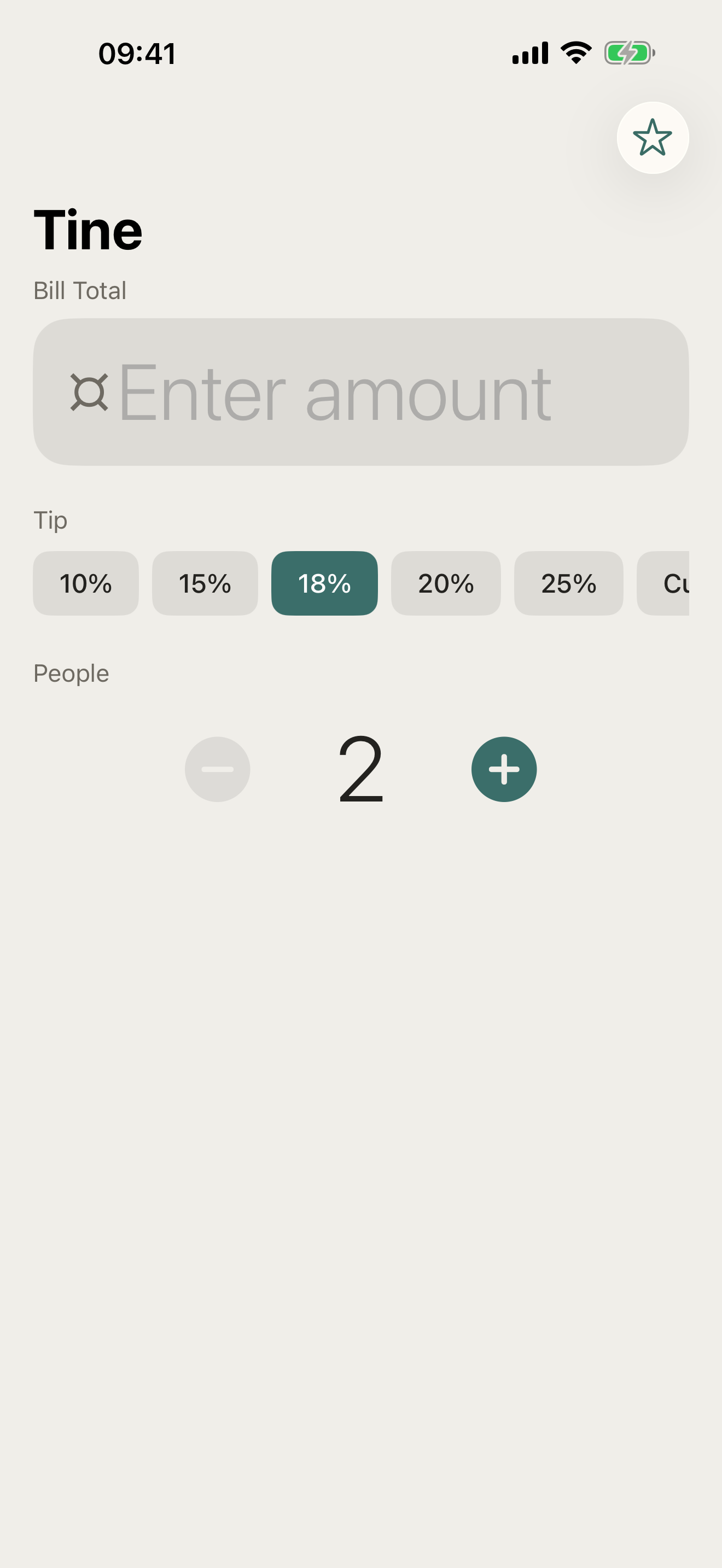
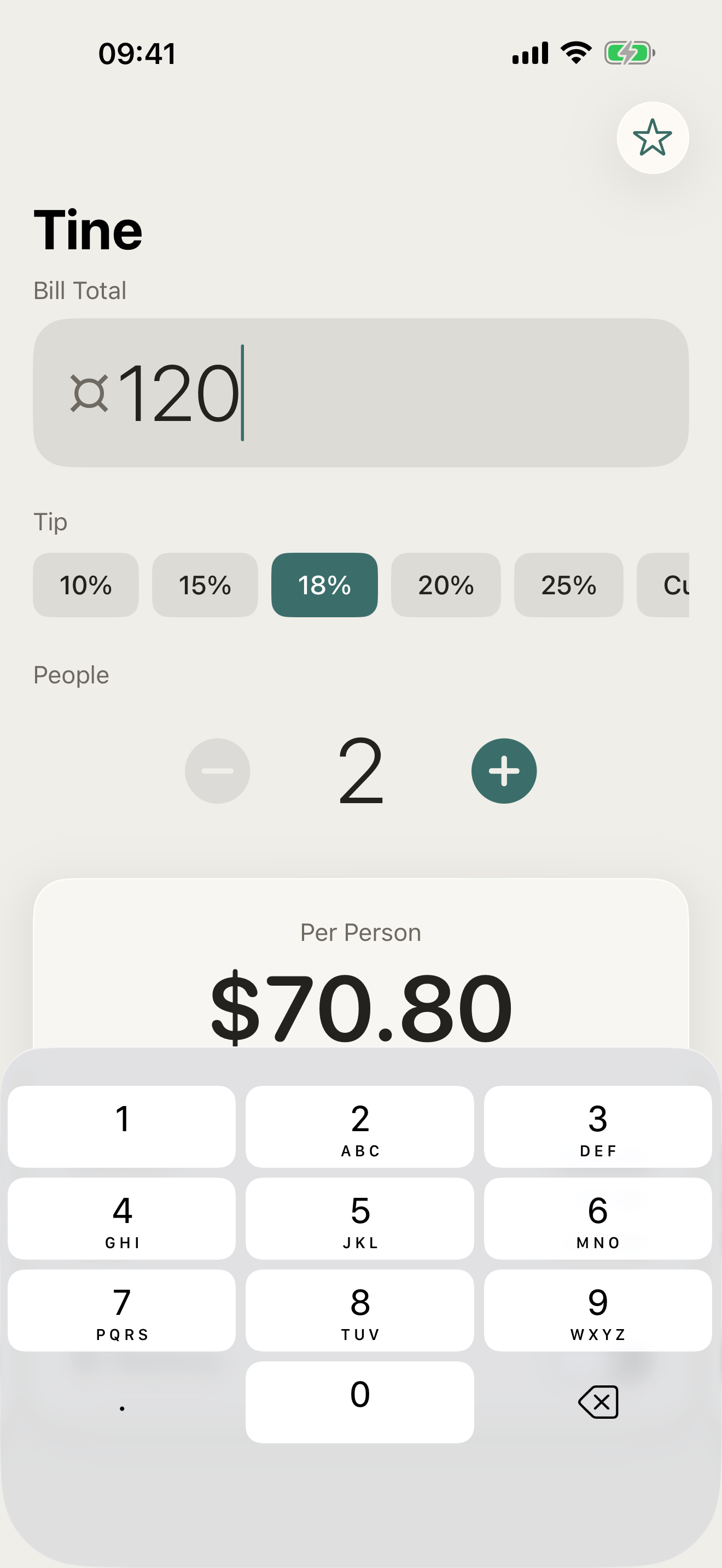
Open the app, enter the total, choose a tip, set the number of people, and instantly see what each person owes. That's it.
WHAT MAKES TINE DIFFERENT
- Instant split — result appears as you type
- Five tip presets plus custom percentage
- Round up per person to keep it clean
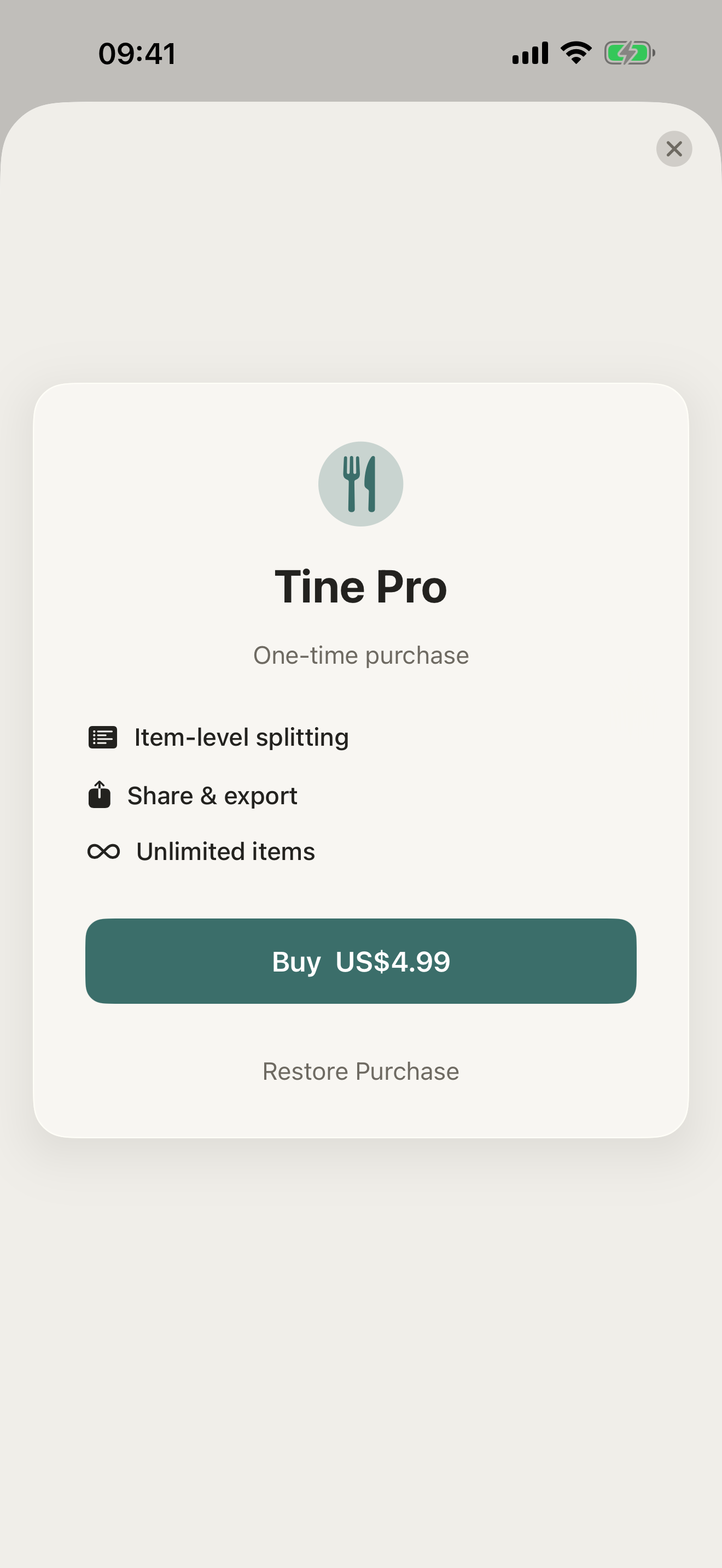
- Item Split (Pro) — assign dishes to people
- Share the breakdown with one tap (Pro)
- Fully offline — works anywhere, no account
PRICING
Tine is free, with instant splitting, tip presets, and rounding included. Tine Pro adds item-level splitting — assign each dish to the right person — plus one-tap sharing of the breakdown.
FEEDBACK
Made by a small indie team. Email obeliskclubclub@gmail.com with feedback, bug reports, or feature requests.
Core Capabilities
Instant split — result appears as you type
Five tip presets plus custom percentage
Round up per person to keep it clean
Item Split (Pro) — assign dishes to people
Share the breakdown with one tap (Pro)
Fully offline — works anywhere, no account
Frequently Asked Questions
- How do you split a restaurant bill with tip between friends?
- The usual approach is to add the tip to the total first and then divide by the number of people, so everyone shares the tip proportionally. Tine does this in seconds: enter the total, choose a tip, set the number of people, and each person's share appears instantly — with five tip presets plus a custom percentage.
- What's the fairest way to split a bill when people ordered different things?
- An equal split is fast but penalizes whoever ordered less; the fair alternative is itemizing, where each person pays for what they actually ordered. Tine Pro adds Item Split — enter each dish, assign it to the right person, and everyone pays exactly what they ate rather than an equal share of something they didn't.
- Does a bill splitting app work without internet?
- Tine does — it's fully offline with no account and no setup, so it works in a basement restaurant, on a trip abroad, or anywhere without signal. Splitting a bill is simple arithmetic, and there's no reason it should require a connection or a sign-up.
- How do I avoid awkward uneven amounts when splitting a bill?
- Cent-level shares like $23.47 are annoying to pay in cash or type into a payment app, so rounding each person's share up slightly is common — the small surplus typically just pads the tip. Tine has a round-up-per-person option built in to keep every share a clean number.
- Can I send everyone their share of the bill?
- Yes — Tine Pro lets you share the breakdown with one tap, so instead of reading amounts aloud at the table you can send each person exactly what they owe. The free version still shows the full per-person result instantly on screen.
Interface
High Fidelity UI
High Fidelity UI
High Fidelity UI
More from Obelisk

SnapPro
SnapPro is the professional screenshot and screen recording tool macOS deserves. Pixel-perfect capture, unlimited recording, on-device OCR —…

ViewOne
Your iPhone fired off 50 burst photos at the playground. Now they're sitting on your Mac, and you can't bring yourself to sort through them.…

PhotoBridge
PhotoBridge backs up your iPhone photos directly to storage you own — Synology, QNAP, Nextcloud, AWS S3, MinIO, Aliyun OSS, or an external d…
How Tine compares
Honest, dimension-by-dimension comparisons — including where the other tool wins.