About
Frameloom reframes one video for every platform it is headed to, at the same time. Choose the platforms, set the framing for each of them separately, and export them all from a single source clip.
WHAT MAKES FRAMELOOM DIFFERENT
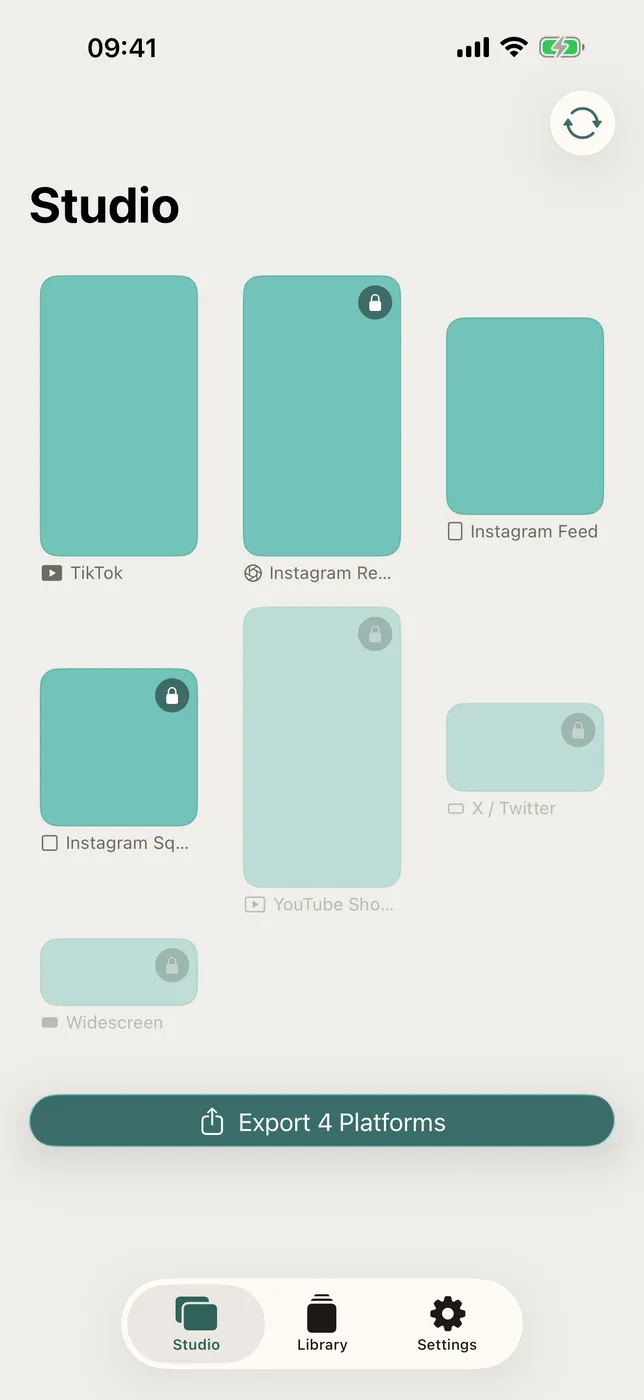
- Seven destinations, framed one by one
TikTok, Instagram Reels, Instagram feed, Instagram square, YouTube Shorts, Twitter and 21:9 widescreen, each holding its own crop. - Framing you set by hand
Drag to pan and pinch to zoom up to two and a half times, per platform. The vertical cut and the square cut do not have to agree with one another. - One tap to centre the faces
Frameloom looks for faces a third of the way into the clip and shifts that platform's frame to hold them, when you ask it to. - Kept as a project
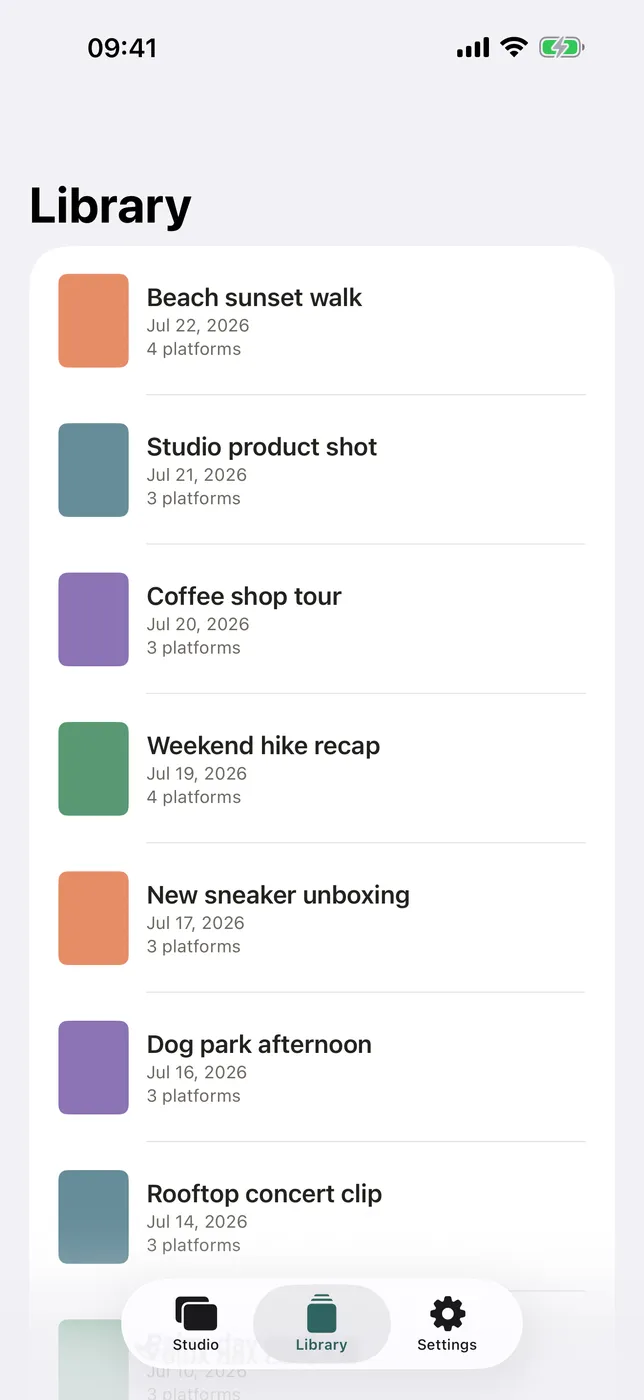
The source video, the platforms you picked and the framing of each are stored together, so re-exporting later does not start from nothing. - Full quality out
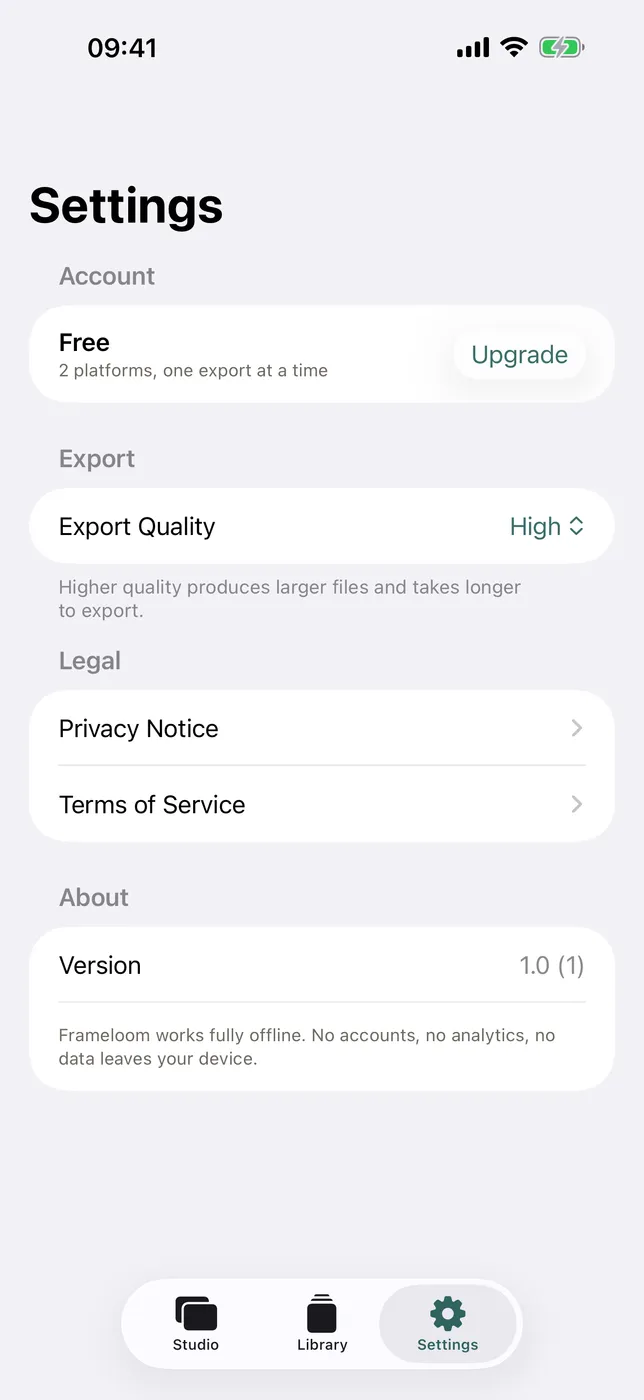
Exports at the highest quality preset, following the source frame rate anywhere between 24 and 60 frames per second.
PRICING
Included: TikTok and Instagram feed, with one platform exported per run. Frameloom Pro is a one-time in-app purchase, never a subscription. It adds Reels, Instagram square, YouTube Shorts, Twitter and widescreen, and exports every platform you selected in one go.
FEEDBACK
Made by a small indie team. Email obeliskclubclub@gmail.com with feedback, bug reports, or feature requests.
Core Capabilities
Seven platform shapes, each with its own crop
Drag to pan and pinch to zoom, per platform
One tap centres the frame on the faces in the clip
Projects keep the source, platforms and every framing
Highest quality export, source frame rate 24 to 60fps
Pro: five more platforms, all exported in one run
Interface
High Fidelity UI
High Fidelity UI
High Fidelity UI
More from Obelisk

SnapPro
Pixel-perfect capture, unlimited recording, on-device OCR — included at no additional purchase.

ViewOne
Your iPhone fired off 50 burst photos at the playground. Now they're sitting on your Mac, and you can't bring yourself to sort through them. ViewOne fixes that.

PhotoBridge
No third-party cloud. No subscription to a stranger's photo silo.
How Frameloom compares
Honest, dimension-by-dimension comparisons — including where the other tool wins.