
About
Isolux makes one colour pop while turning everything else to greyscale — in seconds, entirely on your device.
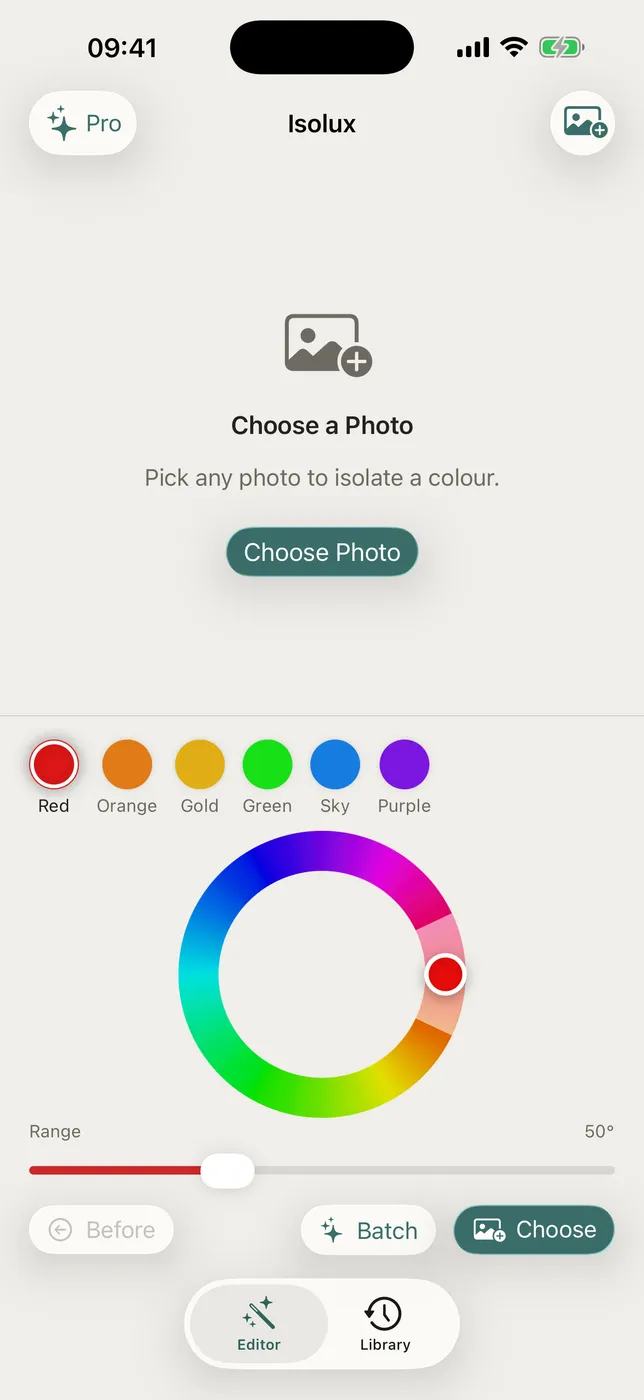
Pick a photo, drag the colour wheel to the hue you want to keep, and watch the selective colour effect appear in real time. Tap a preset (Red, Orange, Gold, Green, Sky, Purple) for instant results. Adjust the range slider to widen or narrow the preserved colour band. Toggle before/after to compare. Share directly to any app.
WHAT MAKES ISOLUX DIFFERENT
- Tactile colour wheel
Drag around the wheel to pick exactly the hue you want to keep. - Real-time preview
The selective colour effect appears as you drag — there is no render step to wait through. - Six one-tap presets
Red, Orange, Gold, Green, Sky, and Purple are a single tap away. - Adjustable hue range
Widen or narrow the preserved colour band until only what you meant stays in colour. - Before/after and instant sharing
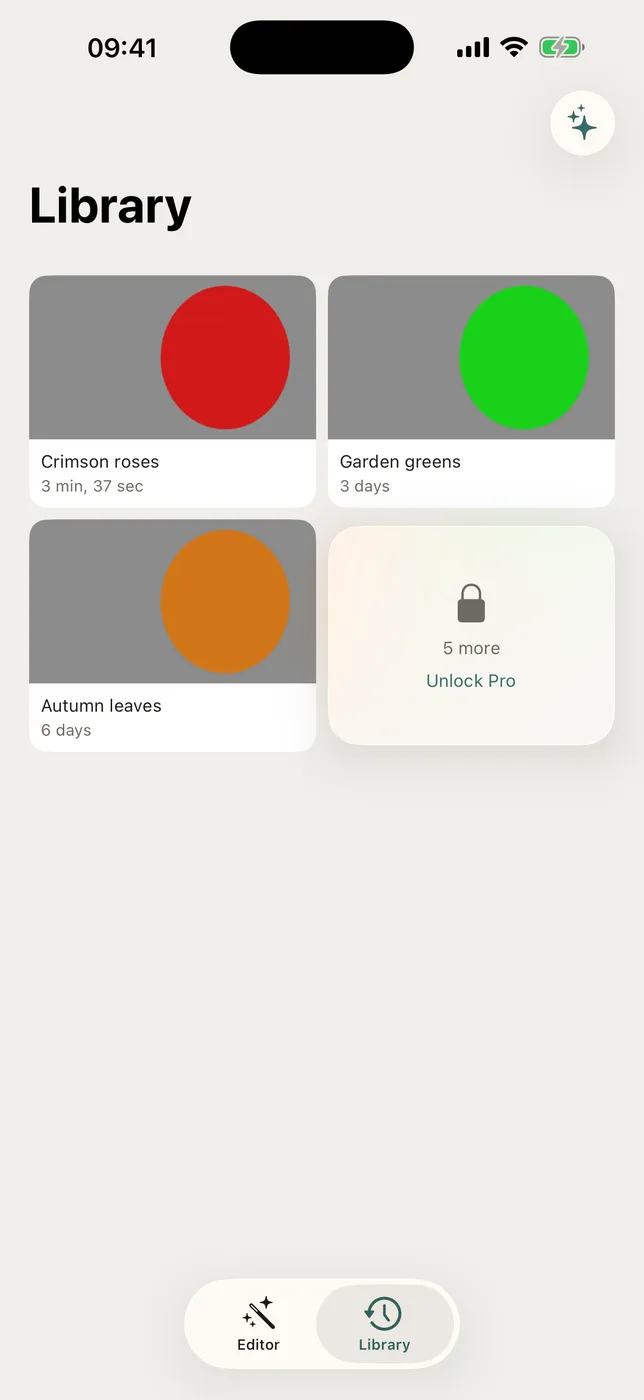
Toggle the comparison to check your work, keep an edit history, and share straight to any app. - Fully offline
Every step runs locally — no account, no cloud upload, no internet required.
WHO IS ISOLUX FOR?
- Photographers who want one subject to carry the whole frame
- Anyone making a poster, cover, or post that needs a single accent colour
- People who want the look in seconds rather than in a layered editor
- Privacy-minded users who would rather their photos stayed on the device
PRICING
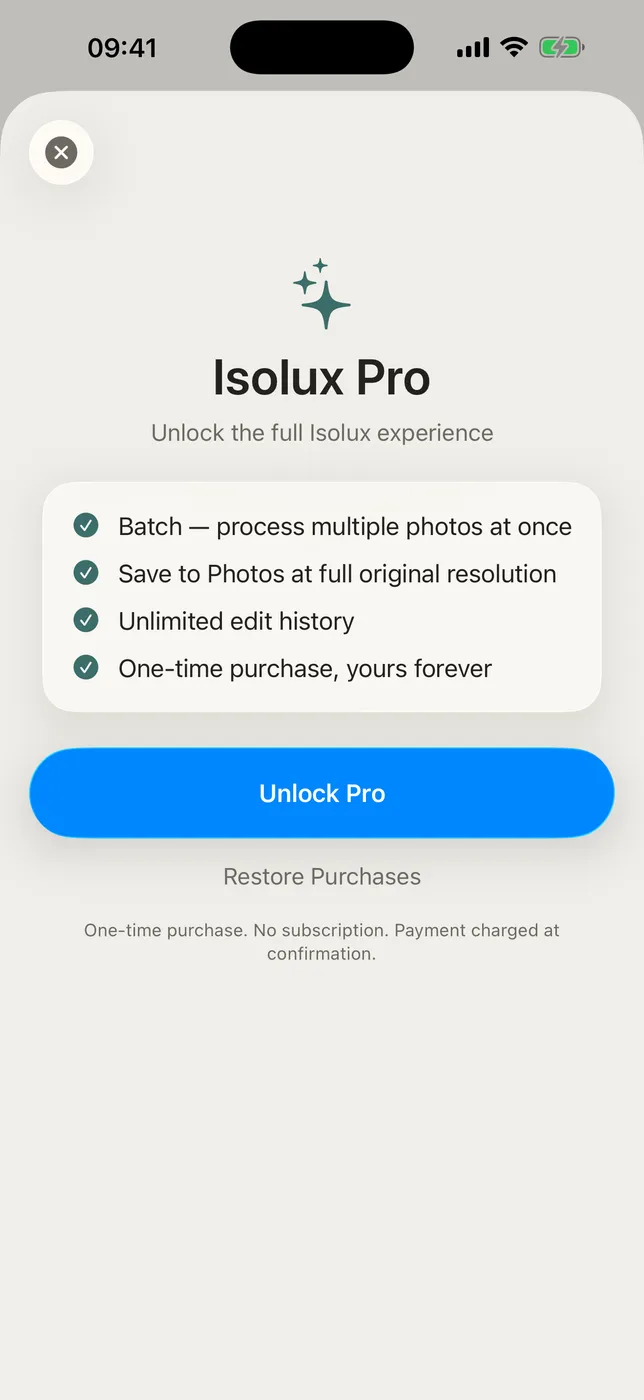
Included: the colour wheel, six one-tap presets, adjustable hue range, real-time preview, before/after comparison, edit history, and sharing to any app. Isolux Pro is a one-time in-app purchase — no subscription — and adds batch processing of up to 20 photos at once, saving to Photos at full original resolution, and unlimited edit history.
FEEDBACK
Made by a small indie team. Email obeliskclubclub@gmail.com with feedback, bug reports, or feature requests.
Learn more: obelisk.club/selectivecoloreffect
Terms of Use (EULA): https://obelisk.club/selectivecoloreffect/terms
Core Capabilities
Tactile colour wheel — drag to pick any hue
Real-time selective colour preview
Six one-tap hue presets
Adjustable hue range slider
Pro: batch process up to 20 photos (requires in-app purchase)
Fully offline — no account, no cloud
Interface
High Fidelity UI
High Fidelity UI
High Fidelity UI
More from Obelisk

SnapPro
Pixelperfect capture, unlimited recording, ondevice OCR — included at no additional purchase.

ViewOne
Your iPhone fired off 50 burst photos at the playground. Now they're sitting on your Mac, and you can't bring yourself to sort through them. ViewOne fixes that.

PhotoBridge
No thirdparty cloud. No subscription to a stranger's photo silo.
How Isolux compares
Honest, dimension-by-dimension comparisons — including where the other tool wins.