
QuickVidメール・SNSに動画を軽量化
About
QuickVid Compress は Mac で動画を最も簡単に小さくするツールです。ファイルをドロップして、モードを選んで、保存するだけ。コーデックメニューも、ビットレート計算も、学習曲線もありません。
メールの添付上限、Discord のアップロード制限、LINE で動画が送れない——そんな瞬間のために作られました。
QuickVid の特徴
- 3 クリックで完了
ビデオをドロップ、モードを選ぶ(推奨 / 高圧縮 / 互換)、保存。所要時間は約 30 秒。設定で悩む必要はありません。
- 用途別のモード
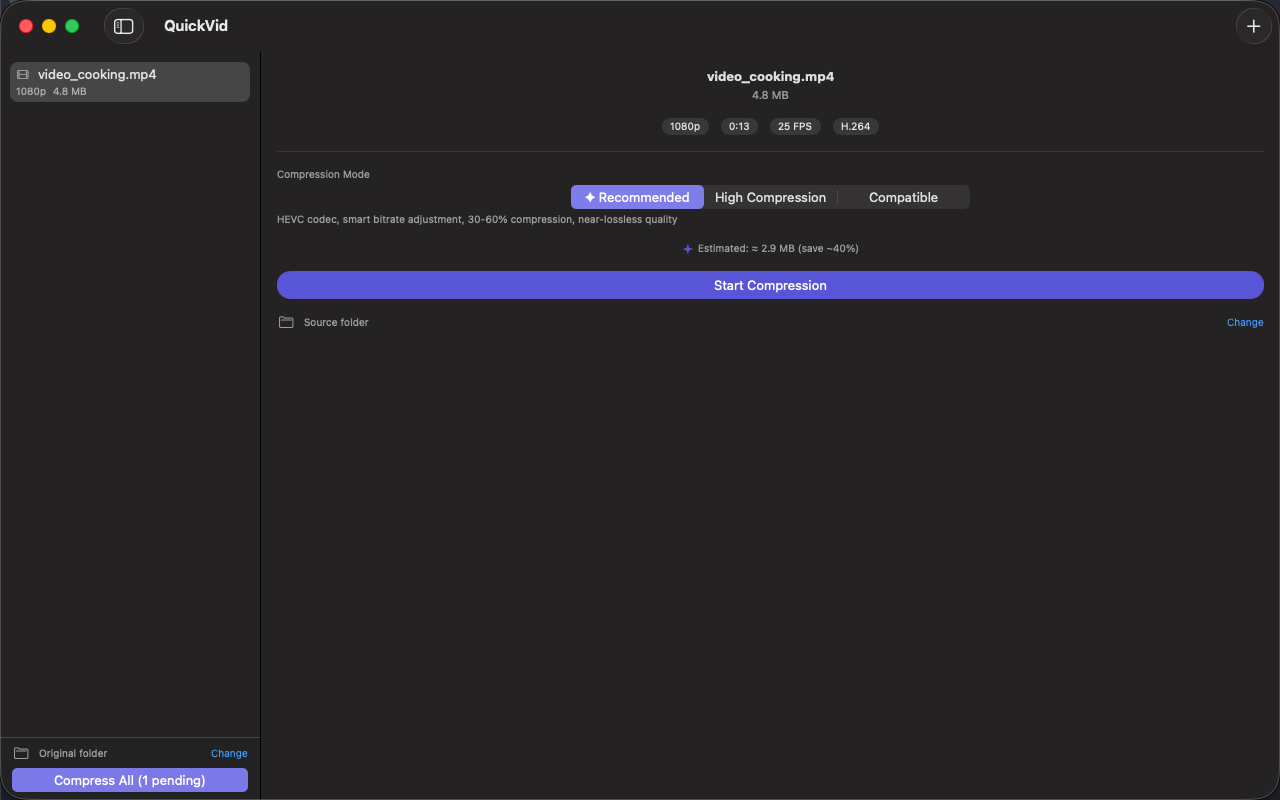
推奨:30〜60% 軽量化、画質ほぼ無劣化——汎用。高圧縮:50〜70% 軽量化——メール・SNS の容量制限を狙い撃ち。互換:H.264 出力でどこでも再生——共有に最適。
- Apple Silicon ネイティブ
VideoToolbox ハードウェアエンコードを使用。M1 以降では 1 分の 4K 動画が数秒で圧縮完了。HandBrake のソフトウェアエンコードより大幅に高速です。
- HEVC と H.264 両対応
HEVC:Apple デバイス相手なら H.264 より約 30% 小さく。H.264:メール、Discord、どこでも再生可能な汎用形式。
- 並列バッチ処理(Pro)
複数ファイルをドロップすると、Mac のコア数に応じて並列エンコード。HandBrake の既定キューは順次処理です。
- 100% ローカル
アップロードなし、テレメトリなし、アカウント不要。家族の動画、業務録画、画面収録——すべて Mac から外に出ません。
こんな方に
- メール・Discord・LINE の容量上限にぶつかる方
- HandBrake を開いてコーデックメニューを見て閉じた方
- Apple Silicon Mac でハードウェアアクセラレーションを使いたい方
- 週に一度動画を圧縮するけれど映像のプロではない方
QuickVid ではないもの
Final Cut Compressor や HandBrake の代替ではありません。ProRes マスタリング、2-pass エンコード、AV1 出力が必要な場合は別のツールが向いています。
価格
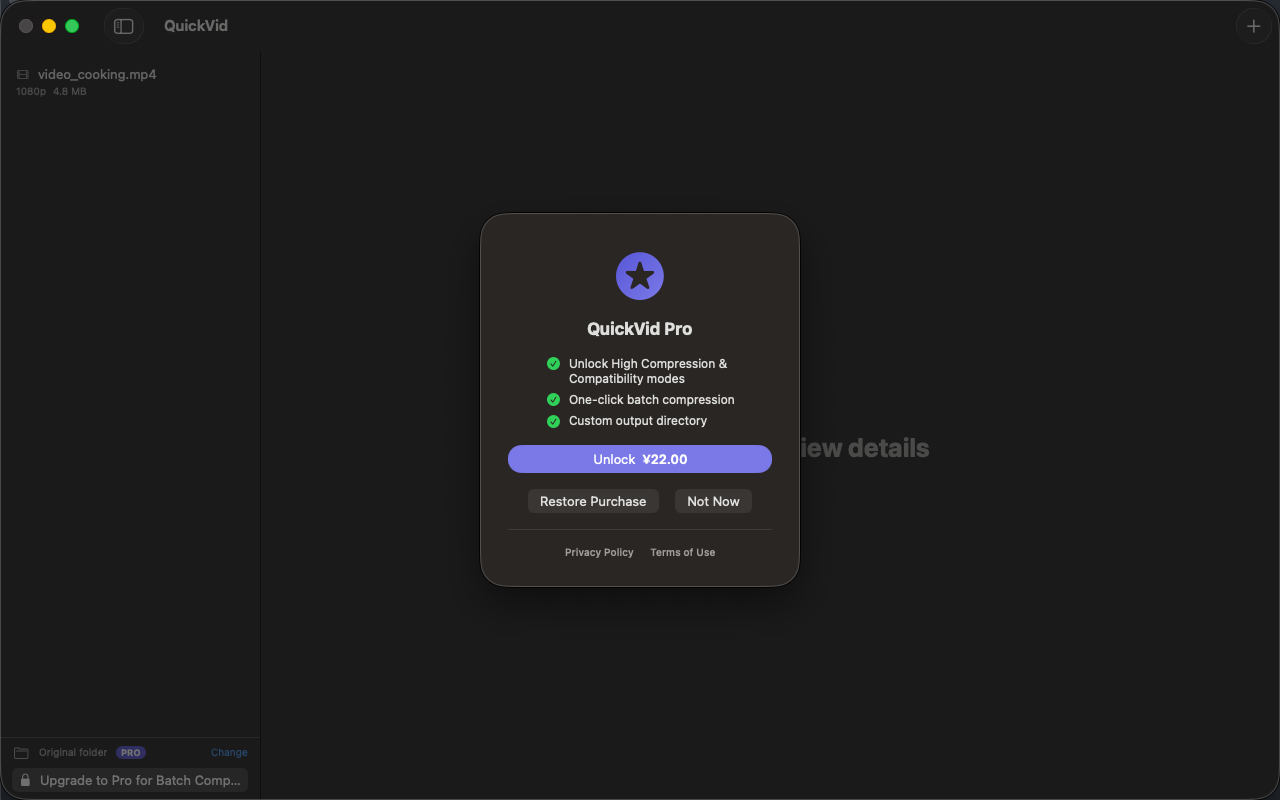
「推奨」モードでの単発利用は無料。Pro の買い切りで 3 つのモード全て、並列バッチ、解像度スケーリング、出力先のカスタマイズが解放されます。サブスクリプションではありません。
フィードバック
開発:Peter Zhang。obeliskclubclub@gmail.com 宛のメールはすべて本人が読みます。対応していない形式があれば、ぜひ教えてください。
詳細:obelisk.club/quickvid-compress
Core Capabilities
スマート圧縮
3 つのモード——推奨(HEVC、30〜60% 軽量化)、高圧縮(50〜70% 軽量化)、互換(H.264、最高の共有互換性)。無料ユーザーは推奨モードを無制限に利用可能。
ドラッグ&ドロップ
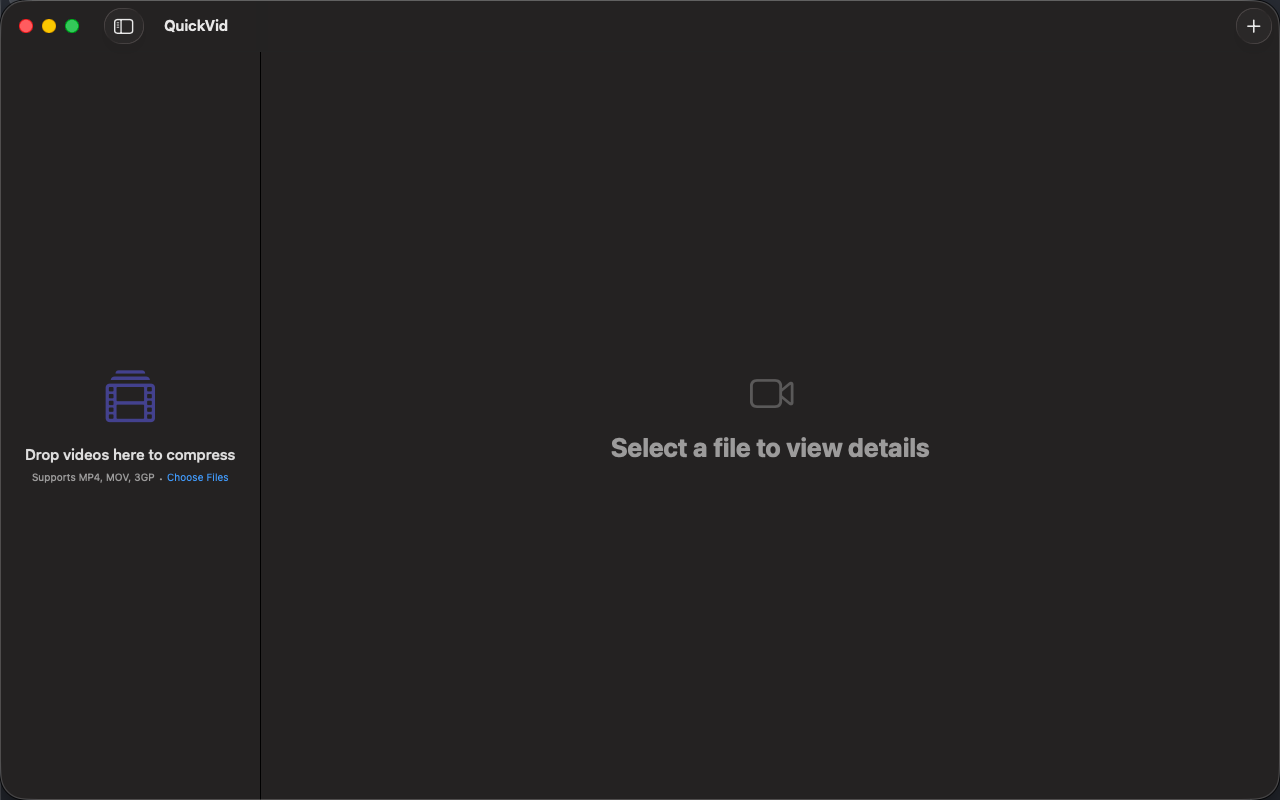
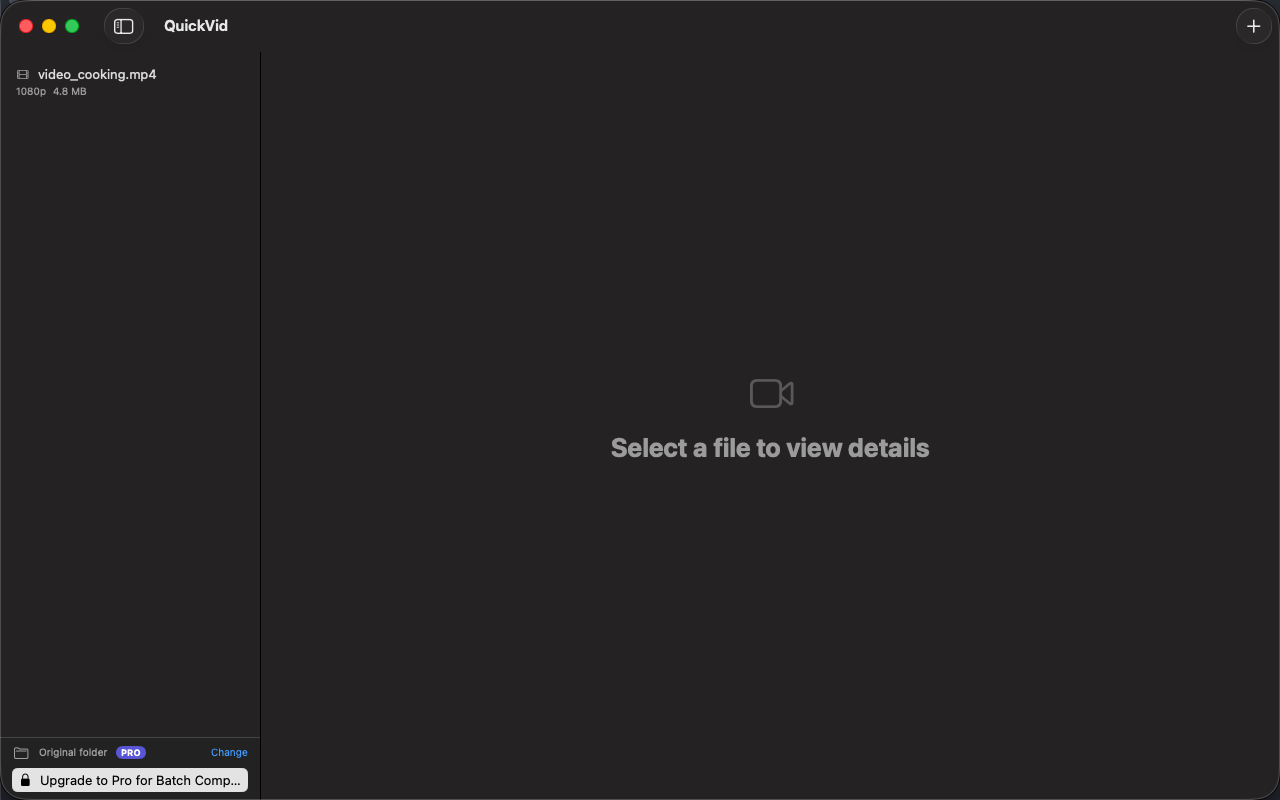
ビデオファイルやフォルダごとウィンドウにドロップ。メタデータは即座に読み込まれ、解像度・長さ・コーデック・フレームレートを圧縮前に確認できます。
バッチ処理
複数の動画をキューに入れて、ワンクリックで一括圧縮。Pro ユーザーはライブラリ全体を一度の操作で処理できます。
ビフォーアフター比較
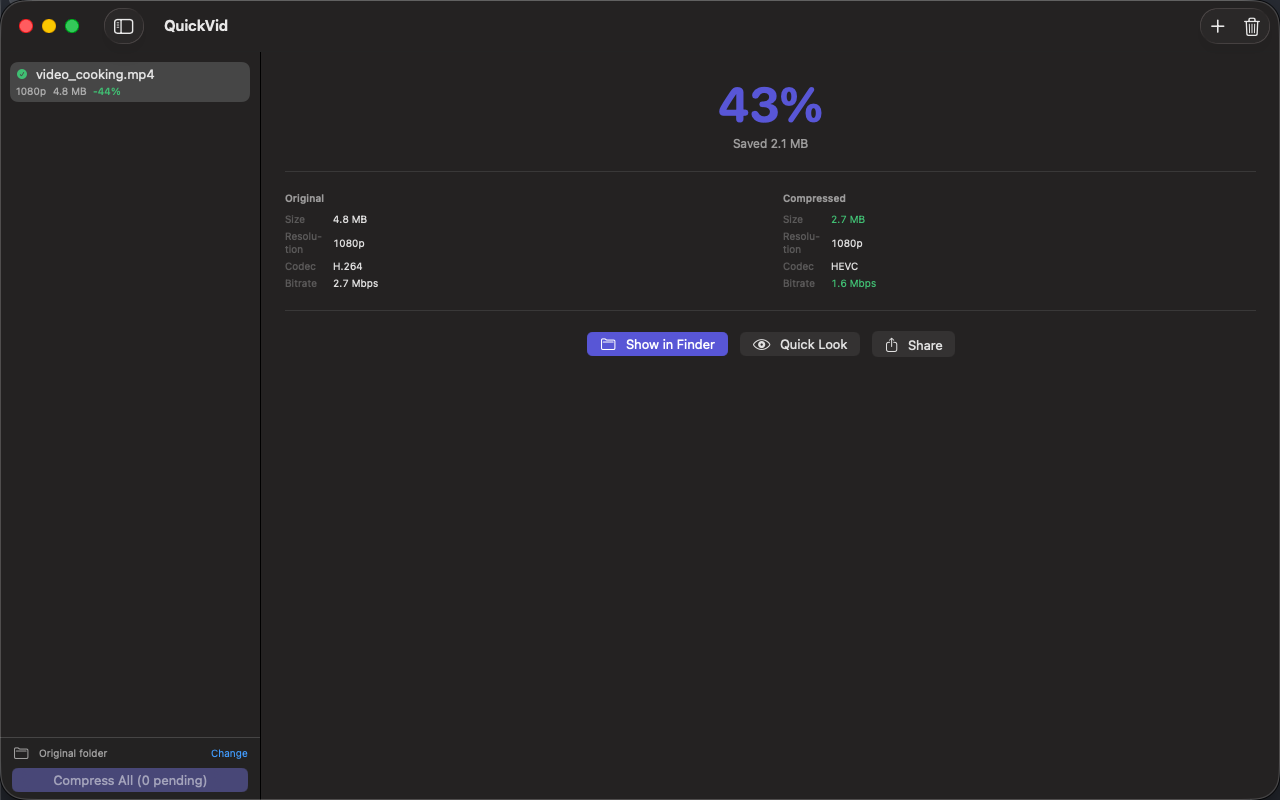
元と圧縮後のサイズ・コーデック・ビットレート・解像度を 1 枚のカードで比較。出力ファイルは Finder でワンクリック表示。
Apple Silicon ネイティブ
VideoToolbox ハードウェアエンコード——1 分の 4K 動画が M1 以降なら数秒で圧縮完了。同じ処理をソフトウェアエンコーダで行うよりはるかに高速です。
100% ローカルでプライベート
アップロードなし、テレメトリなし、アカウント不要。家族の動画、業務録画、画面収録——すべて Mac から外に出ません。
Frequently Asked Questions
- How do I make a video small enough for Discord or email?
- Drop the video into QuickVid, pick High Compression mode (50–70% smaller — aimed straight at messaging upload caps) or Recommended mode (30–60% smaller with virtually no visible quality loss), and save. The whole workflow takes about 30 seconds.
- Is QuickVid faster than HandBrake?
- For everyday shrink-this-video jobs, yes. QuickVid uses VideoToolbox hardware encoding on Apple Silicon, so a 1-minute 4K video compresses in seconds — significantly faster than software encoders — and Pro encodes batches in parallel rather than one at a time.
- Should I choose HEVC or H.264 when compressing?
- HEVC produces roughly 30% smaller files and is ideal when your audience is on Apple devices. H.264 is the universal choice for email, Discord and older players.
- Does QuickVid upload my videos anywhere?
- No. Compression is 100% local — no upload, no telemetry, no account. Family videos, work recordings and screen captures never leave your Mac.
Interface
High Fidelity UI
High Fidelity UI
High Fidelity UI
High Fidelity UI
High Fidelity UI
Guides for QuickVid
What is CRF in video compression? A practical guide for non-engineers
CRF is the single most useful knob in modern video encoding — but most guides explain it wrong. Here's what it actually does, with concrete recommendations.
'iMessage attachment too big' — how to fix it on Mac and iPhone
Why iMessage rejects your video, what the actual size limits are, and three ways to compress a video down to a working size — including a one-click Mac fix.
How to compress an MP4 without losing quality (Mac, 2026)
"Visually lossless" is achievable. Here's the recipe — codec, CRF, preset — and how much smaller you can realistically expect.
How to compress video for Discord, iMessage, and email on Mac
Every chat app has a different upload limit, and every codec choice has a different trade-off. A practical guide to shrinking videos on macOS for the platforms you actually share to.
More from Obelisk

SnapPro
SnapPro is the professional screenshot and screen recording tool macOS deserves. Pixel-perfect capture, unlimited recording, on-device OCR —…

ViewOne
iPhone で遊び場のバースト 50 枚を撮影。Mac に取り込んだけれど、一枚ずつ仕分けする気にはなれない。 ViewOne がそれを解決します。フォルダをドロップすれば、連写グループを即座に検出。並べて比較し、お気に入りをタップで採用、残りはワンクリックでゴミ箱へ。 迷った…

PhotoBridge
PhotoBridge backs up your iPhone photos directly to storage you own — Synology, QNAP, Nextcloud, AWS S3, MinIO, Aliyun OSS, or an external d…
How QuickVid compares
Honest, dimension-by-dimension comparisons — including where the other tool wins.
Mac video compression
QuickVid vs HandBrake
HandBrake is the open-source standard for video transcoding on Mac. It's free, powerful, scriptable, and has been the answer to 'how do I shrink this video' for over a decade. QuickVid Compress is a much newer, much simpler app aimed at people who don't want to learn HandBrake. Here's how to decide which fits your need.
Video compression
QuickVid vs Compressor
Compressor is Apple's professional video encoding tool, designed for Final Cut Pro workflows. QuickVid Compress is a much simpler app aimed at people who just need a video to be smaller. Here's an honest take on when to pick which.
Video compression
QuickVid vs Permute
Permute is a popular Mac media converter that handles video, audio, and image format conversion. QuickVid Compress is a focused video shrinker. Here's how to decide which fits the task.
Video compression
QuickVid vs ffmpeg
ffmpeg is the open-source command-line video tool that powers most of the video software on the internet. QuickVid Compress is a Mac GUI app that wraps a focused subset of what ffmpeg can do. Most video pros end up using both — here's how to think about when to use which.