Press Kit
QuickVid
QuickVid Compress is the simplest way to make a video smaller on Mac. Drop a file, pick a mode, save the result. No codec menus, no bitrate math, no learning curve. Built for the moment you hit Discord's upload cap, iMessage refusing your video, or an email bouncing because the…
App icon

Direct link: https://obelisk.club/apps/quickvid-compress/icon.png
Theme color: #5856D6
Screenshots
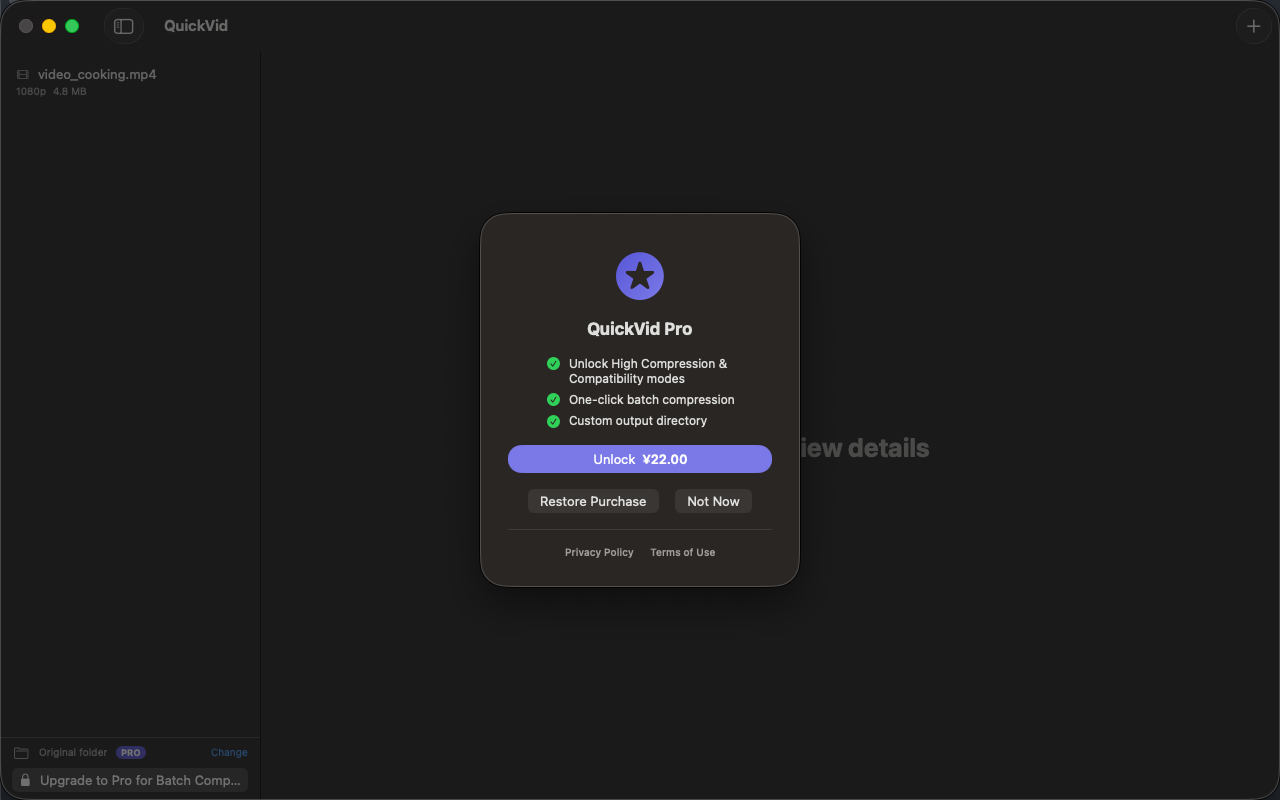
Right-click any image to save the original. All images are licensed for editorial use covering QuickVid.
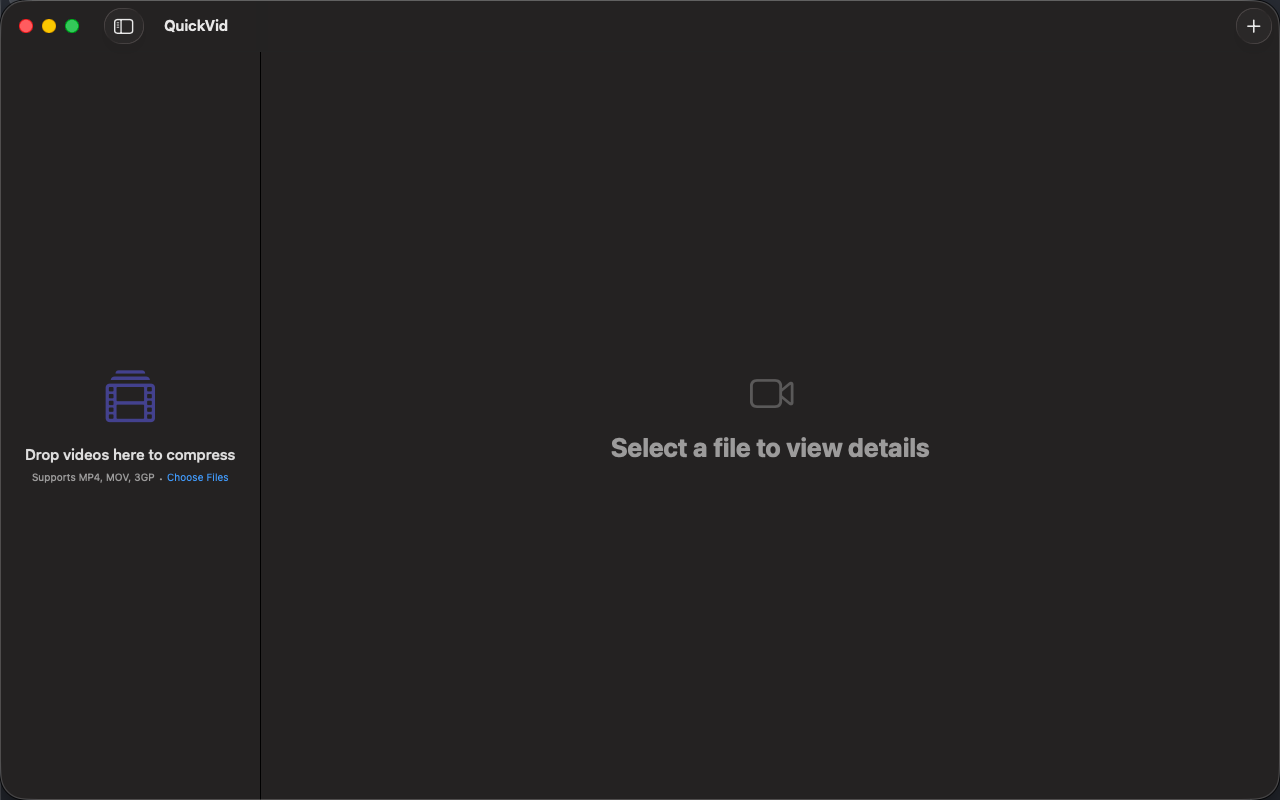
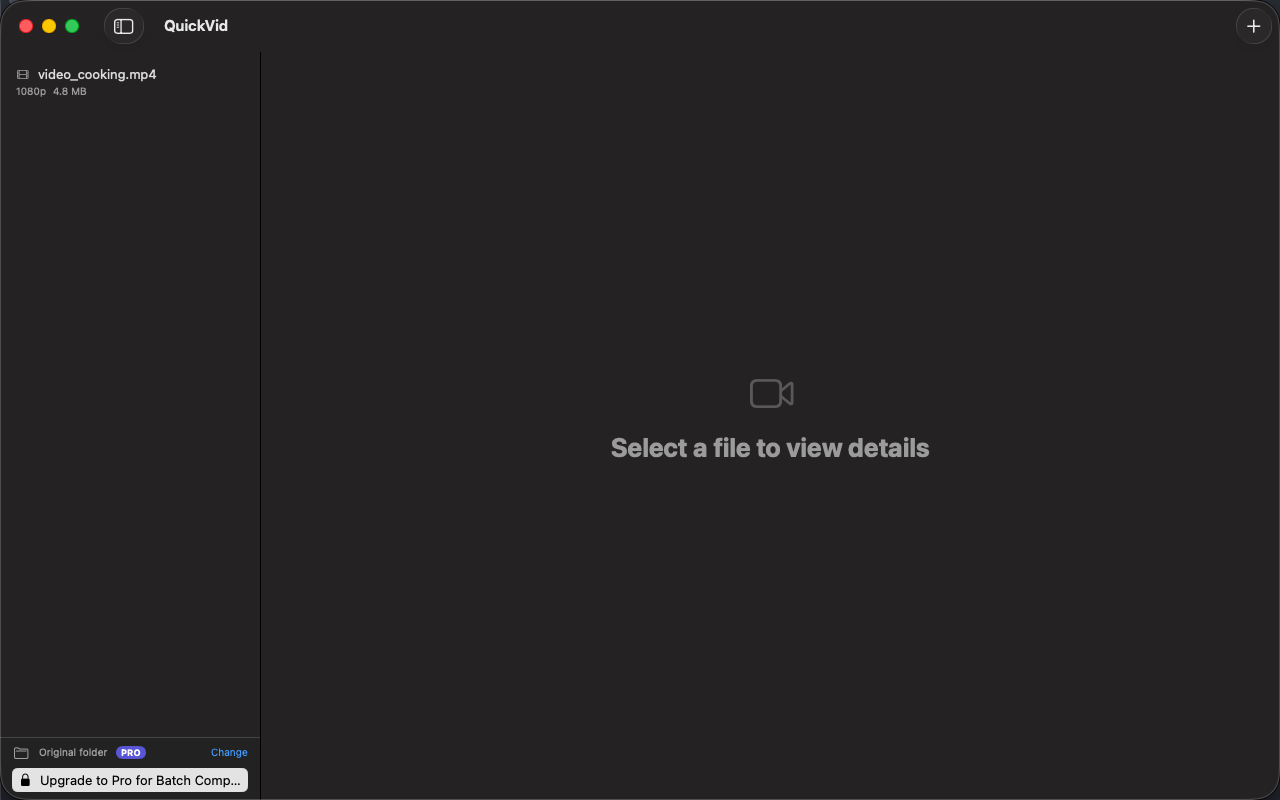
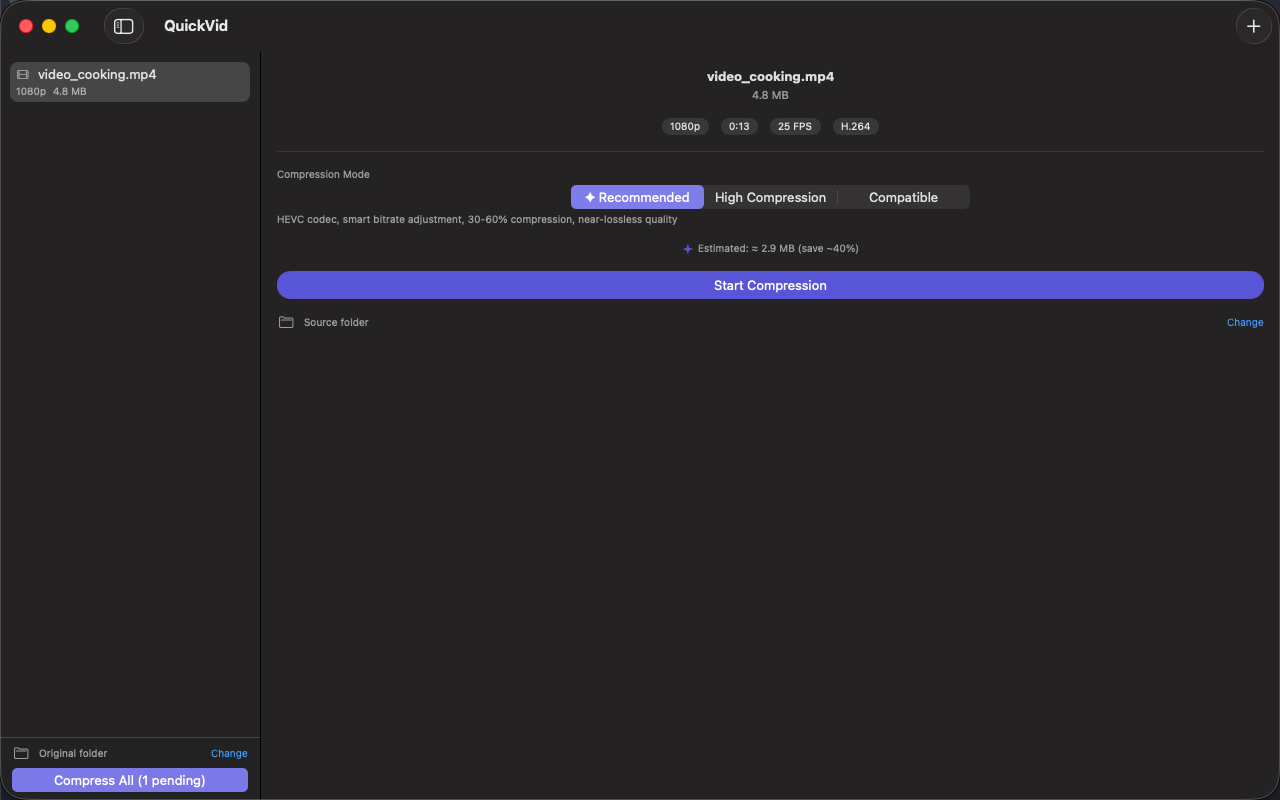
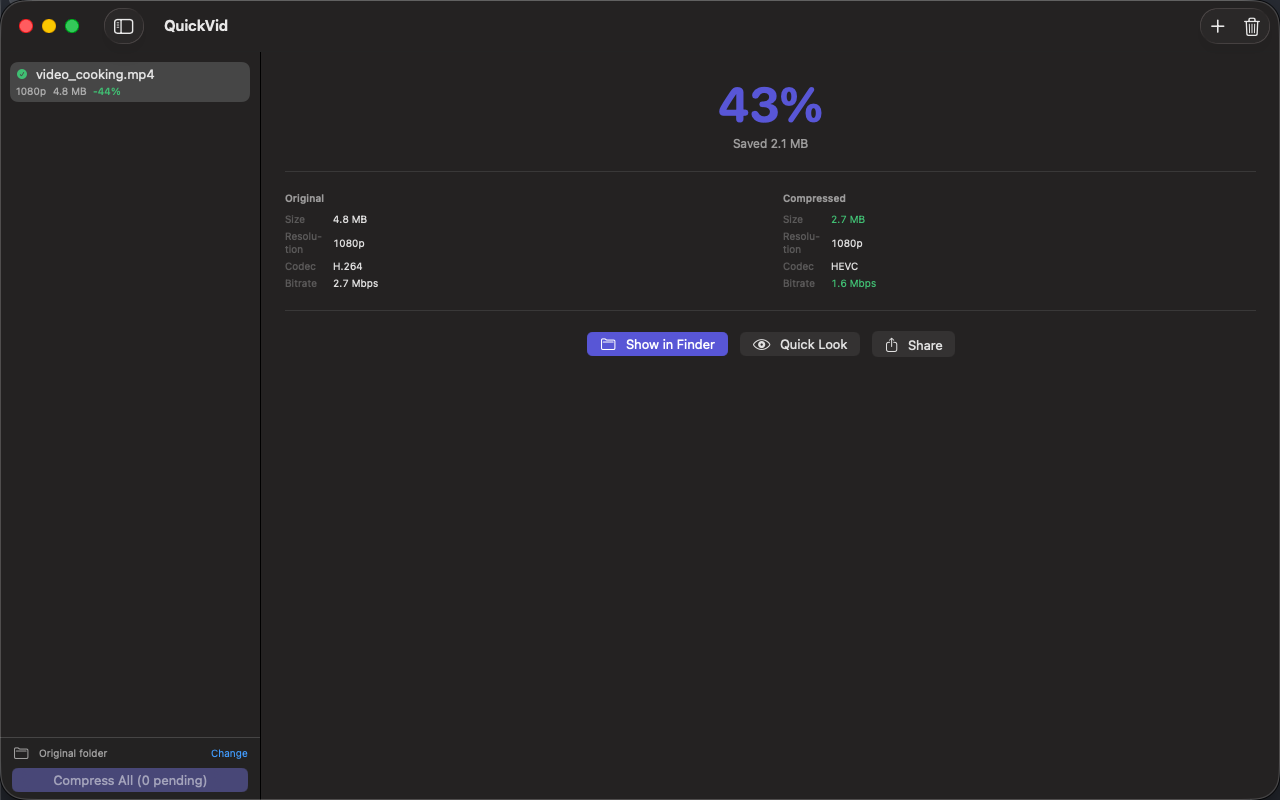
Boilerplate description
Use any portion freely. For coverage assistance, email below.
Key features
Smart Compression
Three modes — Recommended (HEVC, 30–60% savings), High Compression (50–70% savings), and Compatible (H.264, best sharing support). Users on the base tier get unlimited Recommended mode. Pro adds optional 1080p/720p downscaling.
Drag & Drop Workflow
Drop video files or entire folders onto the window. Metadata loads instantly — resolution, duration, codec, and frame rate are all shown before compression.
Batch Processing
Queue multiple videos and compress them all with one click. Pro users can process entire libraries with a single batch operation.
Before/After Results
See exactly what changed — original vs compressed size, codec, bitrate, and resolution in a clear comparison card. Open output in Finder with one click.
Apple Silicon Native
Hardware-accelerated VideoToolbox encoding — a 1-minute 4K clip compresses in seconds on M1 or later, far faster than software encoders for the same job.
100% Local & Private
No upload, no telemetry, no account. Family videos, work recordings, screen captures — none of it ever leaves your Mac.
Download links
Founder quote
“QuickVid is built around one principle: your data stays on your device. We don't want it, we don't store it, and we don't need it to make the app work. Everything that can run locally, does.”
About Obelisk Club
Obelisk Club is a portfolio of focused, local-first Mac and iOS productivity apps built by a solo developer. The portfolio includes 13 apps spanning note-taking, screenshots, photo workflow, beverage tracking, file compression, and more — all sharing a single principle: software that works without an account, without a cloud, and without a subscription.
Press contact
Happy to share a complimentary Pro promo code, schedule a Q&A, or provide additional materials. Typical response within 24 hours.
Quick facts
- App name
- QuickVid
- Maker
- Peter Zhang · Obelisk Club
- Theme color
- #5856D6
- Contact
- obeliskclubclub@gmail.com