About
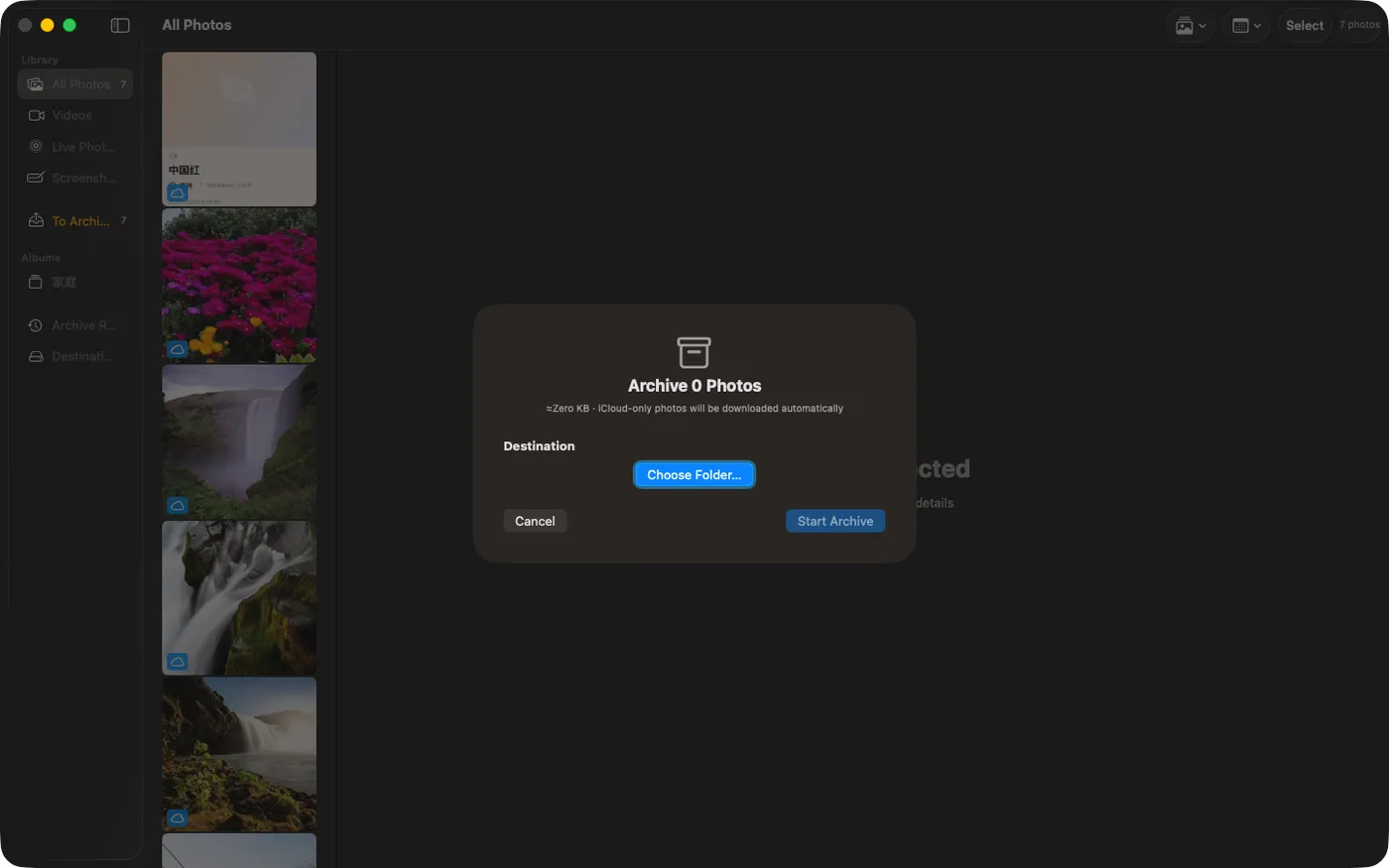
Archivehouse copies your iCloud / Photos library to any local folder or external drive, sorted by year and month, deduplicated by SHA256. Everything runs on your Mac. No account, no server, no analytics.
Built for the moment your iCloud storage gets uncomfortable, your Mac SSD fills up, or you just want a real archive on a drive you control — not on a subscription you might cancel.
WHAT MAKES PHOTO ARCHIVE DIFFERENT
- AUTOMATIC ICLOUD DOWNLOAD
Photos that live only in iCloud are downloaded on demand before archiving. No "original not available on this device" surprises. PhotoKit handles the fetch the same way Photos.app does.
- YEAR / MONTH FOLDER STRUCTURE
Files land at [destination]/YYYY/MM/. No more 47,000 photos in a single Pictures folder. Browse a year, browse a month — the way a human actually navigates an archive.
- SHA256 DEDUPLICATION
Every file is hashed before write. Duplicates skipped. Re-run the archive next month against the same destination and only new photos copy over — no manual diff, no duplicate folders.
- INTEGRITY VERIFICATION
Verify-integrity re-hashes archived files against the stored hash. Catches silent disk corruption, failed external-drive writes, and the kind of bit-rot that bites you five years later when you actually need the photo.
- EXTERNAL DRIVES, FIRST-CLASS
Security-scoped bookmarks mean the app remembers your archive drive across launches. Plug in a USB SSD, archive, eject. Image Capture forgets every external drive permission you grant it.
- ALBUMS, MEDIA TYPES, DATE FILTERS
Filter by album, by photo / video / Live Photo / screenshot, by year. Archive selectively or archive everything.
- ZERO NETWORK CALLS (BEYOND ICLOUD)
No telemetry, no analytics, no third-party SDKs. iCloud fetches go through Apple's PhotoKit. Nothing else leaves your Mac.
WHO IS PHOTO ARCHIVE FOR?
- People at their iCloud storage limit wondering whether to keep paying or download out
- Anyone who has tried Image Capture's clunky one-folder dump and wanted real organization
- PowerPhotos users who want a focused archive tool, not a library editor
- Photographers who shoot to iPhone and need to get full-resolution originals to a NAS or external SSD
- Anyone migrating off iCloud Photos to Synology Photos, Immich, or a local-only setup
PRICING
Photo Archive includes:
- Archive to one destination at a time — every photo, every video, every Live Photo
- Automatic iCloud original download
- Year / month folder structure
- SHA256 deduplication
- Verify-integrity pass
- Albums, media-type, and year filters
Photo Archive Pro — a one-time in-app purchase, no subscription — adds:
- Multi-destination backup — archive to your SSD and your NAS in the same run, in parallel
- CSV export of archive records and verify reports
- Out-of-app completion banners — close the feedback loop when a long run finishes while you're in another app
Family-shareable. Restorable across every Mac you sign into with the same Apple ID.
FEEDBACK
Made by Peter Zhang. Every email at obeliskclubclub@gmail.com is read personally. Found a Photos library edge case? Tell me.
Learn more: obelisk.club/photo-archive-assistant
Terms of Use (EULA): https://www.apple.com/legal/internet-services/itunes/dev/stdeula/
Core Capabilities
Automatic iCloud download
Cloud-only photos are downloaded on demand before archiving, via the same PhotoKit path Photos.app uses.
Year / month folders
Files land at [destination]/YYYY/MM/ — predictable, browseable, NAS-friendly.
SHA-256 deduplication
Every byte-identical photo is stored once; subsequent copies become pointers, not duplicate files.
Integrity verification
Verify-integrity re-hashes archived files against the captured hash to catch bit rot and partial writes.
Multi-destination backup (Pro)
Back up to an external SSD and a Synology NAS in the same run, in parallel.
100% local, zero telemetry
No account, no servers, no analytics, no third-party SDKs — only the iCloud download path you explicitly trigger.
Frequently Asked Questions
- Does Archivehouse download originals that are only in iCloud?
- Yes. Photos that live only in iCloud are downloaded on demand before archiving, using the same PhotoKit path Photos.app uses — so you never hit an "original not available on this device" surprise.
- How does Archivehouse organize my photos?
- Files land in a year/month folder structure at [destination]/YYYY/MM/. That makes the archive browseable by hand and friendly to a NAS, instead of dumping tens of thousands of photos into one folder.
- Will re-running an archive create duplicate files?
- No. Every file is hashed with SHA-256 before writing, and duplicates are skipped. Re-run the archive next month against the same destination and only new photos copy over.
- Can Archivehouse back up to an external SSD or NAS?
- Yes. External drives are first-class: security-scoped bookmarks mean the app remembers your archive drive across launches. Photo Archive Pro (a one-time purchase, no subscription) adds multi-destination backup, so you can archive to your SSD and your NAS in the same run, in parallel.
- Does Archivehouse send my photos anywhere?
- No. Everything runs on your Mac with no account, no servers, no analytics, and no third-party SDKs. The only network activity is the iCloud download you explicitly trigger, which goes through Apple's PhotoKit.
Interface
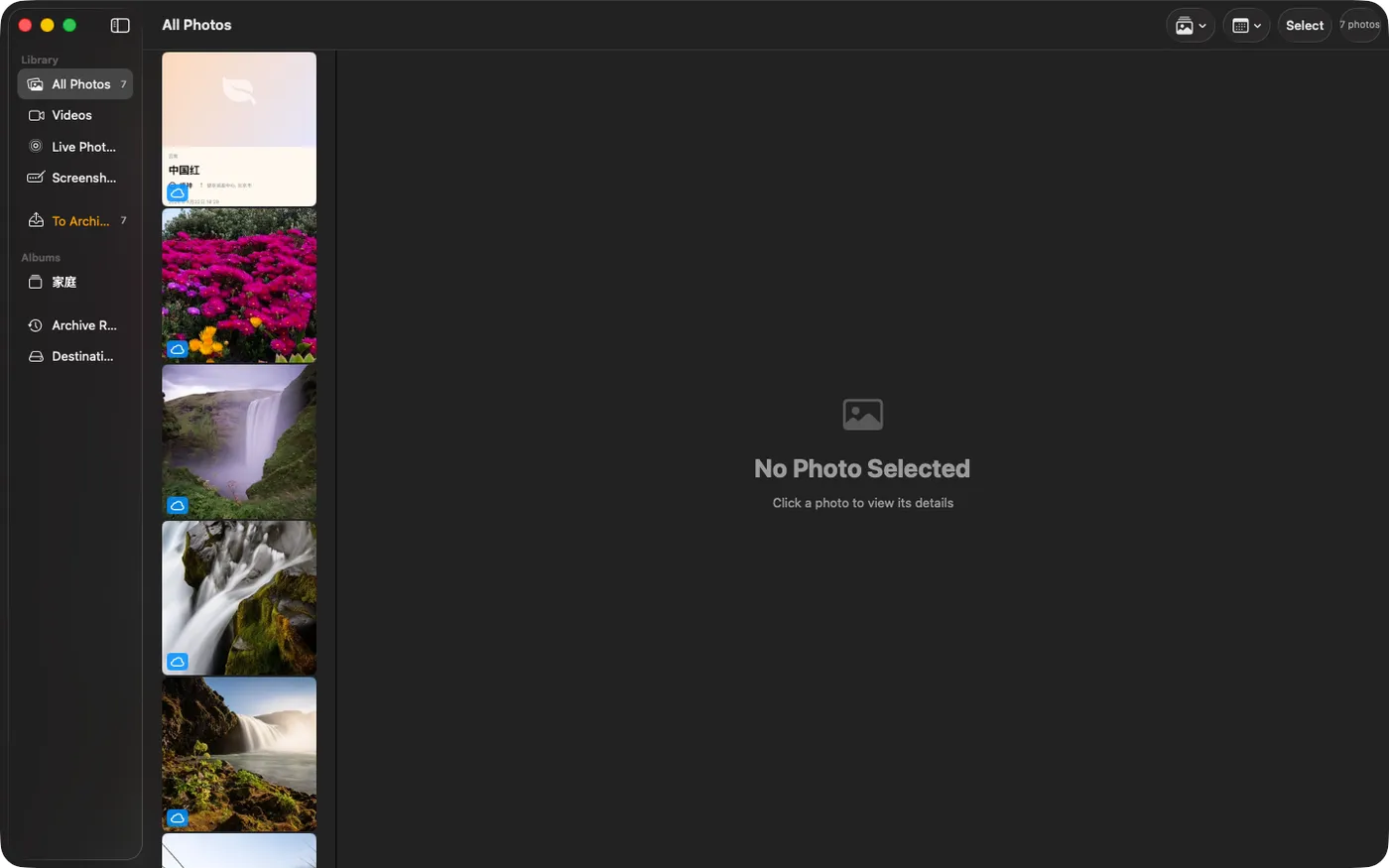
High Fidelity UI
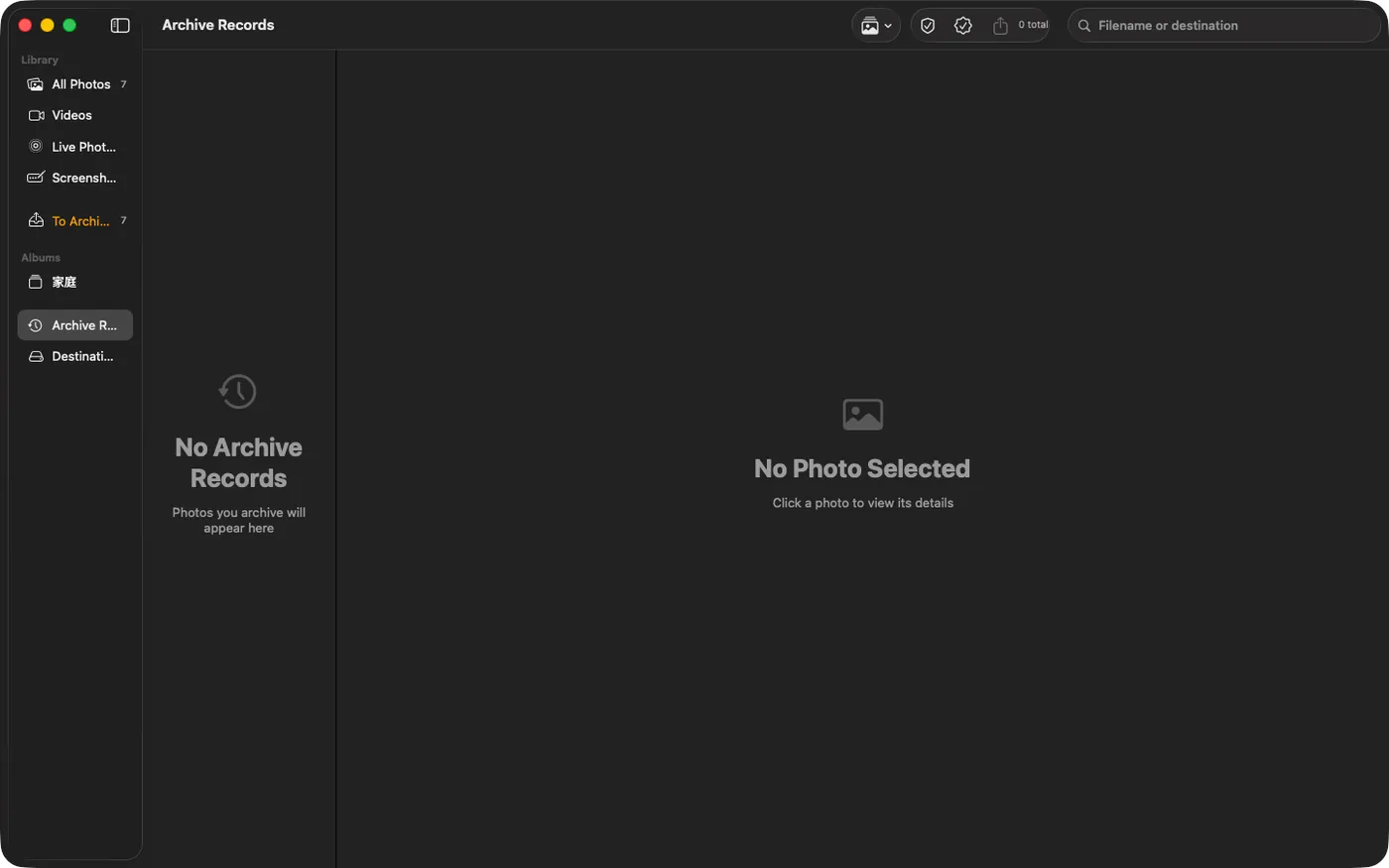
High Fidelity UI
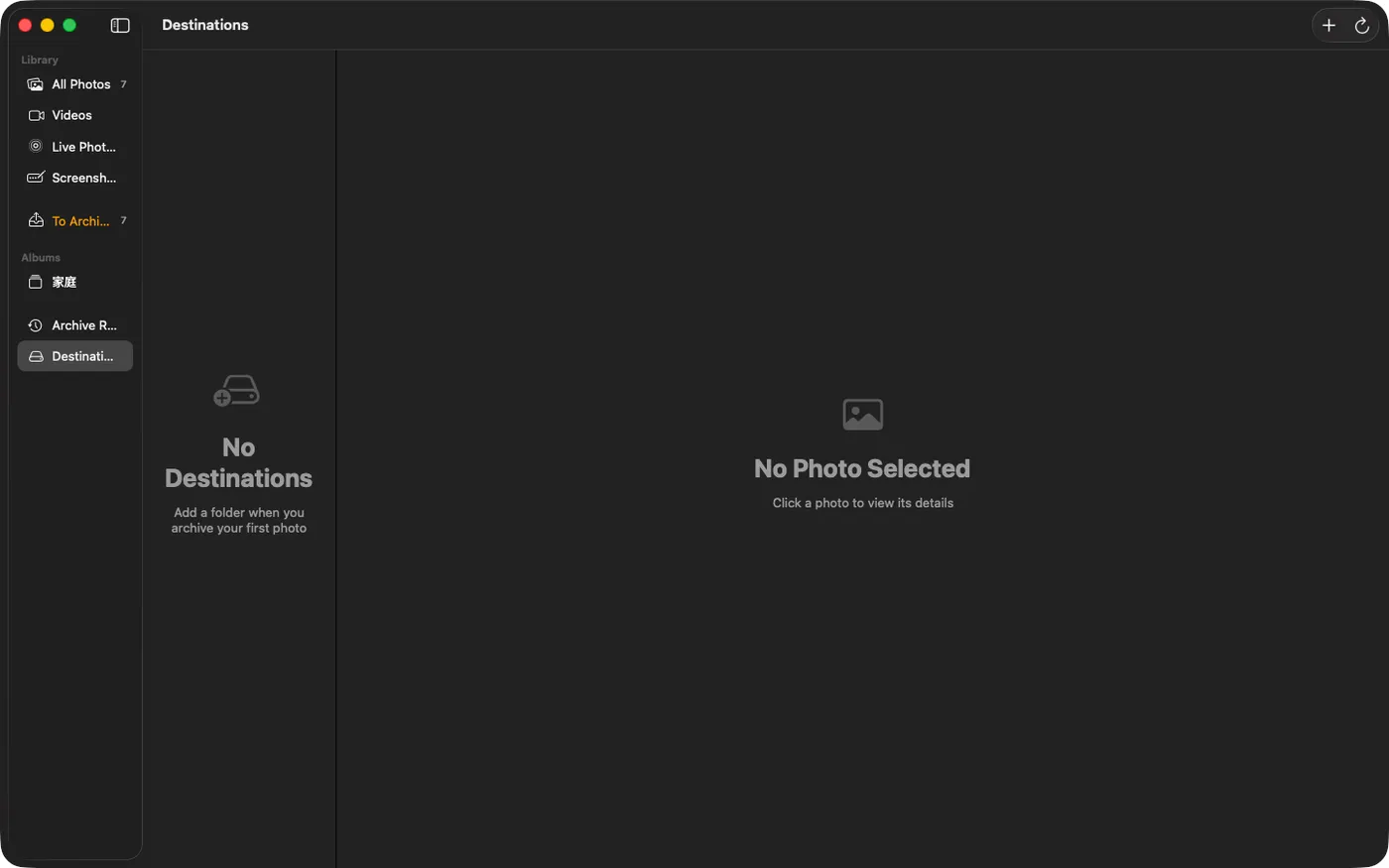
High Fidelity UI
High Fidelity UI
More from Obelisk

SnapPro
Pixelperfect capture, unlimited recording, ondevice OCR — included at no additional purchase.

ViewOne
Your iPhone fired off 50 burst photos at the playground. Now they're sitting on your Mac, and you can't bring yourself to sort through them. ViewOne fixes that.

PhotoBridge
No thirdparty cloud. No subscription to a stranger's photo silo.
How Archivehouse compares
Honest, dimension-by-dimension comparisons — including where the other tool wins.
macOS photo import / export tool
Archivehouse vs Image Capture
Image Capture is the unsung built-in macOS utility everyone reaches for when they want to pull photos off an iPhone, a camera, or a memory card. It's free, it's preinstalled, and it gets the job done — if your job is exactly the one Apple designed it for. Archivehouse exists because there's a different job most people are actually trying to do: get the iCloud Photos library — including the originals that only live in the cloud — onto a real disk they own, organized in a way they can browse for the next decade. Here's an honest, dimension-by-dimension look at which tool fits which problem.
macOS Photos library utility
Archivehouse vs PowerPhotos
PowerPhotos from Fat Cat Software is the gold standard for working with macOS Photos libraries — merging two libraries, splitting one in half, finding duplicates inside Photos, browsing multiple libraries side-by-side. It's been refined for over a decade. Archivehouse is a younger, narrower tool aimed at one specific job PowerPhotos doesn't focus on: getting iCloud Photos originals out of the Photos ecosystem and onto a file-tree on a disk you own. Here's where they overlap, where they diverge, and which one you actually want.