About
IDKit turns your iPhone into a professional ID-photo studio. Every step — segmentation, background replacement, cropping, compliance validation, export — runs on-device. Your photo never leaves the phone.
Built for iOS 26 with the Liquid Glass design language and Apple's Vision framework. No upload to a stranger's server, no "AI passport photo" that charges per attempt.
WHAT MAKES IDKIT DIFFERENT
- 15+ INTERNATIONAL SPECS
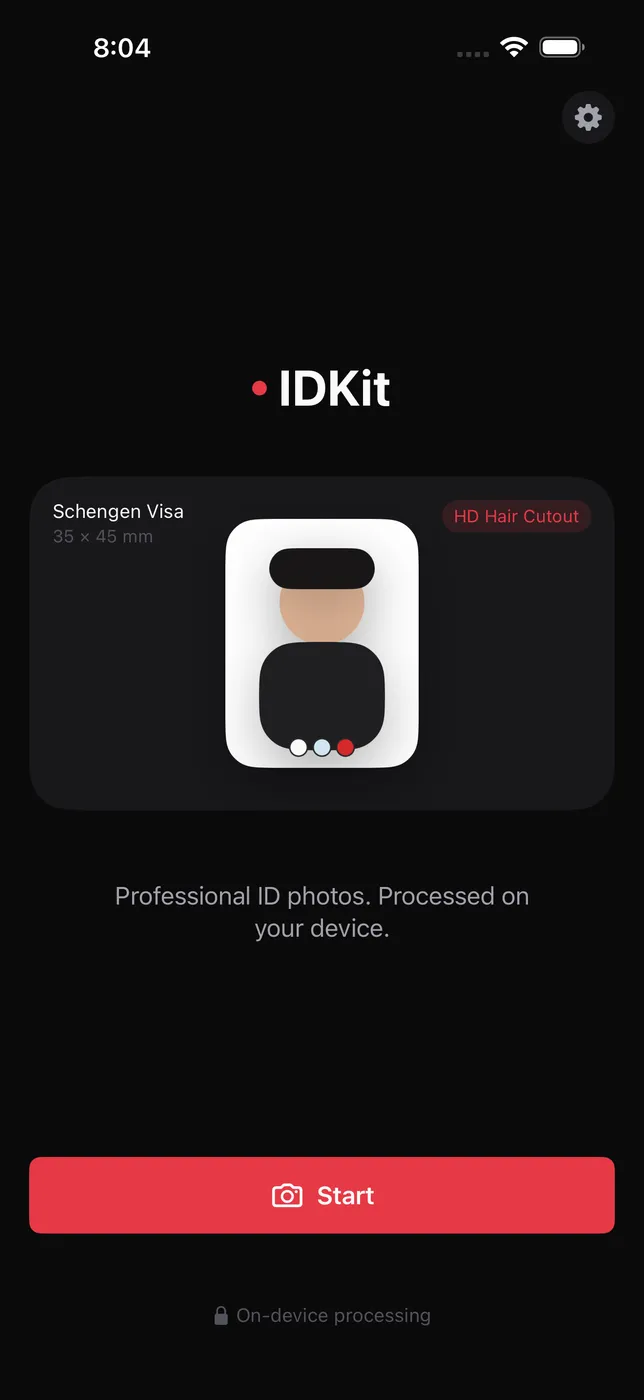
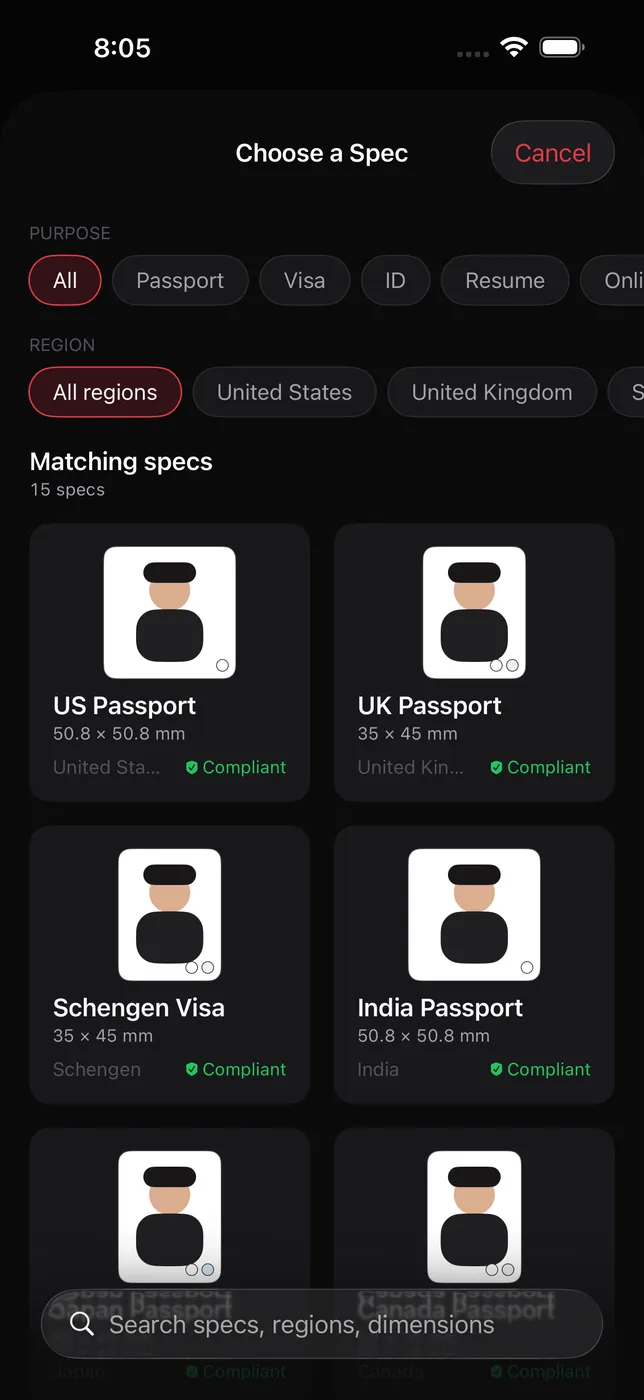
US passport, UK passport, Schengen visa, Japan passport, Canada passport, Australia visa, India visa, plus China 1寸 / 2寸 / 小1寸, resume photo, and universal online-profile crop. Pick the destination; IDKit handles the dimensions, head ratio, and DPI for you.
- ON-DEVICE PERSON SEGMENTATION
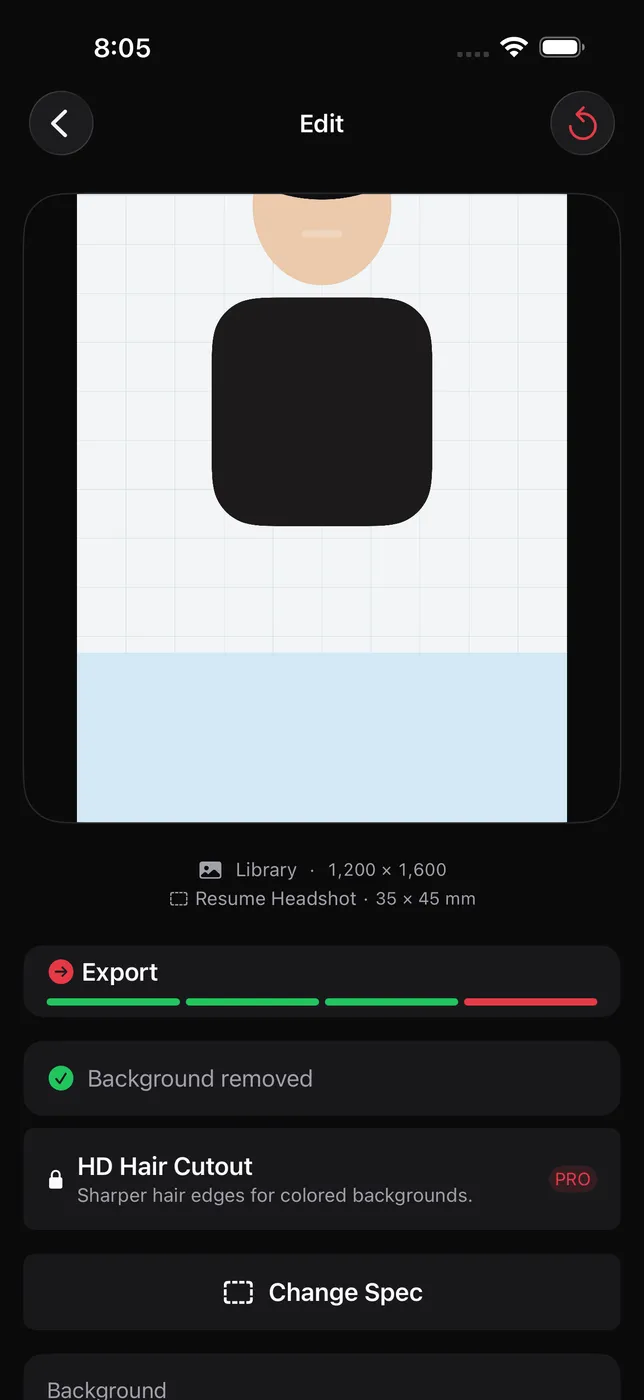
Vision framework runs the cutout locally. No "upload to our AI for a per-photo fee" loop. Backgrounds swap in under a second.
- COMPLIANCE MODE FOR GOVERNMENT IDS
For US passport and similar government-grade specs, IDKit auto-disables background swap and runs pre-export checks for face position, neutral expression, eye openness, and image quality. Get the rejection feedback in the app — not from the State Department six weeks later.
- PRINT-READY PDF LAYOUTS
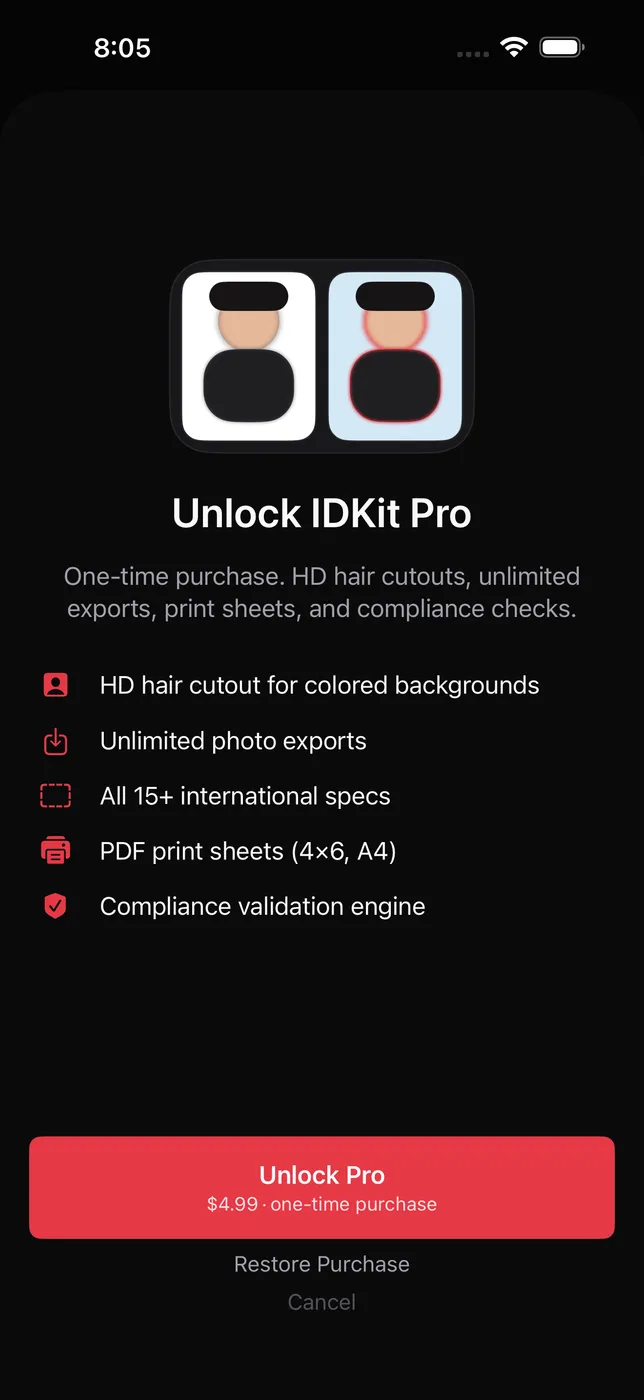
Export a 4×6 or A4 PDF tiled with your photo at correct physical dimensions. Take it to any pharmacy or print shop. Or export a single electronic file for online passport applications.
- ONE BACKGROUND SWAP, ONE TAP
White for passports, light gray for resumes, red for China specs. No Photoshop. No PNG transparency fiddling.
- PRIVACY BY DEFAULT
No network calls. No accounts. No tracking. The Vision framework runs locally; the only thing leaving your phone is the PDF you choose to AirDrop or email.
WHO IS IDKIT FOR?
- Travelers who need a passport or visa photo before a trip
- Job seekers who need a headshot for a resume or LinkedIn
- Students applying to schools that require a specific photo size
- People who tried a per-attempt online ID photo service and got rejected
- Anyone who has driven to a photo studio for a print that took 30 minutes
PRICING
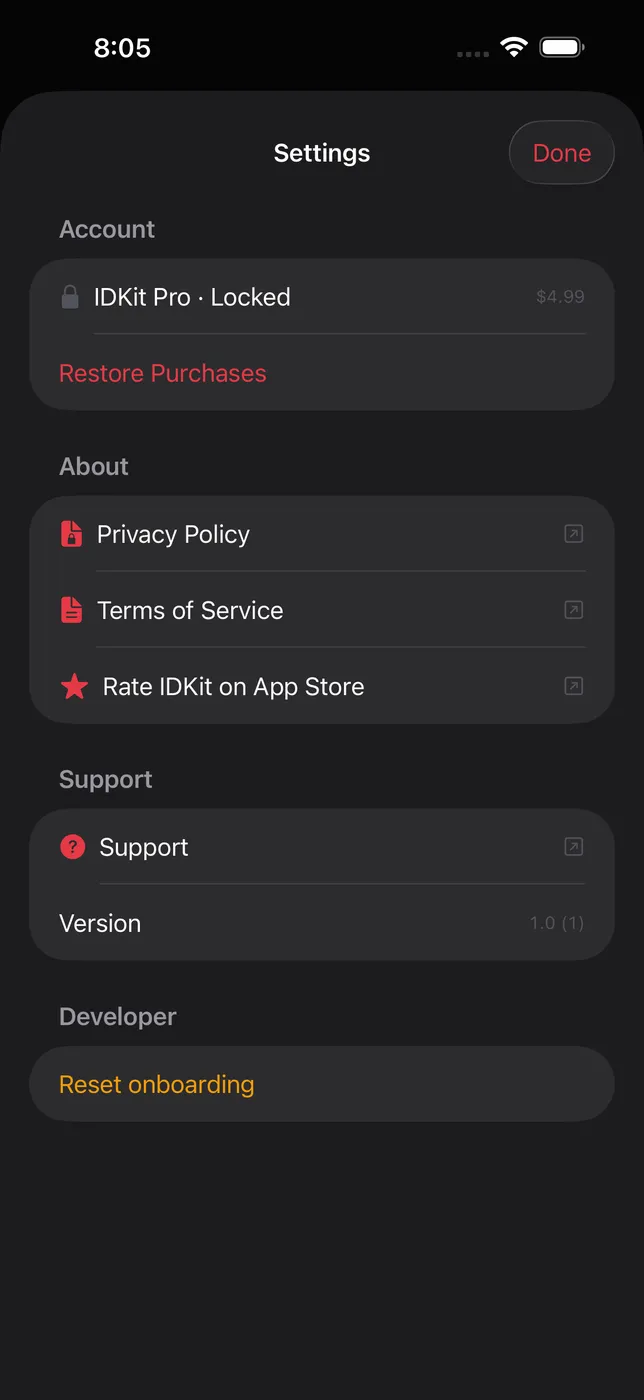
Capture, edit, preview, validate compliance, and export your photo — all included at no additional purchase. A one-time unlock adds HD hair cutouts and PDF print sheets — never a subscription. Buy once, use forever.
FEEDBACK
Made by Peter Zhang. Every email at obeliskclubclub@gmail.com is read personally. If your country's spec isn't in the list yet, tell me — most additions ship within a week.
Learn more: obelisk.club/idkit
Terms of Use (EULA): https://obelisk.club/idkit/terms
Core Capabilities
On-device, private — no photo leaves your iPhone
15+ international ID photo specs
Compliance validation for government IDs
Frequently Asked Questions
- Can I take a passport photo on my iPhone with IDKit?
- Yes. IDKit captures, crops, and validates passport, visa, and ID photos to official specs directly on your iPhone. It supports 20+ international formats including US, UK, Schengen, Japan, Canada, Australia, and India passports and visas, plus China 1寸 / 2寸 / 小1寸 and resume photos.
- Does IDKit upload my photo to a server or use cloud AI?
- No. Every step — person segmentation, background replacement, cropping, compliance validation, and export — runs on-device using Apple's Vision framework. There are no servers, no accounts, and no uploads. The only thing that leaves your phone is the file you choose to AirDrop, email, or print.
- Is IDKit free, and what does the one-time purchase unlock?
- Capturing, editing, previewing, and running compliance checks are free. A one-time unlock removes the watermark and adds HD background cutouts and print-ready PDF sheets. It is a single purchase, never a subscription.
- Will an IDKit photo be accepted for a US passport in 2026?
- For US passport and similar government IDs, IDKit uses a compliant mode that keeps the original background (no digital replacement) and checks face position, neutral expression, eye openness, and image quality before export. This matches the US State Department rule, effective January 1 2026, against digitally altered photos.
- What size is a US passport photo, and can IDKit make it?
- A US passport photo is 2x2 inches (51x51 mm) with the head measuring 1 to 1-3/8 inches from chin to crown, on a white background. IDKit sets the correct dimensions, head ratio, and DPI automatically, and can export a single digital file or a tiled 4x6 / A4 print PDF.
Interface
High Fidelity UI
High Fidelity UI
High Fidelity UI
High Fidelity UI
High Fidelity UI
Guides for IDKit
How to print a passport photo at home from an iPhone
How to prepare and print a passport photo from an iPhone: check official rules, keep the original, make a print sheet, and verify the physical size.
How to take a passport photo at home with your iPhone (US, 2026)
Skip the $17.99 pharmacy line. Shoot a compliant US passport photo with your iPhone, validate it against the official rules, and print it for pennies.
More from Obelisk
SnapPro
Pixel-perfect capture, unlimited recording, on-device OCR — included at no additional purchase.
ViewOne
Your iPhone fired off 50 burst photos at the playground. Now they're sitting on your Mac, and you can't bring yourself to sort through them. ViewOne fixes that.

PhotoBridge
No third-party cloud. No subscription to a stranger's photo silo.
How IDKit compares
Honest, dimension-by-dimension comparisons — including where the other tool wins.
iPhone passport and ID photo
IDKit vs PhotoAiD
PhotoAiD is one of the biggest names in online passport photos: snap a selfie, their AI preprocesses it, a human expert double-checks compliance, and you download a digital file or order prints with free US shipping. IDKit takes the opposite architectural bet — everything runs on your iPhone, and the photo never leaves it. The choice comes down to whether you want a service with a human in the loop or a tool you own outright.
iPhone passport and ID photo
IDKit vs iVisa Photos
iVisa Photos is the photo arm of iVisa's travel-document platform: take a photo in the app, an iVisa team member reviews it against the destination country's requirements, and you get a compliant digital file — or a print sent to a nearby drugstore for same-day pickup. IDKit does the same job entirely on your iPhone, with no upload, no account, and no per-photo fee. Both are real solutions; they just sit on opposite sides of the service-versus-tool divide.