
HashForgeMD5 & SHA hashes, verified
About
Generate and verify cryptographic hashes right on your device — fast, clean, and completely offline.
Type or paste any text, or pick a file, and get every common digest at once: MD5, SHA-1, SHA-256, SHA-384, and SHA-512. Tap any result to copy it. Checking a download or a signature? Paste the expected hash and see an instant match or mismatch.
HOW IT WORKS Enter your text or choose a file and the hashes compute immediately. Copy the one you need with a tap, or drop an expected value into the verify bar to confirm two files or strings are identical. Recent hashes are saved so you can find them again.
WHAT MAKES HASHFORGE DIFFERENT
- MD5, SHA-1, SHA-256, SHA-384, and SHA-512 in one view
- Hash both text and files
- Verify against an expected hash with a live match indicator
- One-tap copy for any result
- Recent history so nothing gets lost
- Clean, calm interface built for quick checks
PRICING
HashForge is free, with all hash algorithms, file hashing, and verification included. A one-time unlock adds an HMAC generator to sign messages with a secret key (MD5 through SHA-512), unlimited history instead of the most recent entries, and CSV export of your full hash log — buy once and keep it forever, no subscription.
FEEDBACK
Made by a small indie team. Email obeliskclubclub@gmail.com with feedback, bug reports, or feature requests.
PRIVACY Everything is computed on your device. No account, no sign-in, no tracking, and nothing ever leaves your phone.
Core Capabilities
Common hash algorithms
Generate MD5, SHA-1, SHA-256, SHA-384, and SHA-512 digests in one view.
Text and file hashing
Hash pasted text or a local file without sending it to a server.
Hash verification
Compare a calculated digest with an expected value and see match status immediately.
Frequently Asked Questions
- Is it safe to paste an API key or password into an online hash generator?
- No — a web-based hash tool sends whatever you type to someone else's server, where it can be logged, and a secret that has left your control should be treated as compromised. This app computes MD5, SHA-1, SHA-256, SHA-384, and SHA-512 entirely on your device: no account, no sign-in, no tracking, and nothing ever leaves your phone.
- How do I verify a downloaded file's SHA-256 checksum on iPhone?
- Publishers list a checksum so you can confirm a download arrived intact and untampered — if your computed hash matches theirs, the file is byte-for-byte identical. In this hash generator, pick the file, paste the expected hash into the verify bar, and a live indicator shows an instant match or mismatch.
- What's the difference between MD5, SHA-1, and SHA-256?
- They are all one-way digest functions, but MD5 and SHA-1 are cryptographically broken — practical collision attacks exist — so they should only be used for non-security checks like detecting accidental corruption, while SHA-256 remains the standard for integrity and signatures. The app computes all five common digests (MD5 through SHA-512) at once from the same input, so you can copy whichever one a given system expects.
- Can this app generate an HMAC with a secret key?
- Yes, with the Pro unlock, which adds an HMAC generator for signing messages with a secret key using MD5 through SHA-512 — handy for testing webhook signatures and API authentication. Pro is a one-time purchase with no subscription, and it also unlocks unlimited history and CSV export of your full hash log.
- Can I hash both text and files, and find hashes I computed earlier?
- Yes. Type or paste any text, or pick a file, and every digest computes immediately with one-tap copy on each result. Recent hashes are saved to a history so a value you computed earlier doesn't get lost; the Pro unlock extends this to unlimited history.
Interface
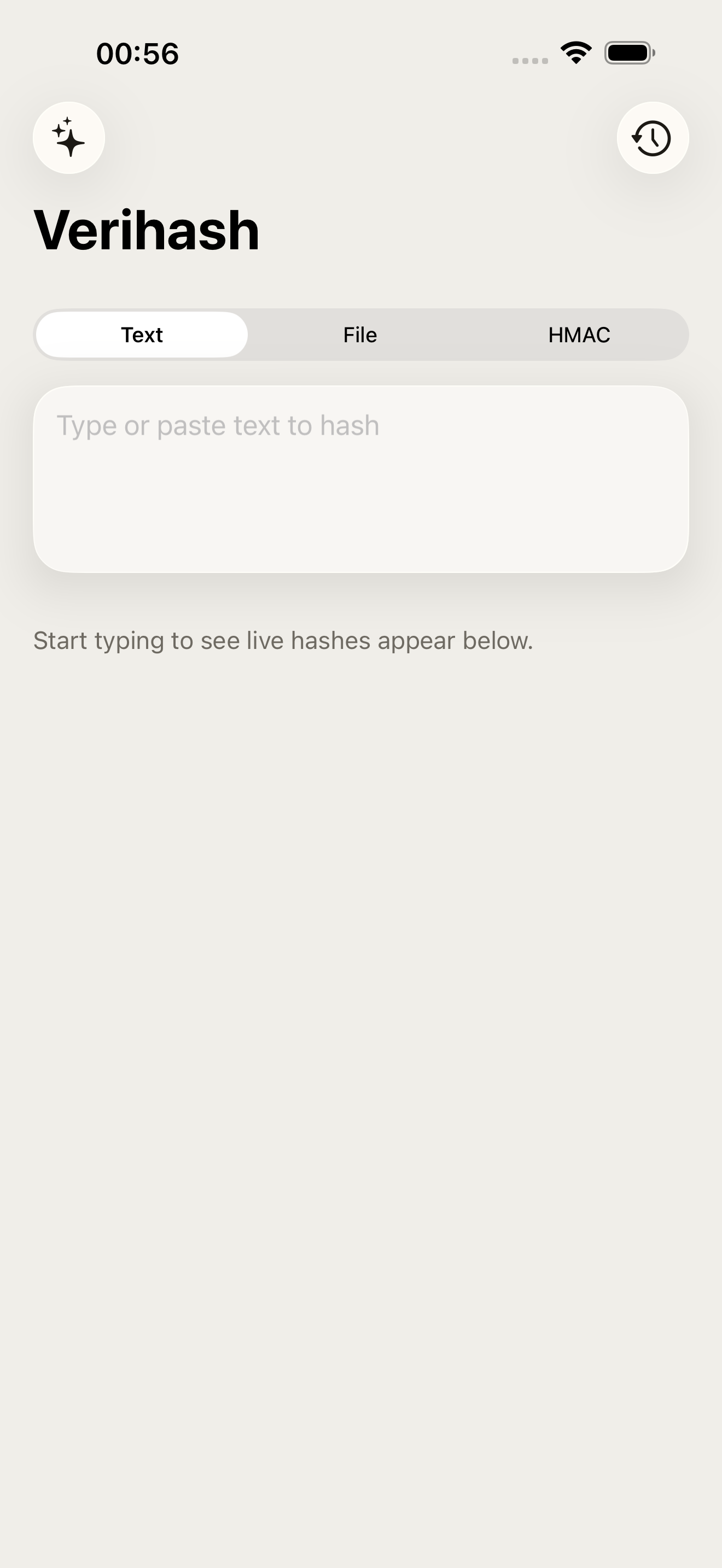
High Fidelity UI
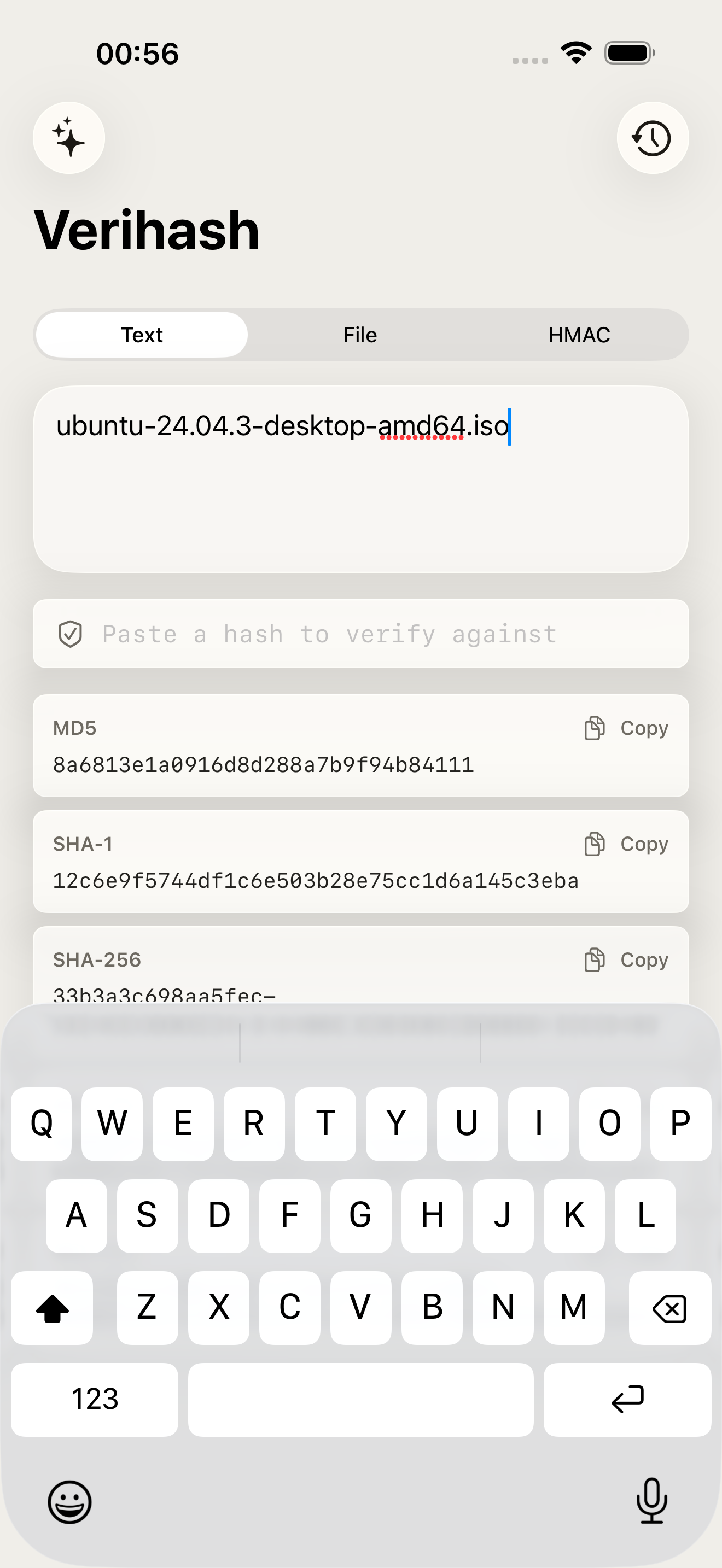
High Fidelity UI
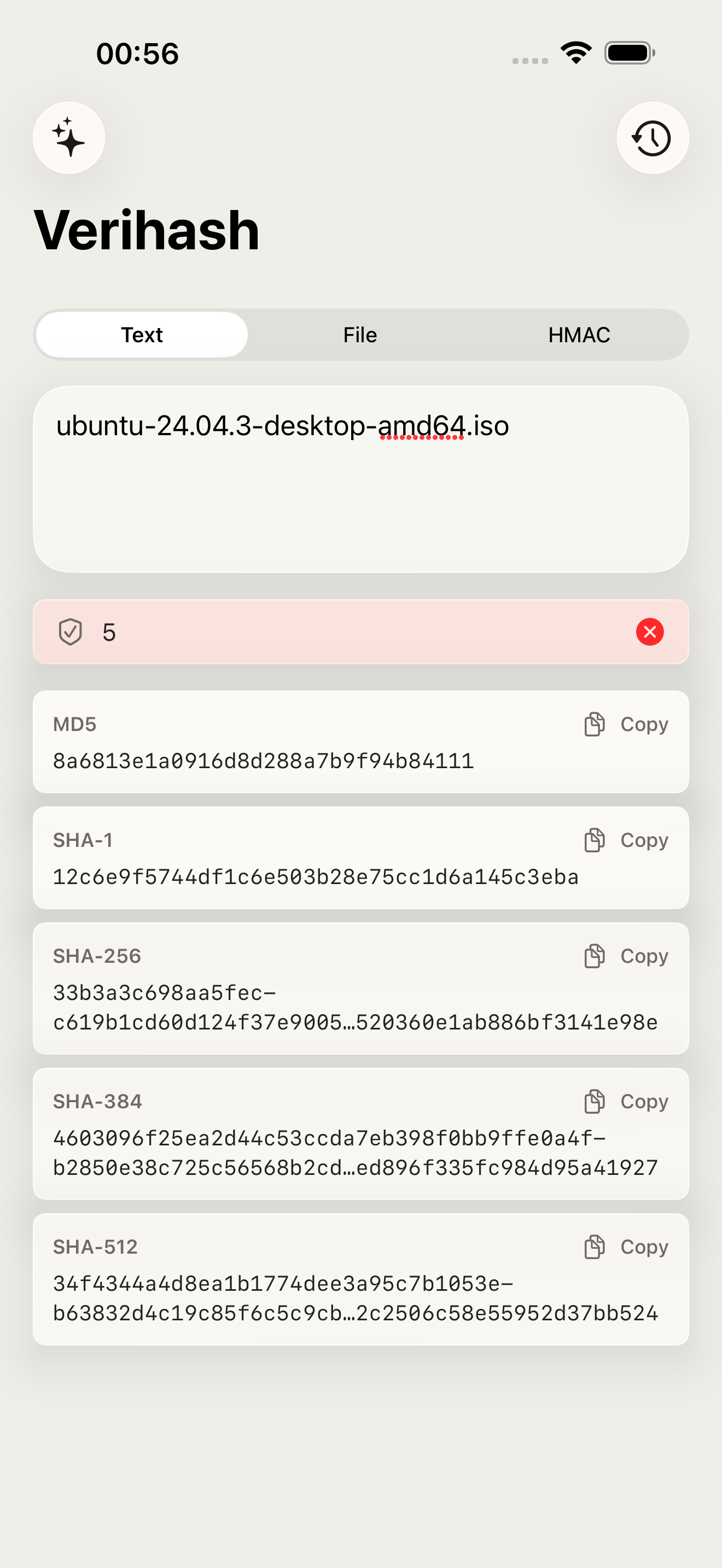
High Fidelity UI
More from Obelisk

SnapPro
SnapPro is the professional screenshot and screen recording tool macOS deserves. Pixel-perfect capture, unlimited recording, on-device OCR —…

ViewOne
Your iPhone fired off 50 burst photos at the playground. Now they're sitting on your Mac, and you can't bring yourself to sort through them.…

PhotoBridge
PhotoBridge backs up your iPhone photos directly to storage you own — Synology, QNAP, Nextcloud, AWS S3, MinIO, Aliyun OSS, or an external d…