Back to Filewise

Press Kit

Filewise

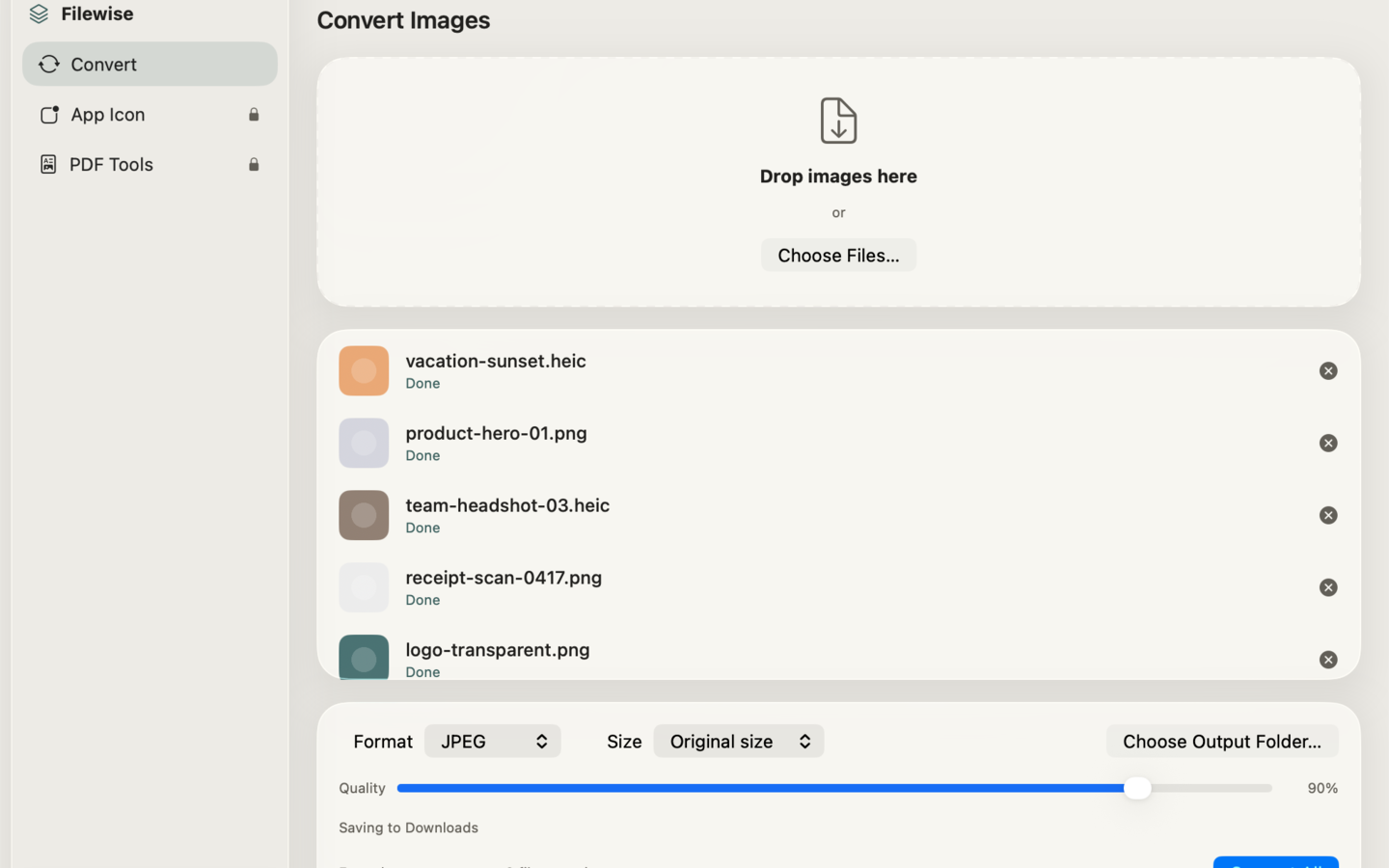
Filewise converts your photos and screenshots between PNG, JPEG, HEIC, TIFF, BMP, and GIF in seconds — entirely on your Mac, with no uploads, no accounts, and no watermark. Drop in a batch of files, pick a format, and Filewise handles the rest using Apple's native image engine,…

App icon

Filewise app icon

Direct link: https://obelisk.club/apps/fileconverter/icon.svg

Theme color: #F0EEE9

Screenshots

Right-click any image to save the original. All images are licensed for editorial use covering Filewise.
Filewise screenshot 1Filewise screenshot 2Filewise screenshot 3

Boilerplate description

Use any portion freely. For coverage assistance, email below.

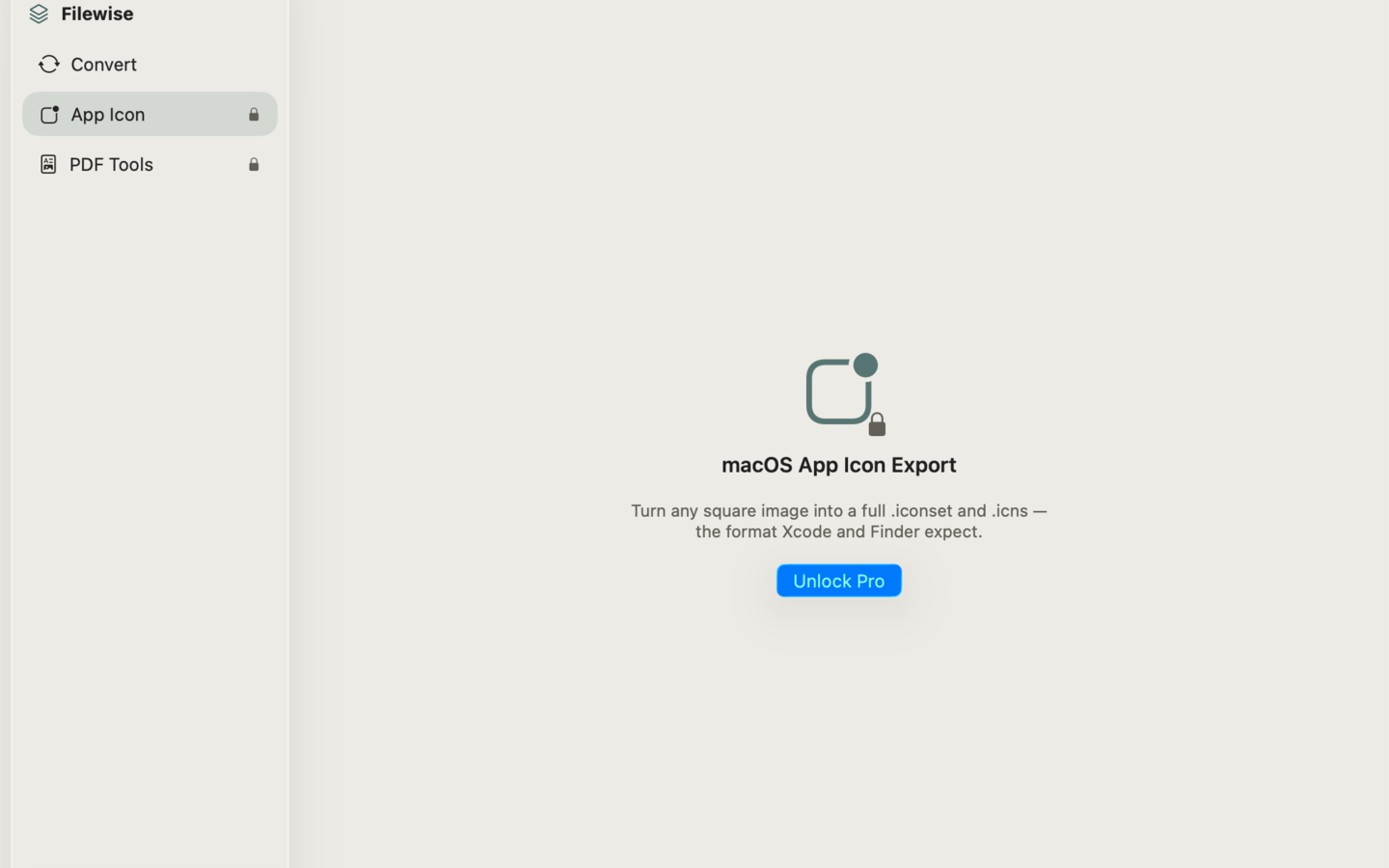
Filewise converts your photos and screenshots between PNG, JPEG, HEIC, TIFF, BMP, and GIF in seconds — entirely on your Mac, with no uploads, no accounts, and no watermark. Drop in a batch of files, pick a format, and Filewise handles the rest using Apple's native image engine, so nothing ever leaves your machine. Built for people who convert images every day — designers prepping assets, developers exporting screenshots, and anyone tired of clunky web converters that upload files to a server first. Filewise works completely offline. Beyond everyday image conversion, Filewise includes two tools most converters skip entirely: a macOS App Icon exporter that turns any square image into a full .iconset and .icns file ready for Xcode, and PDF tools that combine images into a PDF or pull every page back out as images. — WHAT MAKES FILEWISE DIFFERENT — • Batch convert instantly. Convert PNG, JPEG, HEIC, and TIFF in a batch — drag, drop, done. • Resize and quality control. Resize images on export, with quality control for JPEG and HEIC. • macOS App Icon export. Turn any square image into a full .iconset and .icns file ready for Xcode. • PDF tools. Combine images into a PDF, or extract every page of a PDF back out as images. • 100% offline. Uses Apple's native image engine — your files never leave your Mac. — PRICING — Filewise is free and 100% offline, with no uploads, no accounts, and no watermark. The free version batch-converts PNG, JPEG, HEIC, and TIFF with resize and quality control. Filewise Pro is a one-time purchase that unlocks unlimited batch sizes, adds BMP and GIF format support, and gives full access to the App Icon and PDF tools. — FEEDBACK — Made by a small indie team. Email obeliskclubclub@gmail.com with feedback, bug reports, or feature requests. Terms of Use (EULA): https://obelisk.club/filewise/terms

Key features

  • Batch convert PNG, JPEG, HEIC, and TIFF instantly

  • Resize and adjust quality on export

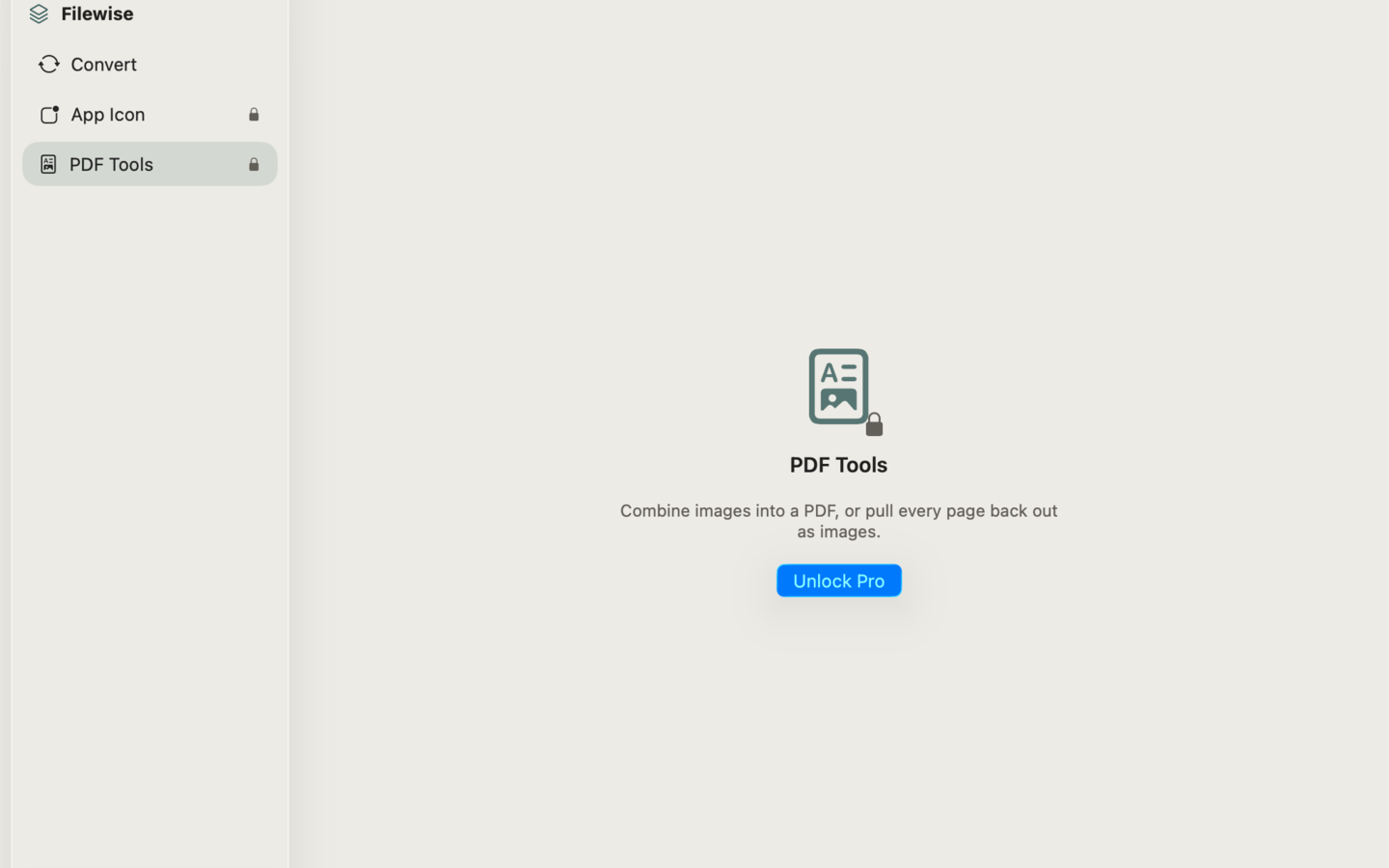
  • Export macOS App Icons (.iconset and .icns)

Download links

Founder quote

“Filewise is built around one principle: your data stays on your device. We don't want it, we don't store it, and we don't need it to make the app work. Everything that can run locally, does.”
— Peter Zhang, solo developer, Obelisk Club

About Obelisk Club

Obelisk Club is a portfolio of focused, local-first Mac and iOS productivity apps built by a solo developer. The portfolio includes 13 apps spanning note-taking, screenshots, photo workflow, beverage tracking, file compression, and more — all sharing a single principle: software that works without an account, without a cloud, and without a subscription.

Press contact

obeliskclubclub@gmail.com

https://obelisk.club

Happy to share a complimentary Pro promo code, schedule a Q&A, or provide additional materials. Typical response within 24 hours.

Quick facts

App name
Filewise
Maker
Peter Zhang · Obelisk Club
Theme color
#F0EEE9