
FilewiseBatch convert, no uploads
About
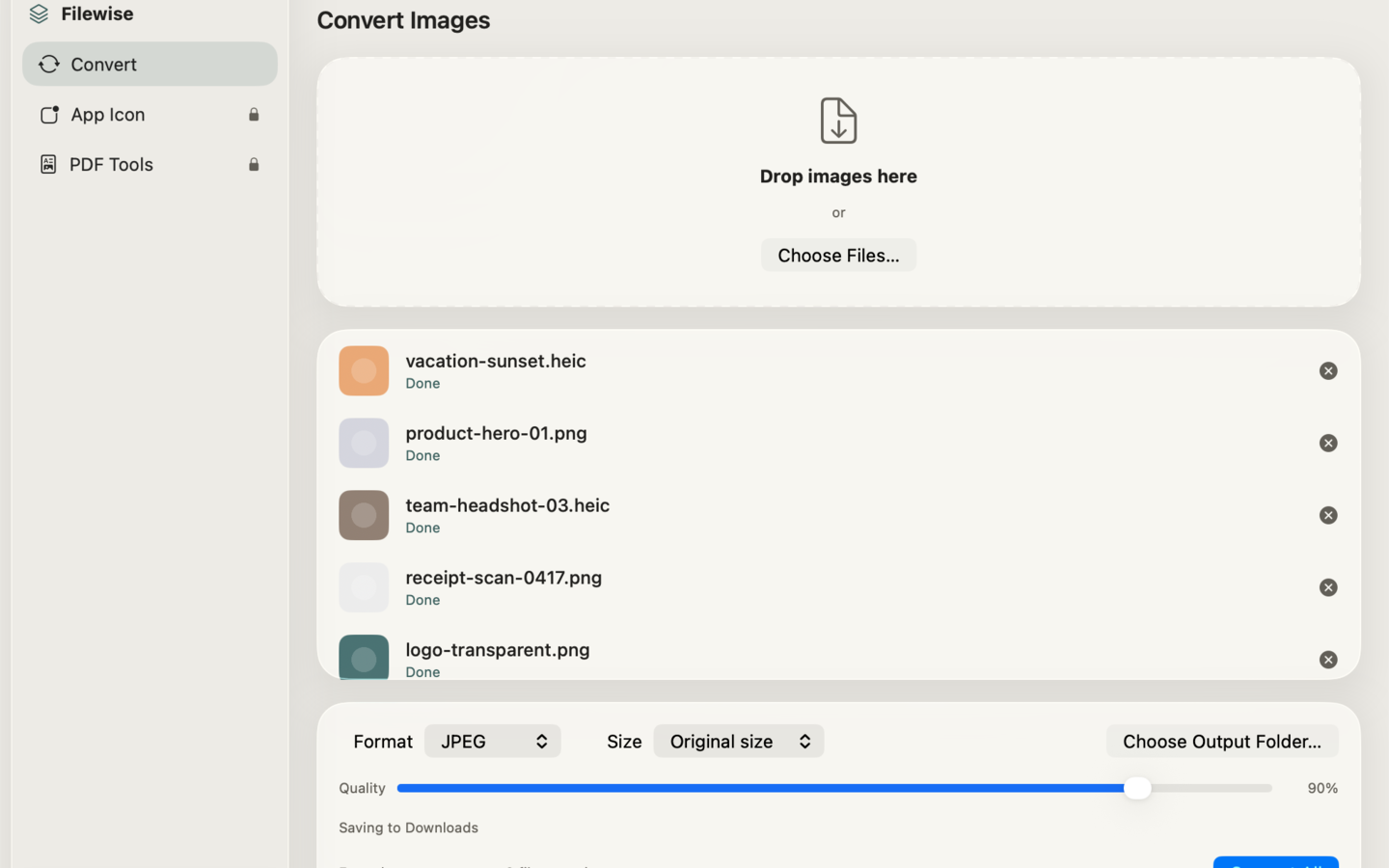
Filewise converts your photos and screenshots between PNG, JPEG, HEIC, TIFF, BMP, and GIF in seconds — entirely on your Mac, with no uploads, no accounts, and no watermark. Drop in a batch of files, pick a format, and Filewise handles the rest using Apple's native image engine, so nothing ever leaves your machine.
Built for people who convert images every day — designers prepping assets, developers exporting screenshots, and anyone tired of clunky web converters that upload files to a server first. Filewise works completely offline.
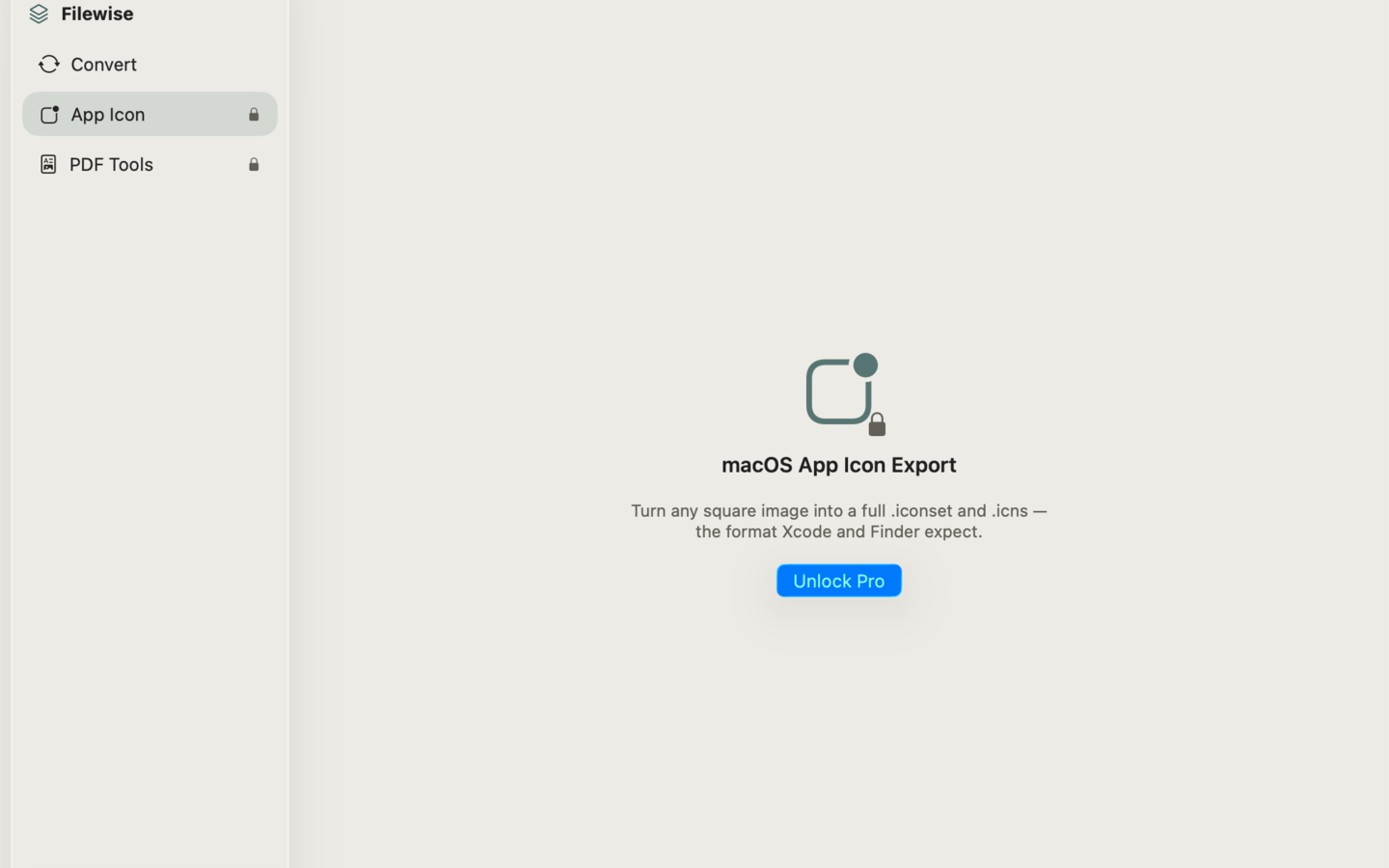
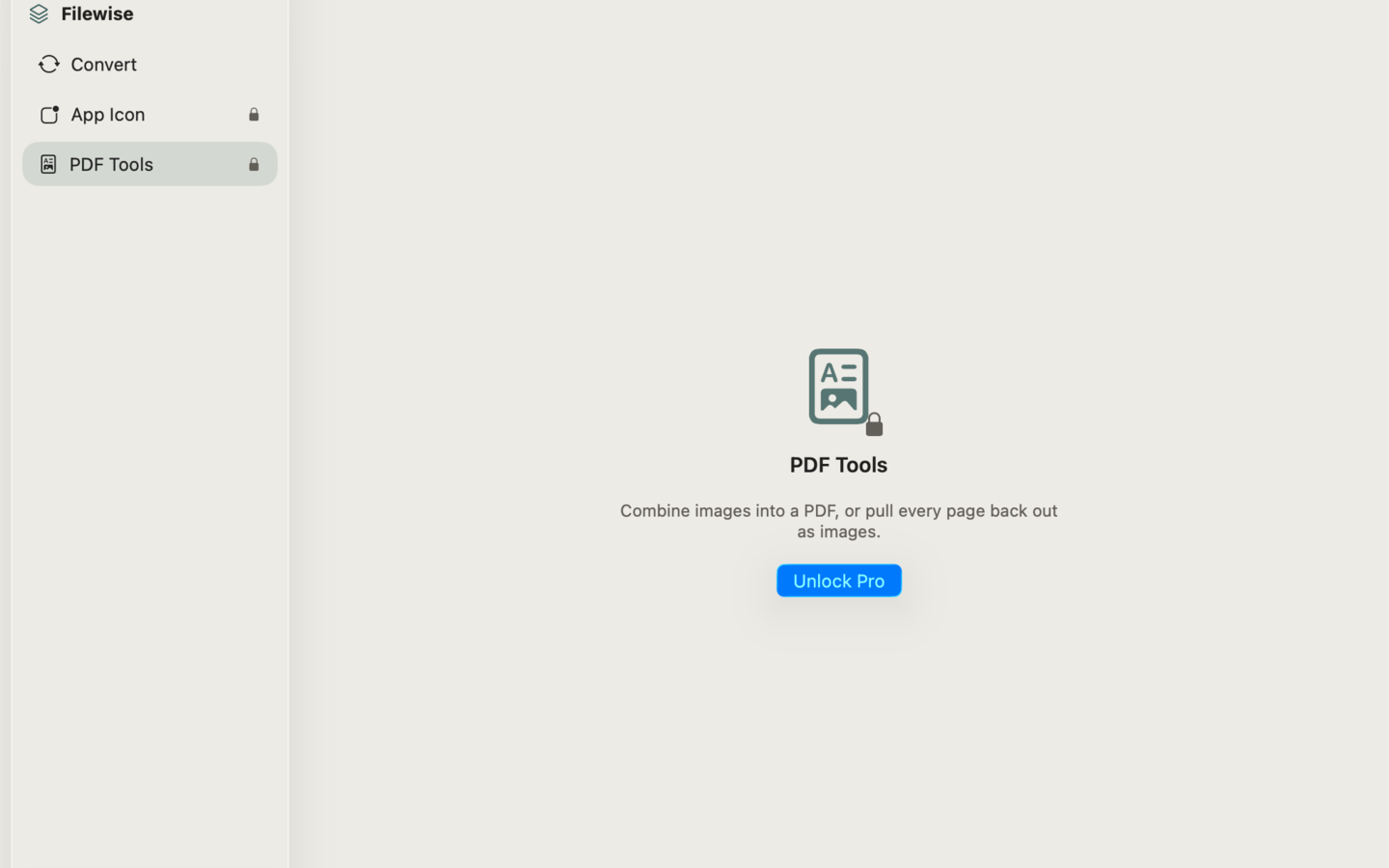
Beyond everyday image conversion, Filewise includes two tools most converters skip entirely: a macOS App Icon exporter that turns any square image into a full .iconset and .icns file ready for Xcode, and PDF tools that combine images into a PDF or pull every page back out as images.
WHAT MAKES FILEWISE DIFFERENT
- Batch convert instantly. Convert PNG, JPEG, HEIC, and TIFF in a batch — drag, drop, done.
- Resize and quality control. Resize images on export, with quality control for JPEG and HEIC.
- macOS App Icon export. Turn any square image into a full .iconset and .icns file ready for Xcode.
- PDF tools. Combine images into a PDF, or extract every page of a PDF back out as images.
- 100% offline. Uses Apple's native image engine — your files never leave your Mac.
PRICING
Filewise is free and 100% offline, with no uploads, no accounts, and no watermark. The free version batch-converts PNG, JPEG, HEIC, and TIFF with resize and quality control. Filewise Pro is a one-time purchase that unlocks unlimited batch sizes, adds BMP and GIF format support, and gives full access to the App Icon and PDF tools.
FEEDBACK
Made by a small indie team. Email obeliskclubclub@gmail.com with feedback, bug reports, or feature requests.
Terms of Use (EULA): https://obelisk.club/filewise/terms
Core Capabilities
Batch convert PNG, JPEG, HEIC, and TIFF instantly
Resize and adjust quality on export
Export macOS App Icons (.iconset and .icns)
Interface
High Fidelity UI
High Fidelity UI
High Fidelity UI
More from Obelisk

SnapPro
SnapPro is the professional screenshot and screen recording tool macOS deserves. Pixel-perfect capture, unlimited recording, on-device OCR —…

ViewOne
Your iPhone fired off 50 burst photos at the playground. Now they're sitting on your Mac, and you can't bring yourself to sort through them.…

PhotoBridge
PhotoBridge backs up your iPhone photos directly to storage you own — Synology, QNAP, Nextcloud, AWS S3, MinIO, Aliyun OSS, or an external d…
How Filewise compares
Honest, dimension-by-dimension comparisons — including where the other tool wins.