UnixlyUnix Timestamp Converter
About
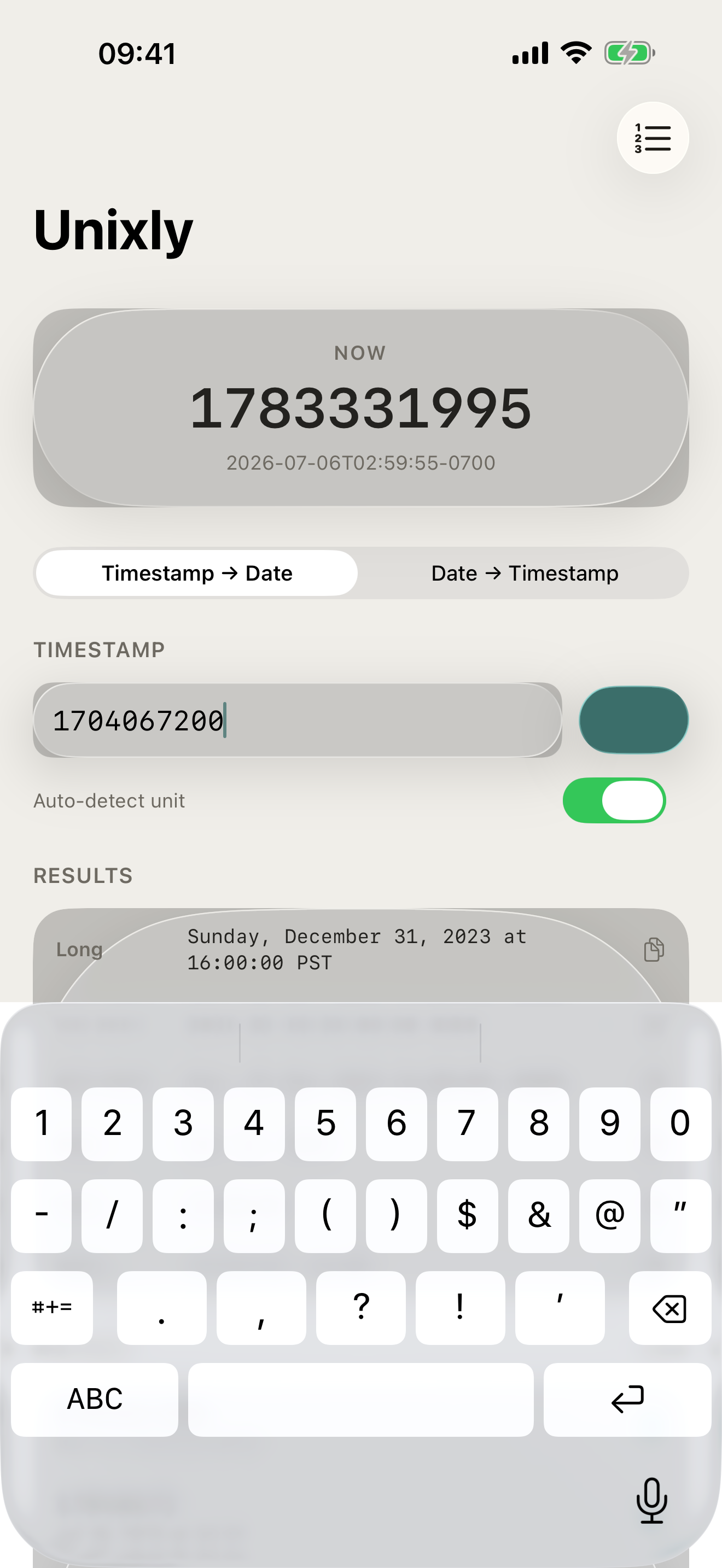
Unixly instantly converts Unix timestamps to human-readable dates — and back again. No account, no network, no friction. Paste a timestamp, see the date in ISO 8601, RFC 2822, and more formats in a single tap.
Built for developers, DevOps engineers, and anyone who works with epoch time daily. Unixly runs entirely on your device — your timestamps never leave your iPhone.
WHAT MAKES UNIXLY DIFFERENT
- Auto-detects seconds vs. milliseconds — no manual switching
- Live clock showing your current Unix timestamp, updated every second
- Five output formats at once: Long, ISO 8601, RFC 2822, Date, Time
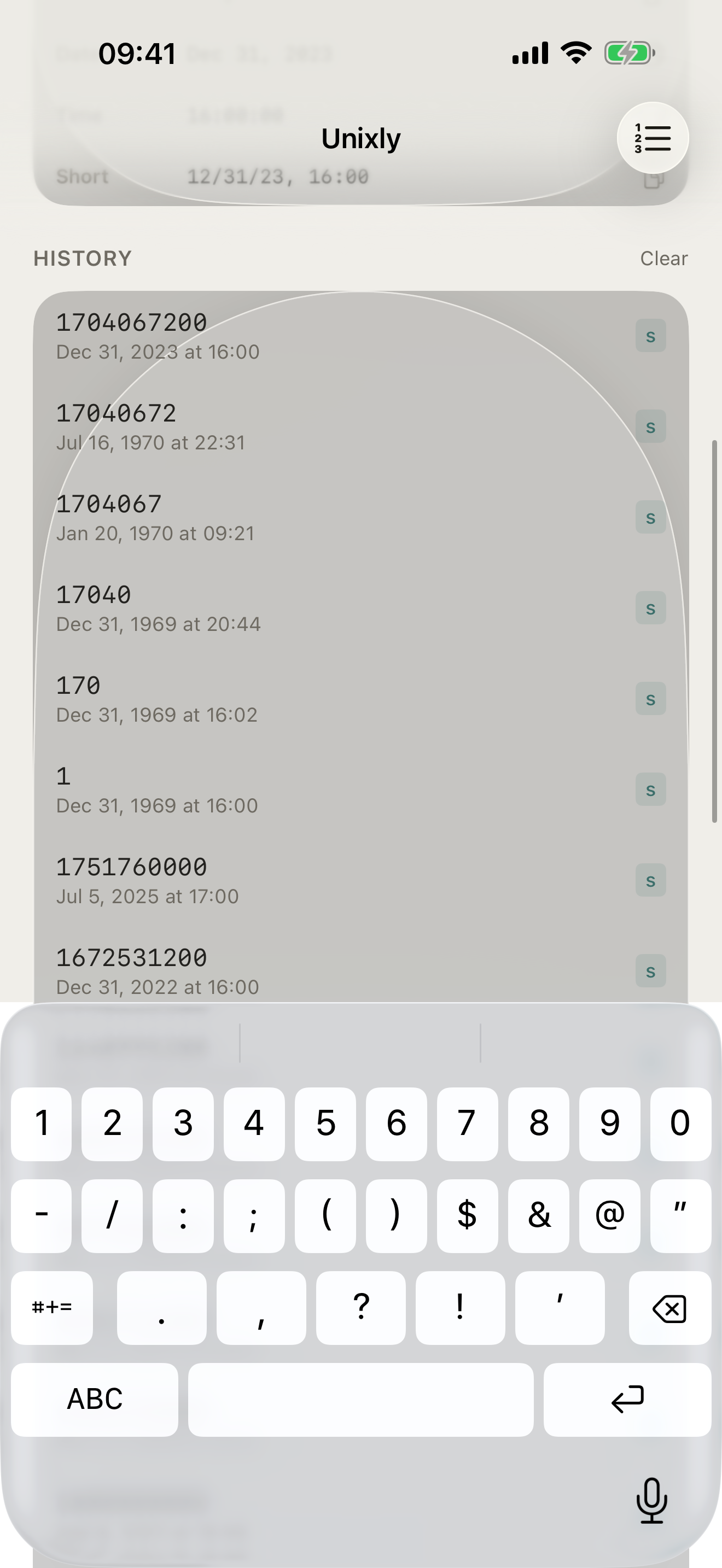
- Full conversion history — tap any past entry to reload it instantly
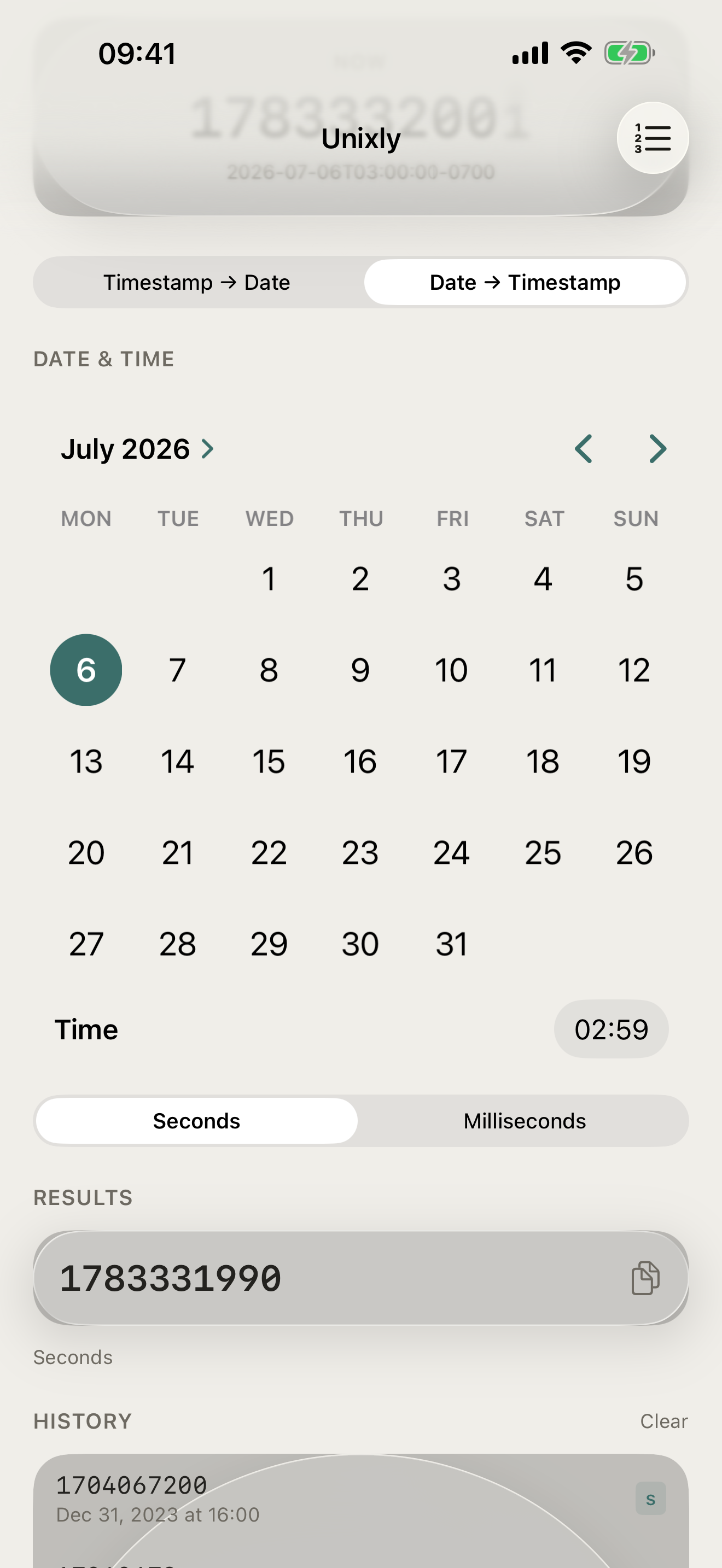
- Clipboard-aware: paste a timestamp or a date string and Unixly figures out the direction
PRICING
Unixly is free, with timestamp conversion, the live clock, and conversion history included. Unixly Pro is a one-time purchase that adds batch mode, CSV/JSON export, unlimited history, and all timezone presets.
FEEDBACK
Made by a small indie team. Email obeliskclubclub@gmail.com with feedback, bug reports, or feature requests.
Works fully offline. No account, no subscription, no ads.
Terms of Use (EULA): https://www.apple.com/legal/internet-services/itunes/dev/stdeula/
Core Capabilities
Auto-detects seconds vs milliseconds
Live Unix clock, updated every second
5 output formats: ISO 8601, RFC 2822, and more
Interface
High Fidelity UI
High Fidelity UI
High Fidelity UI
More from Obelisk

SnapPro
SnapPro is the professional screenshot and screen recording tool macOS deserves. Pixel-perfect capture, unlimited recording, on-device OCR —…

ViewOne
Your iPhone fired off 50 burst photos at the playground. Now they're sitting on your Mac, and you can't bring yourself to sort through them.…

PhotoBridge
PhotoBridge backs up your iPhone photos directly to storage you own — Synology, QNAP, Nextcloud, AWS S3, MinIO, Aliyun OSS, or an external d…