Back to Scannic

Press Kit

Scannic

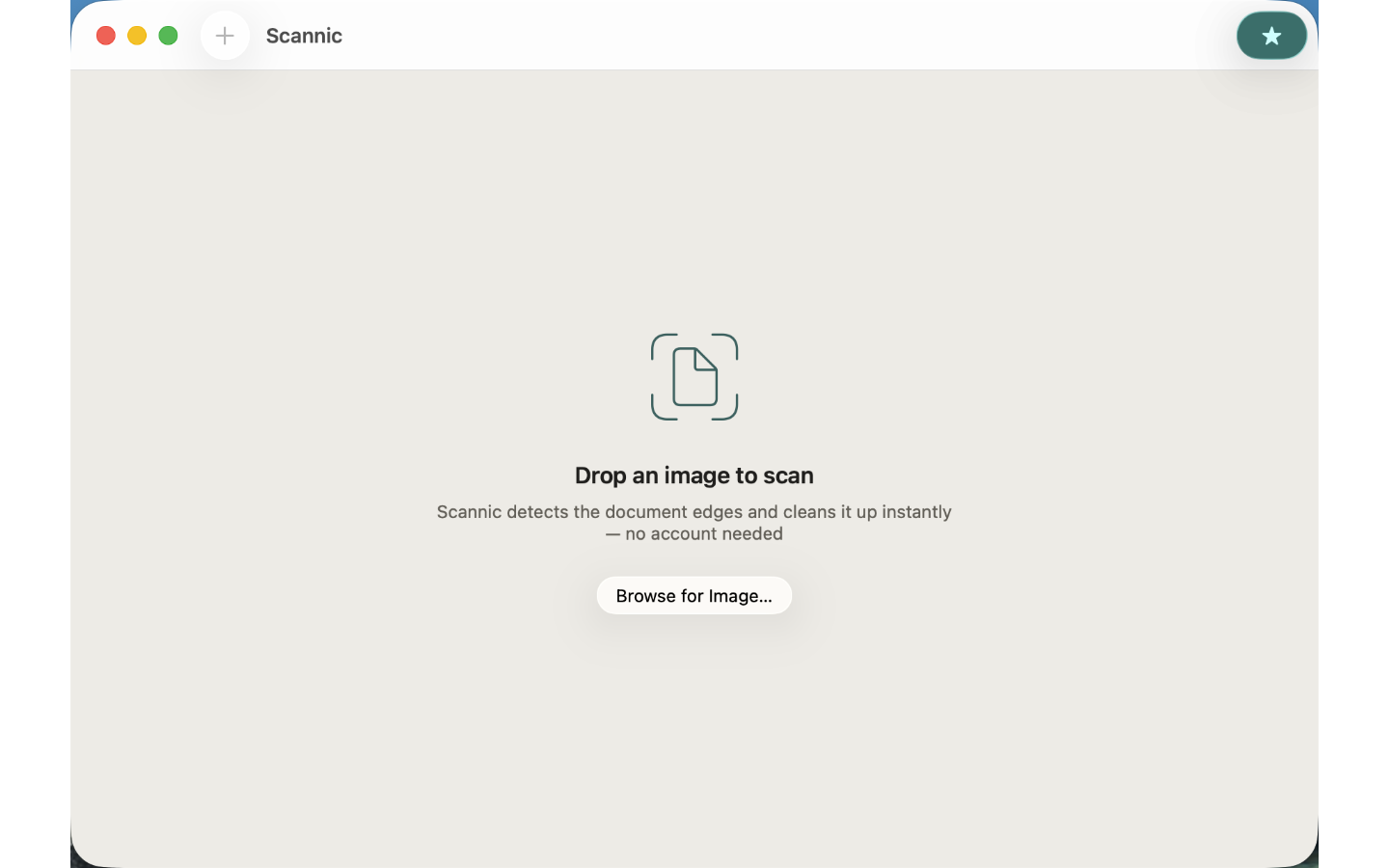
Scannic turns any photo of a document into a clean, straight, well-lit scan — in seconds, completely offline. — WHAT MAKES SCANNIC DIFFERENT — Drop a photo of a receipt, contract, whiteboard, or book page onto Scannic. Apple Vision automatically finds the document edges, correct…

App icon
Screenshots

Right-click any image to save the original. All images are licensed for editorial use covering Scannic.
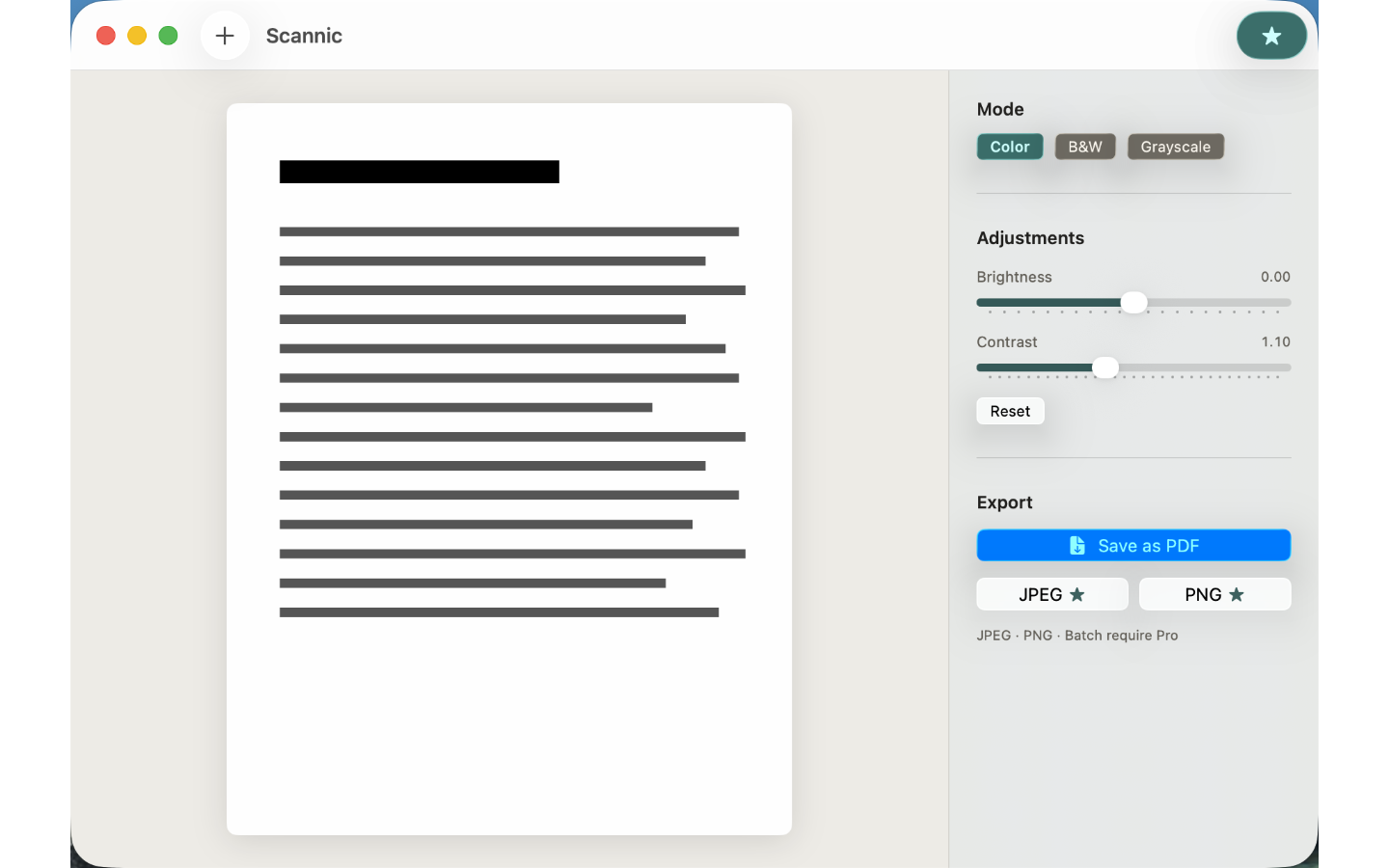
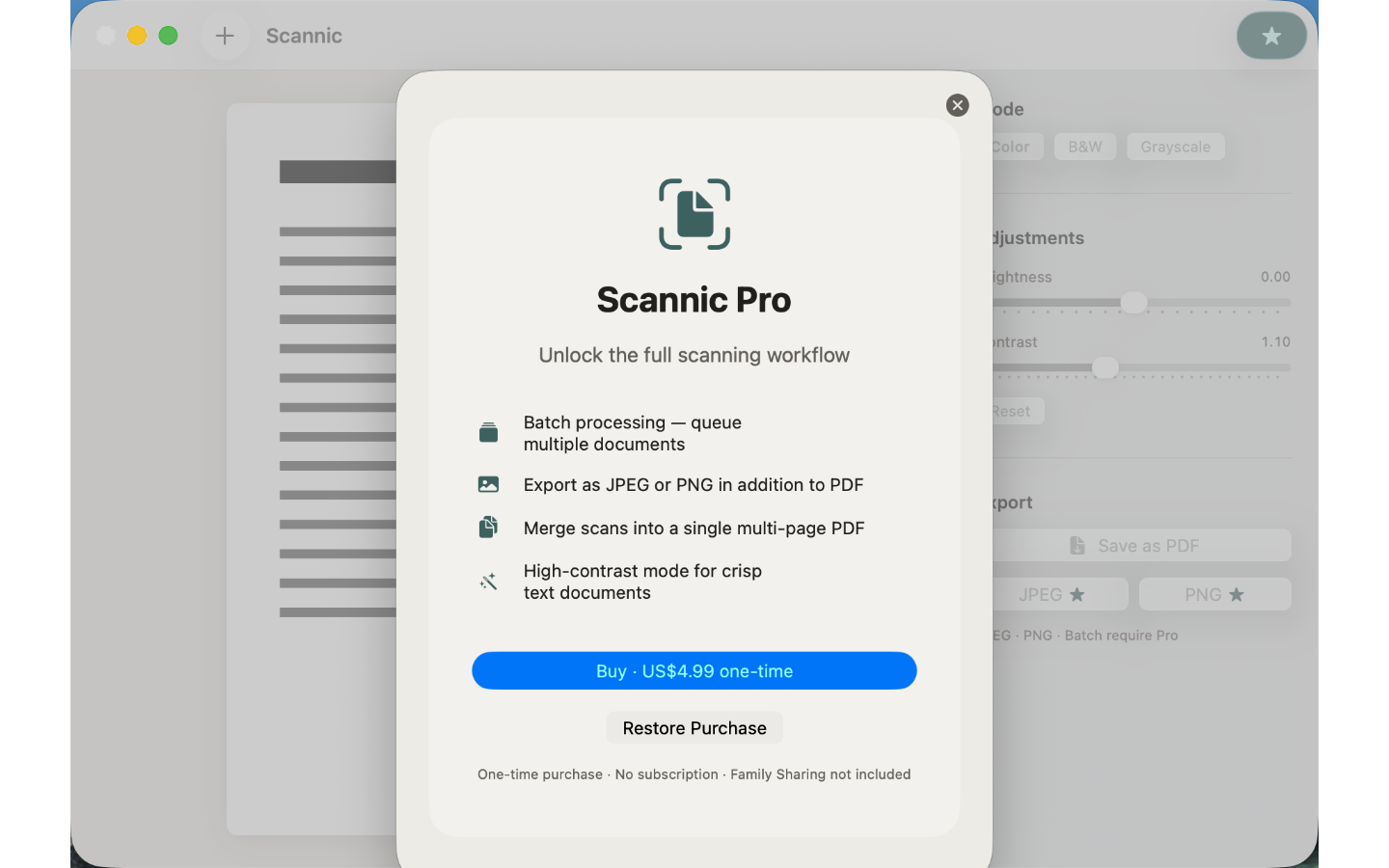
Scannic screenshot 1Scannic screenshot 2Scannic screenshot 3

Boilerplate description

Use any portion freely. For coverage assistance, email below.

Scannic turns any photo of a document into a clean, straight, well-lit scan — in seconds, completely offline. — WHAT MAKES SCANNIC DIFFERENT — Drop a photo of a receipt, contract, whiteboard, or book page onto Scannic. Apple Vision automatically finds the document edges, corrects the perspective, and enhances the image. Export a crisp PDF with one click. No account. No cloud. No waiting. FEATURES INCLUDED • Auto edge detection — Vision framework finds the document rectangle in any photo • Perspective correction — straightens tilted or angled shots instantly • Color, B&W, and Grayscale modes — pick the look that suits the content • Brightness and contrast controls — fine-tune before export • Export to PDF — single-page, full resolution, saved where you choose — PRICING — Everything above is free. Scannic Pro — one-time unlock, no subscription: • Batch processing — queue and process multiple documents at once • JPEG and PNG export — choose the format that fits your workflow • Multi-page PDF — merge several scans into one document • High-contrast mode — optimised for dense text documents All processing happens on your Mac. Scannic never sends your documents anywhere. — A DOCUMENT SCANNER FOR MAC, NO HARDWARE NEEDED — Scannic is the document scanner Mac users reach for when a flatbed is overkill: drop in a photo and scan to PDF in seconds. Use it as a PDF scanner for contracts, a receipt scanner at expense time, a whiteboard scan cleaner after meetings, or a quiet office scanner replacement. — FEEDBACK — Made by Peter Zhang. Every email to obeliskclubclub@gmail.com is read personally. Learn more: https://obelisk.club/documentscannermac Privacy Policy: https://obelisk.club/documentscannermac/privacy · Terms of Use: https://obelisk.club/documentscannermac/terms

Key features

  • Auto edge detection via Apple Vision

  • Instant perspective correction

  • Color, B&W, and Grayscale modes

  • Export to PDF — no account needed

  • Pro: batch processing and JPEG/PNG export

  • 100% offline — documents never leave your Mac

Download links

Founder quote

“Scannic is built around one principle: your data stays on your device. We don't want it, we don't store it, and we don't need it to make the app work. Everything that can run locally, does.”
— Peter Zhang, solo developer, Obelisk Club

About Obelisk Club

Obelisk Club is a portfolio of focused, local-first Mac and iOS productivity apps built by a solo developer. The portfolio includes 13 apps spanning note-taking, screenshots, photo workflow, beverage tracking, file compression, and more — all sharing a single principle: software that works without an account, without a cloud, and without a subscription.

Press contact

obeliskclubclub@gmail.com

https://obelisk.club

Happy to share a complimentary Pro promo code, schedule a Q&A, or provide additional materials. Typical response within 24 hours.

Quick facts

App name
Scannic
Maker
Peter Zhang · Obelisk Club
Theme color
#F0EEE9