ChrovisPick, explore, copy — offline
About
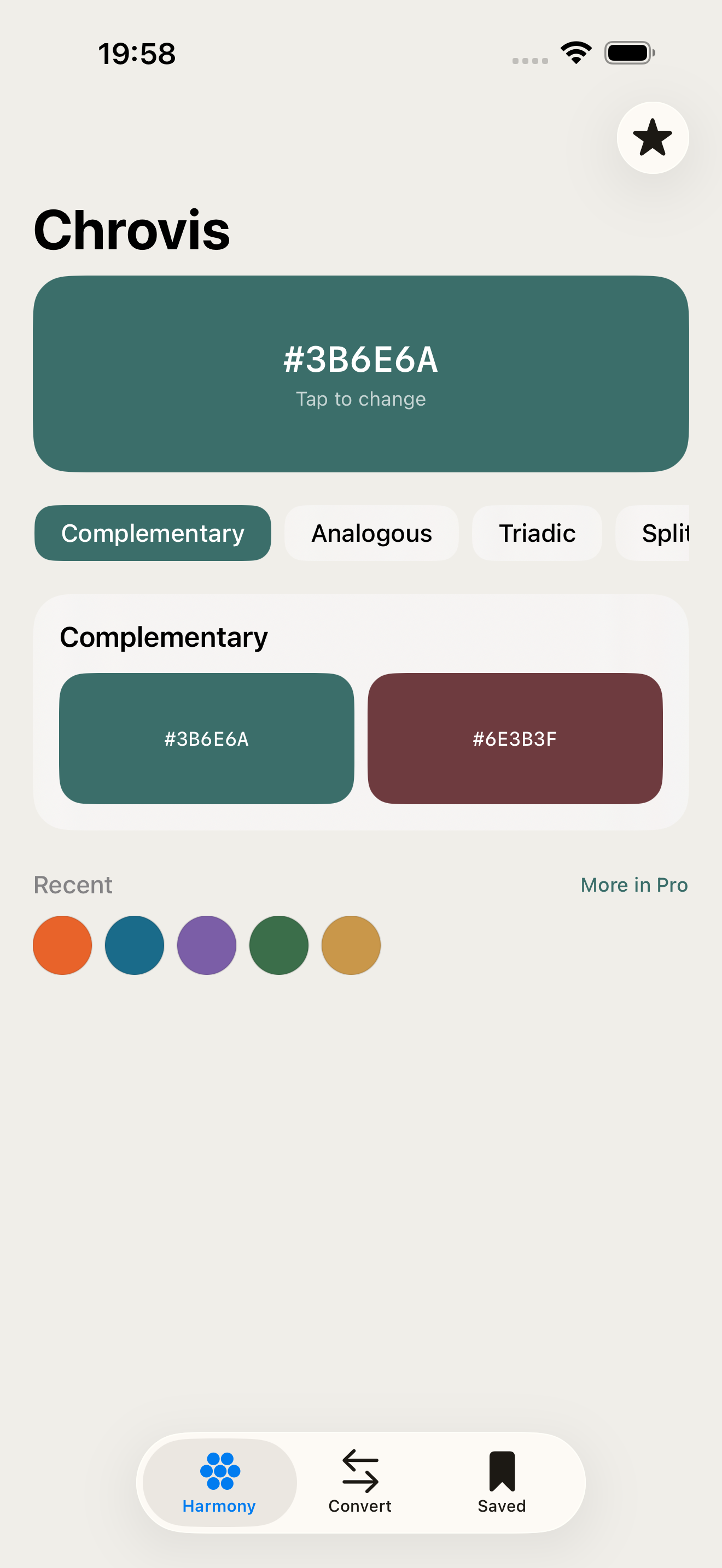
Chrovis is the fastest way to explore color theory on iPhone. Pick any color, instantly see every classic harmony scheme — complementary, analogous, triadic, split-complementary, tetradic — as clean, copyable swatches. No account. No network. No friction.
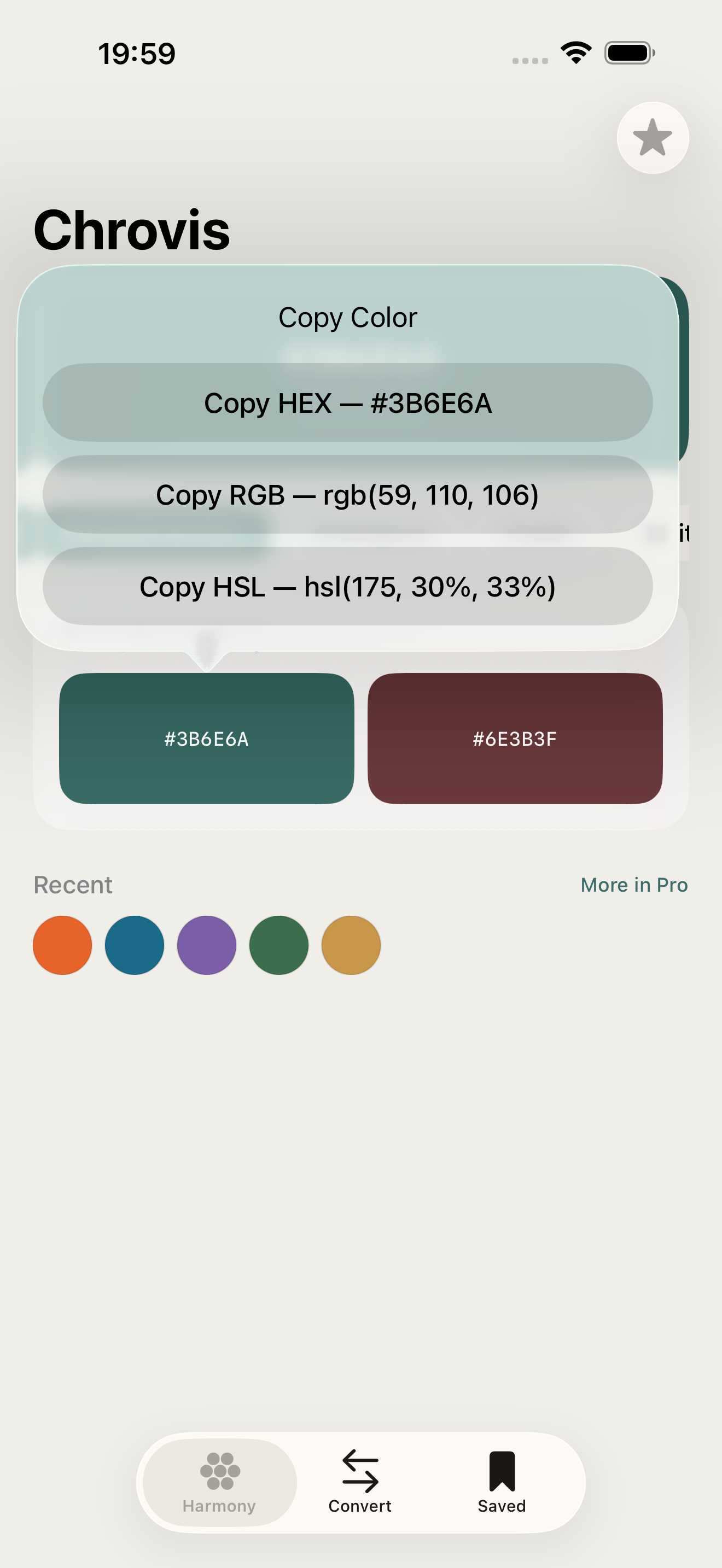
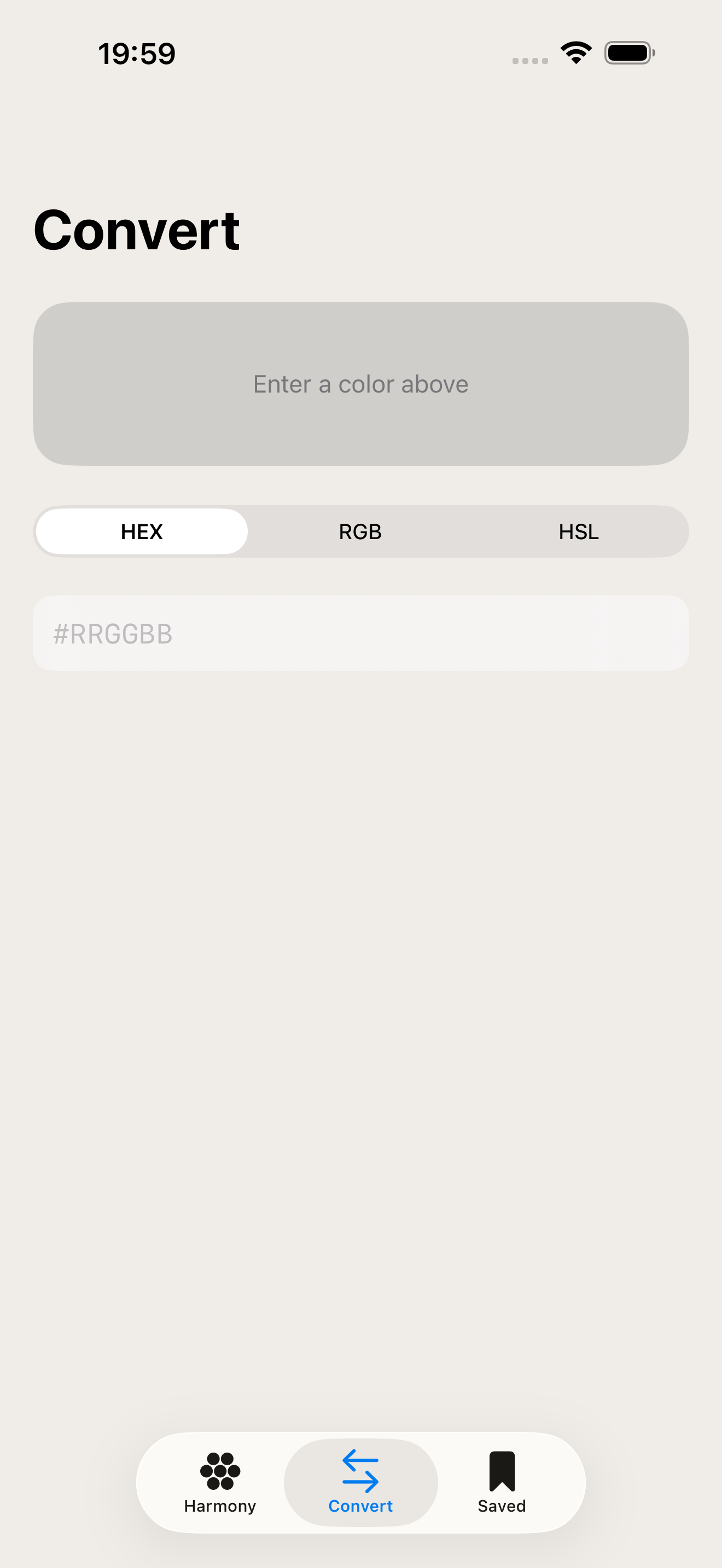
Pick a color by typing a HEX value, dragging HSL sliders, or opening the system color wheel. Tap any swatch to copy HEX, RGB, or HSL in one tap. The Format Converter lets you type any format and see all three live.
Designed for designers, developers, and artists who need a quick, reliable color reference that works everywhere — even offline.
WHAT MAKES CHROVIS DIFFERENT
- Harmony Explorer — See complementary, analogous, triadic, split-complementary, and tetradic schemes instantly for any color.
- Format Converter — Type HEX, RGB, or HSL and watch all three update live.
- Recent Colors strip — Quickly recall colors you've picked before.
- Fully offline — No account or network needed, ever.
PRICING
Chrovis is free to use. A separate Pro upgrade unlocks saving and naming palettes, exporting as an image or CSS/Swift code, a WCAG contrast checker with AA/AAA pass/fail, and unlimited color history.
FEEDBACK
Made by a small indie team. Email obeliskclubclub@gmail.com with feedback, bug reports, or feature requests.
Core Capabilities
Instant color harmony for 5 classic schemes
HEX / RGB / HSL converter — live as you type
Tap any swatch to copy in any format
WCAG contrast checker with AA/AAA grades (Pro)
Save and export palettes (Pro)
100% offline — no account, no network
Interface
High Fidelity UI
High Fidelity UI
High Fidelity UI
More from Obelisk

SnapPro
SnapPro is the professional screenshot and screen recording tool macOS deserves. Pixel-perfect capture, unlimited recording, on-device OCR —…

ViewOne
Your iPhone fired off 50 burst photos at the playground. Now they're sitting on your Mac, and you can't bring yourself to sort through them.…

PhotoBridge
PhotoBridge backs up your iPhone photos directly to storage you own — Synology, QNAP, Nextcloud, AWS S3, MinIO, Aliyun OSS, or an external d…
How Chrovis compares
Honest, dimension-by-dimension comparisons — including where the other tool wins.