
TintKitColor Capture & Palettes
About
TintKit is the fastest way to capture any color and get its exact code — no account, no internet, no clutter.
Point at a surface, import a photo, or dial in a shade on the color wheel. The HEX, RGB, and HSL codes appear instantly. Tap to copy. Add colors to named palettes so your references are always at hand.
Designers, decorators, artists, and developers use TintKit to bridge the gap between the physical world and their tools.
WHAT MAKES TINTKIT DIFFERENT
- Color wheel & sliders
Pick any shade manually and copy its code.
- Photo sampler
Import any image, tap any pixel, get the code.
- Live camera sampler (Pro)
Point at any surface and sample color in real time.
- Named palettes
Organize colors by project or mood, with unlimited palettes and colors (Pro).
- One-tap copy
HEX, RGB, or HSL copied to clipboard instantly.
- Fully offline
No network required, no account, no tracking, no ads.
PRICING
TintKit is free to use for color capture and copying codes, with no account required. TintKit Pro is a one-time purchase — no subscription — that unlocks the live camera sampler, unlimited palettes and colors, and palette export as a PNG swatch sheet or plain-text codes.
FEEDBACK
Made by a small indie team. Email obeliskclubclub@gmail.com with feedback, bug reports, or feature requests.
Terms of Use (EULA): https://obelisk.club/colorswatch/terms
Core Capabilities
Instant HEX, RGB & HSL from any color source
Photo sampler — tap any pixel for its exact code
Live camera sampler in real time (Pro)
Interface
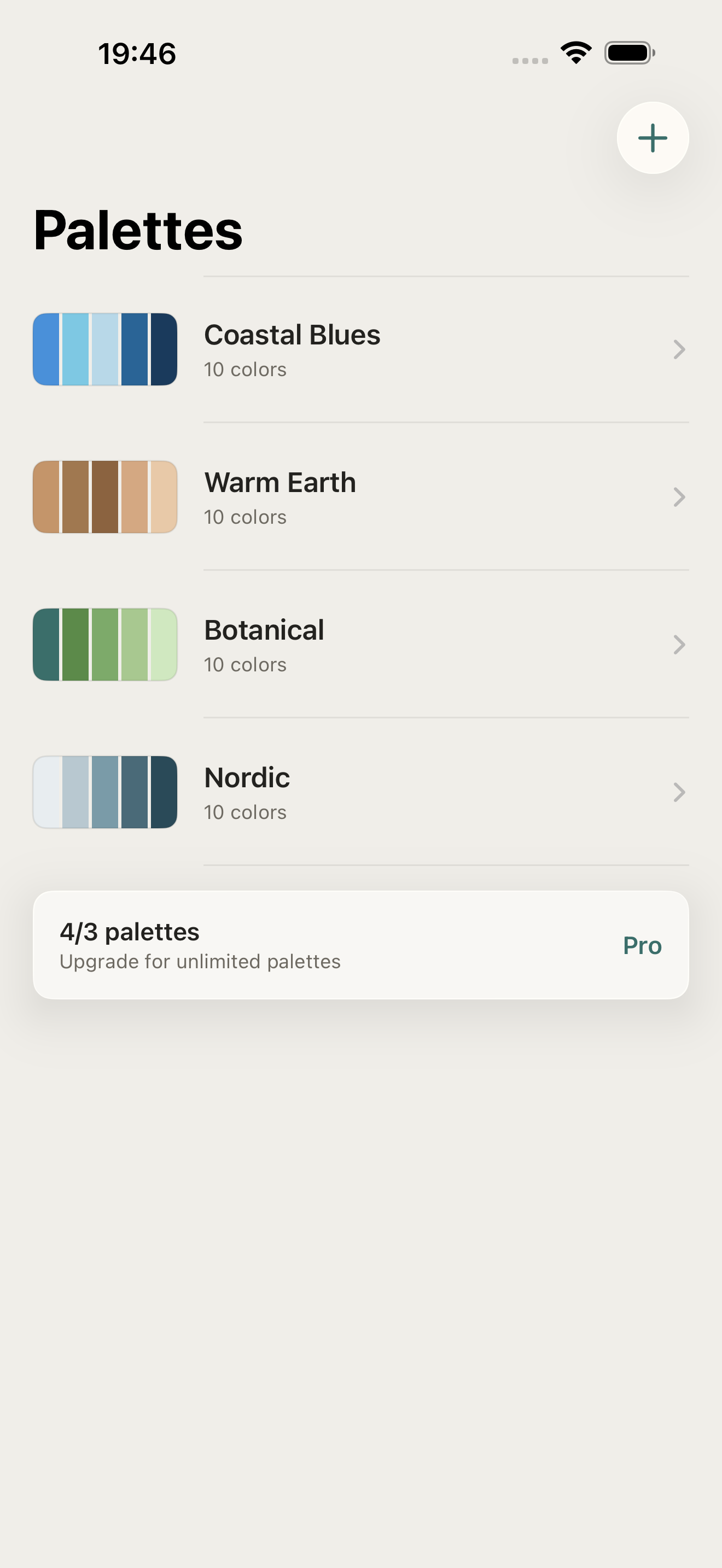
High Fidelity UI
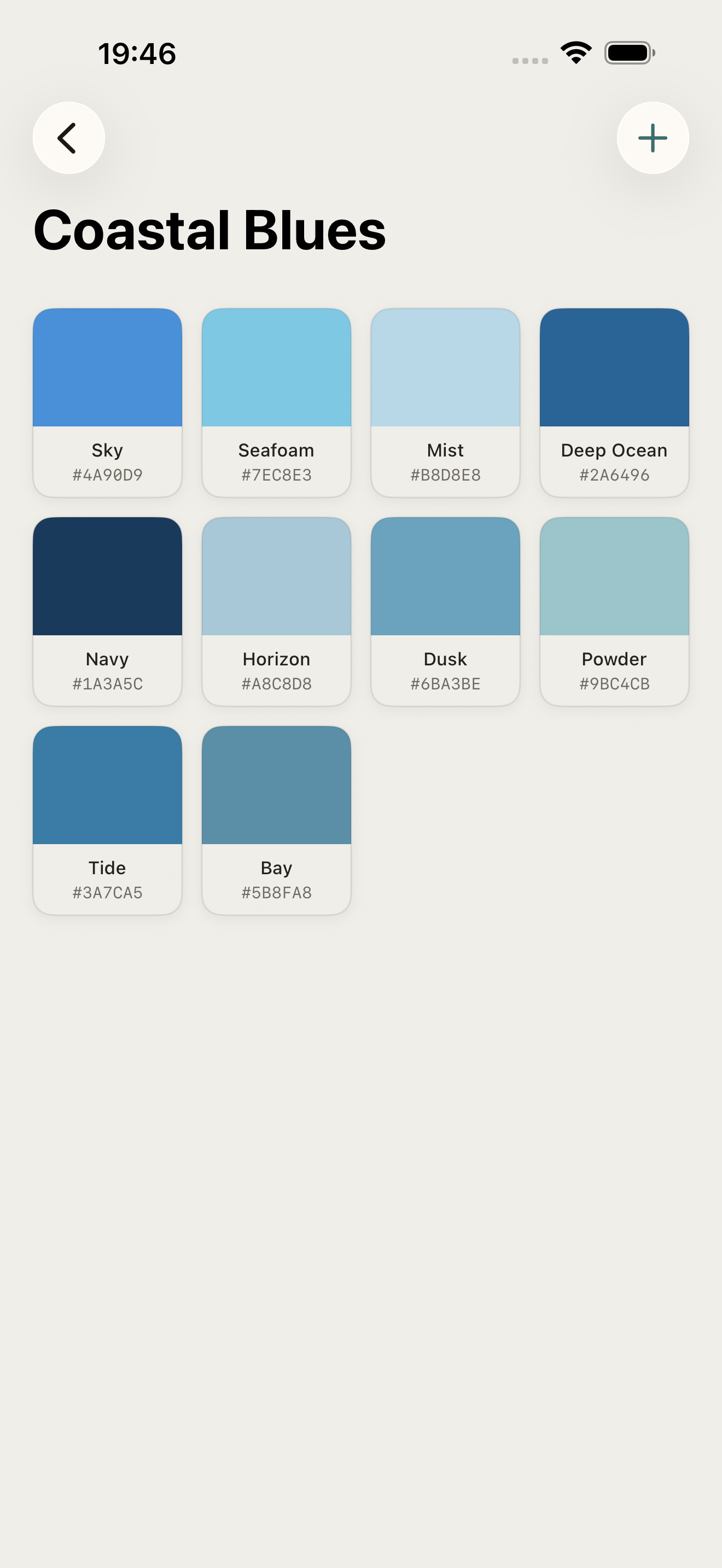
High Fidelity UI
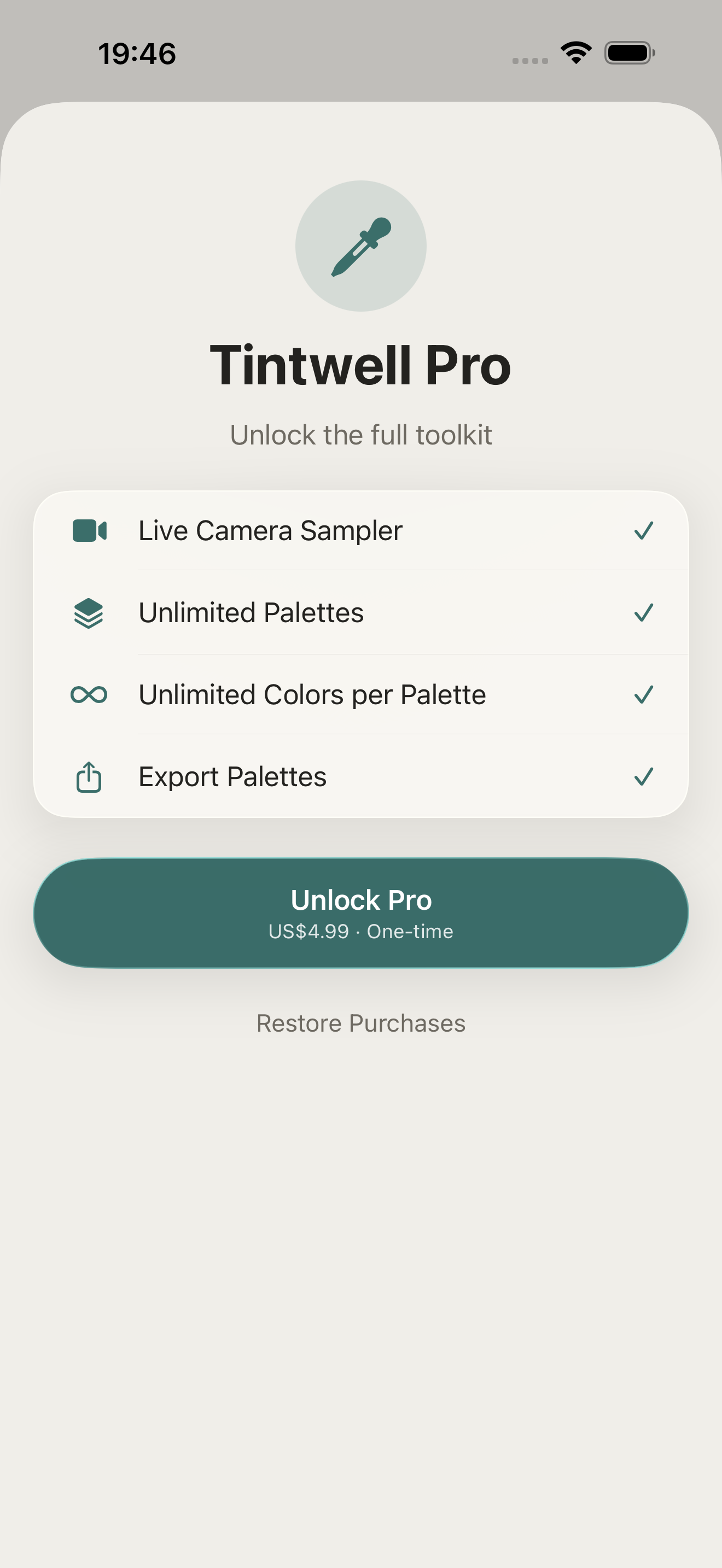
High Fidelity UI
More from Obelisk

SnapPro
SnapPro is the professional screenshot and screen recording tool macOS deserves. Pixel-perfect capture, unlimited recording, on-device OCR —…

ViewOne
Your iPhone fired off 50 burst photos at the playground. Now they're sitting on your Mac, and you can't bring yourself to sort through them.…

PhotoBridge
PhotoBridge backs up your iPhone photos directly to storage you own — Synology, QNAP, Nextcloud, AWS S3, MinIO, Aliyun OSS, or an external d…
How TintKit compares
Honest, dimension-by-dimension comparisons — including where the other tool wins.