
About
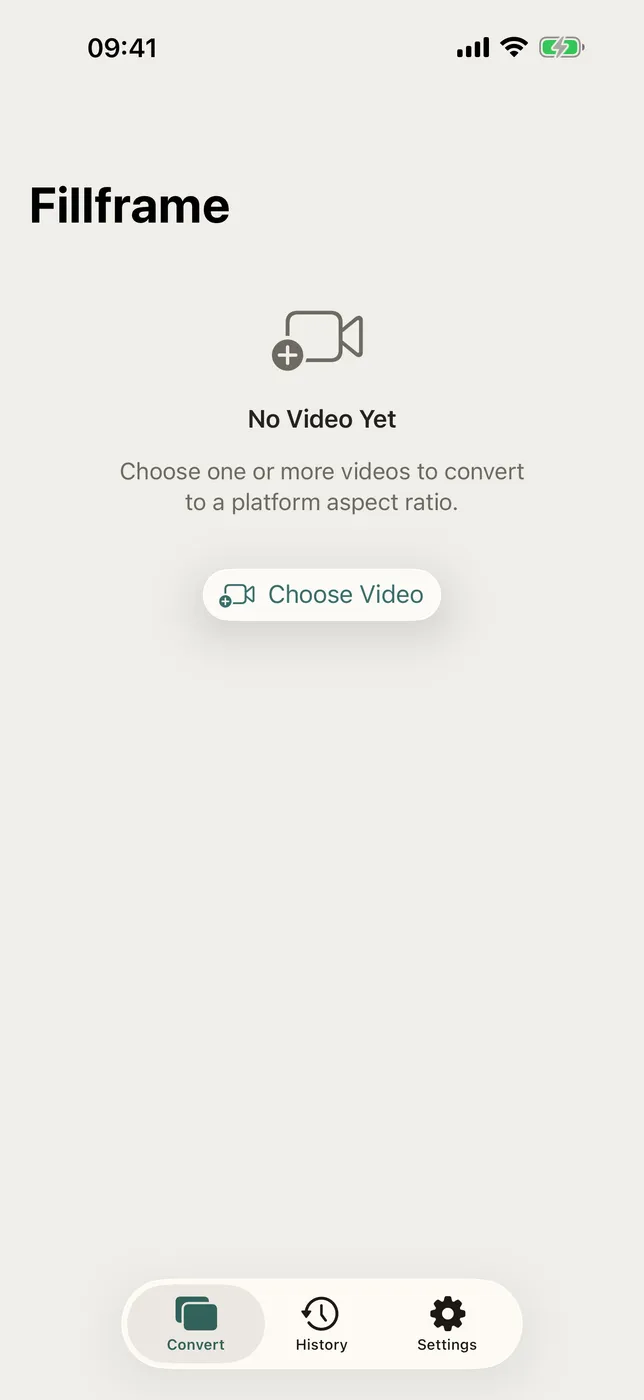
Fillframe reshapes a video by adding, not by cutting. The whole frame stays in the picture and the space left over at the sides or above and below is filled in, so nothing walks out of shot on the way to a vertical feed.
WHAT MAKES FILLFRAME DIFFERENT
- Four ways to fill the gap
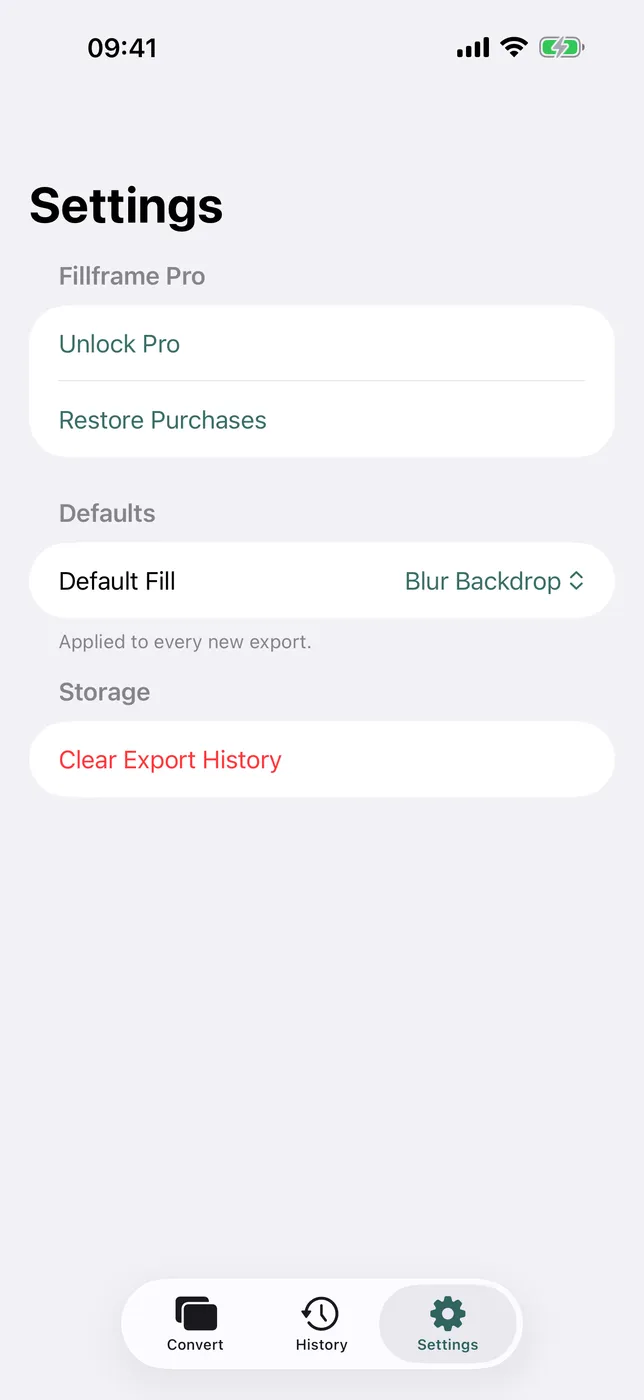
A blurred, darkened copy of the video itself; the single average colour of the frame; the outermost pixels stretched outward; or a gradient between the colours at the top and the bottom of the shot. - Nothing is cropped, ever
The source keeps all of its framing. A subject standing at the edge of a wide shot is still there in the vertical version. - Three shapes
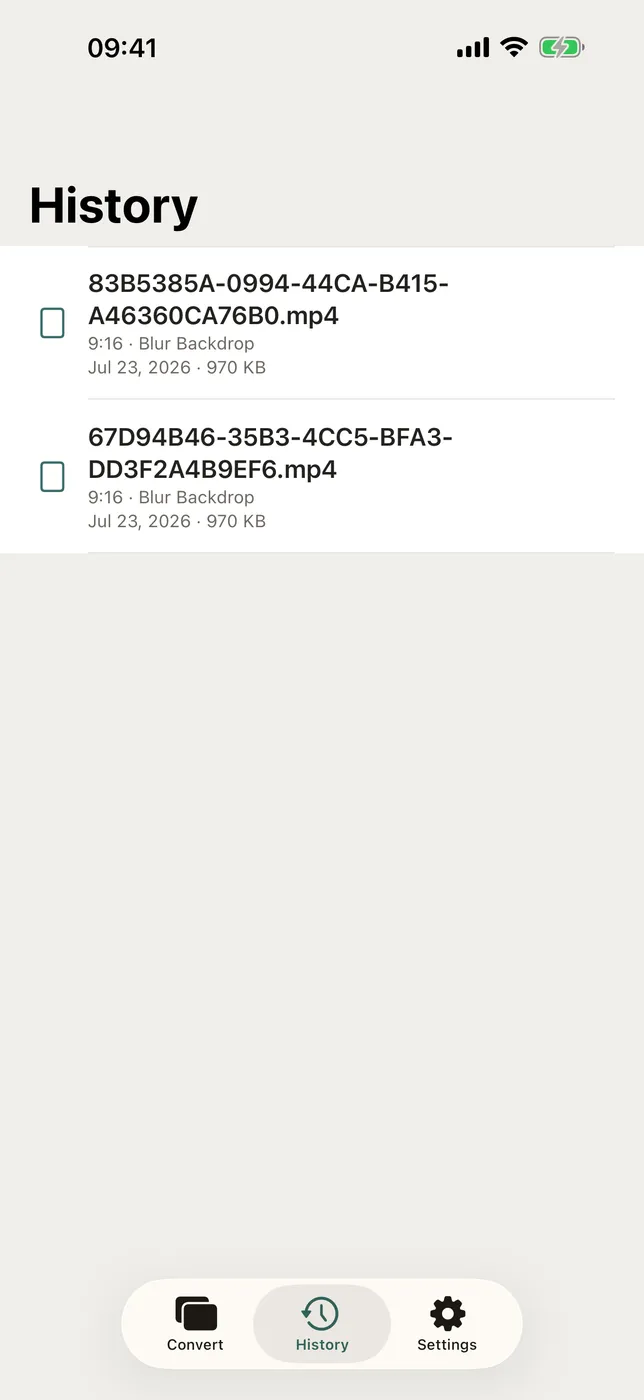
9:16 at 1080 by 1920, 1:1 at 1080 square, and 16:9 at 1920 by 1080. - Safe zones drawn in
Each shape marks where a platform's own interface sits over the top and the bottom, so a caption does not end up underneath a button. - Several clips in one run
Pro applies one setup to up to ten videos at a time.
PRICING
Included: the blurred, average-colour and stretched-edge fills, all three shapes, and one video at a time. Fillframe Pro is a one-time in-app purchase, never a subscription. It adds the gradient fill and batches of up to ten clips.
FEEDBACK
Made by a small indie team. Email obeliskclubclub@gmail.com with feedback, bug reports, or feature requests.
Need a quick one-off? Try the free aspect ratio calculator in your browser.
Core Capabilities
Fills the gap with a blurred, darkened copy of the video
Or the frame's average colour, or stretched edge pixels
Pro: a gradient between the top and bottom colours
Nothing cropped — the whole source frame is kept
9:16, 1:1 and 16:9, with platform safe zones marked
Pro: one setup applied to up to ten clips at once
Interface
High Fidelity UI
High Fidelity UI
High Fidelity UI
More from Obelisk

SnapPro
Pixel-perfect capture, unlimited recording, on-device OCR — included at no additional purchase.

ViewOne
Your iPhone fired off 50 burst photos at the playground. Now they're sitting on your Mac, and you can't bring yourself to sort through them. ViewOne fixes that.

PhotoBridge
No third-party cloud. No subscription to a stranger's photo silo.
How Fillframe compares
Honest, dimension-by-dimension comparisons — including where the other tool wins.