Back to QuickPix

Press Kit

QuickPix

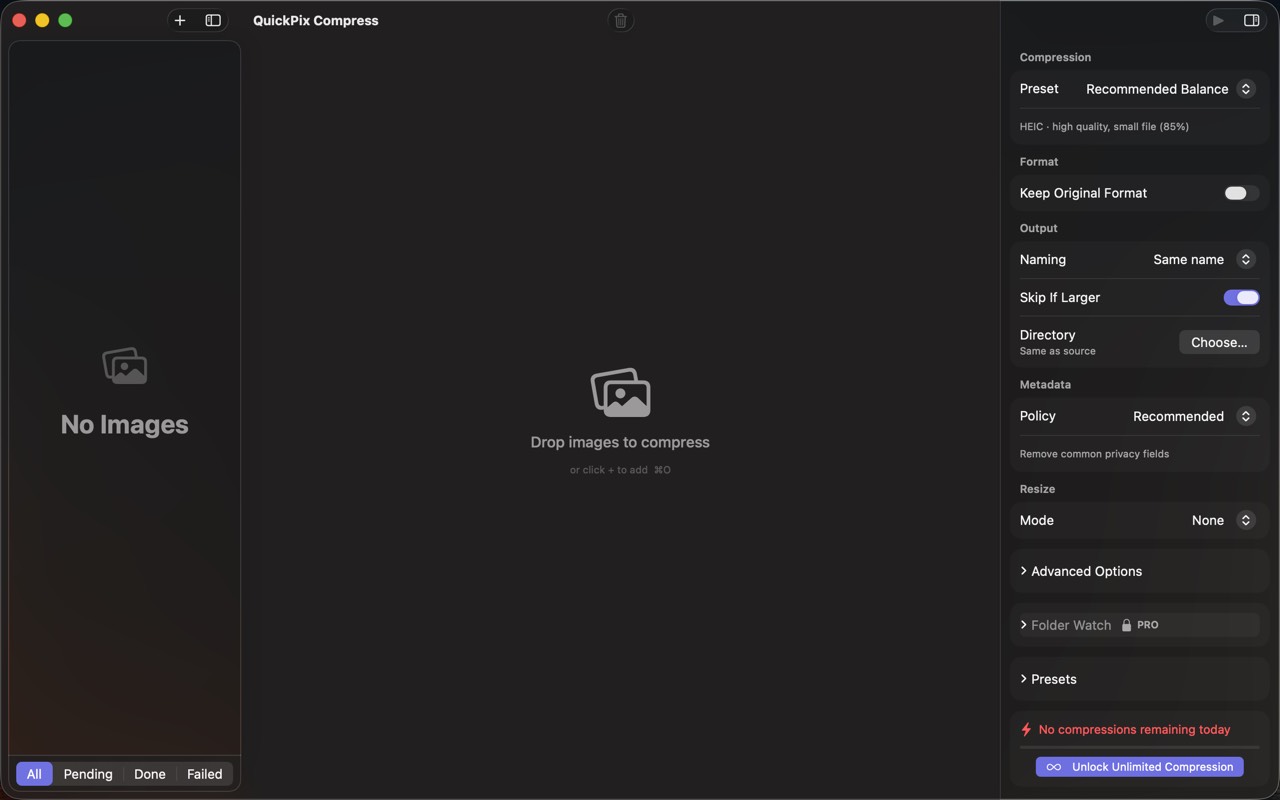
QuickPix is a fast, native macOS image compressor that runs entirely on your Mac. No upload, no account, no telemetry. Just drag and drop. Built on macOS's native sips engine — the same image-processing system Apple uses internally — so output quality matches what Preview's Expo…

App icon

Screenshots

Right-click any image to save the original. All images are licensed for editorial use covering QuickPix.
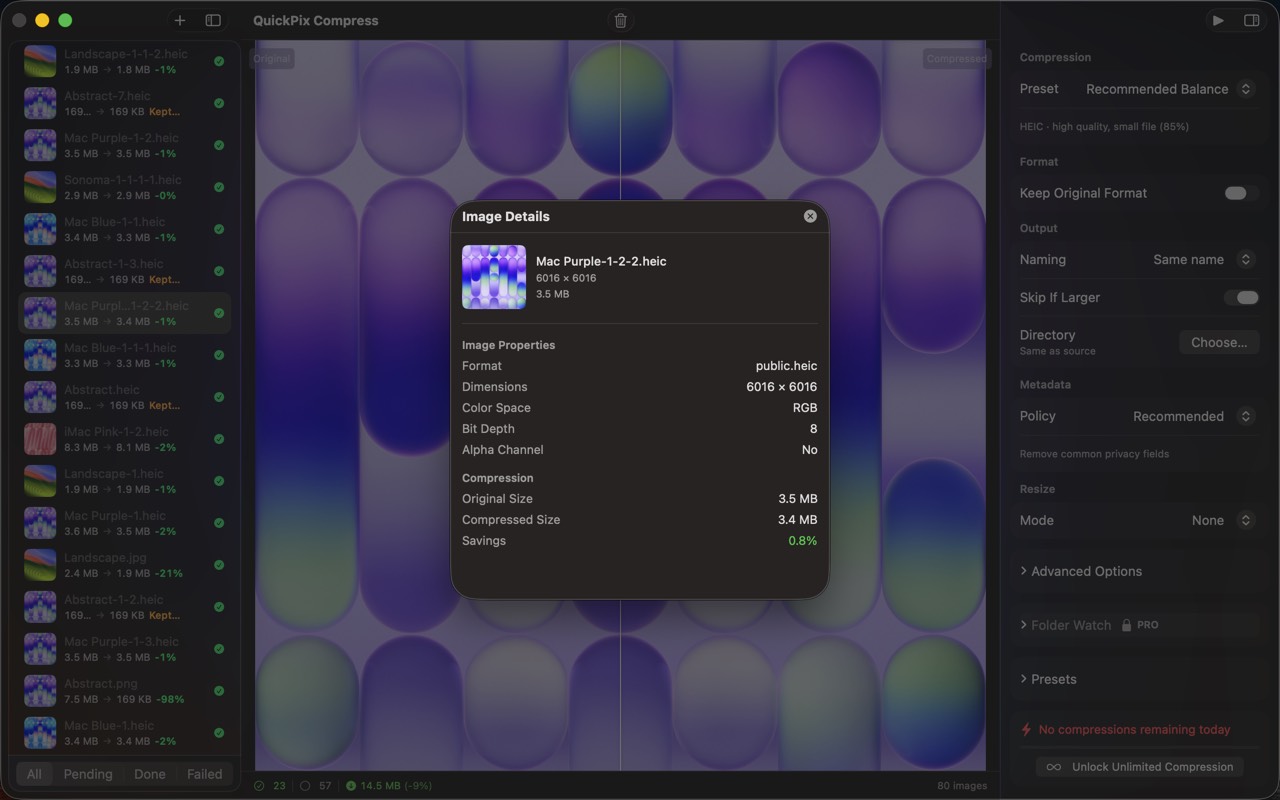
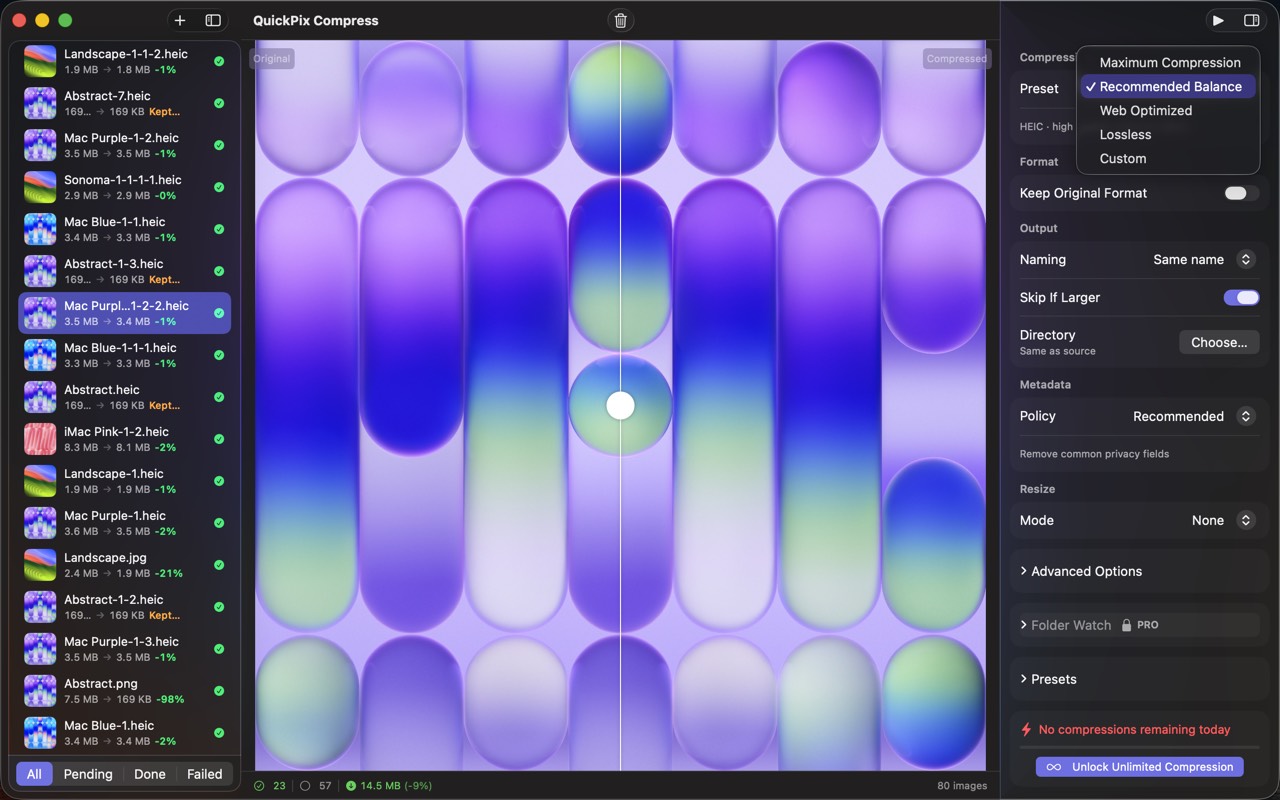
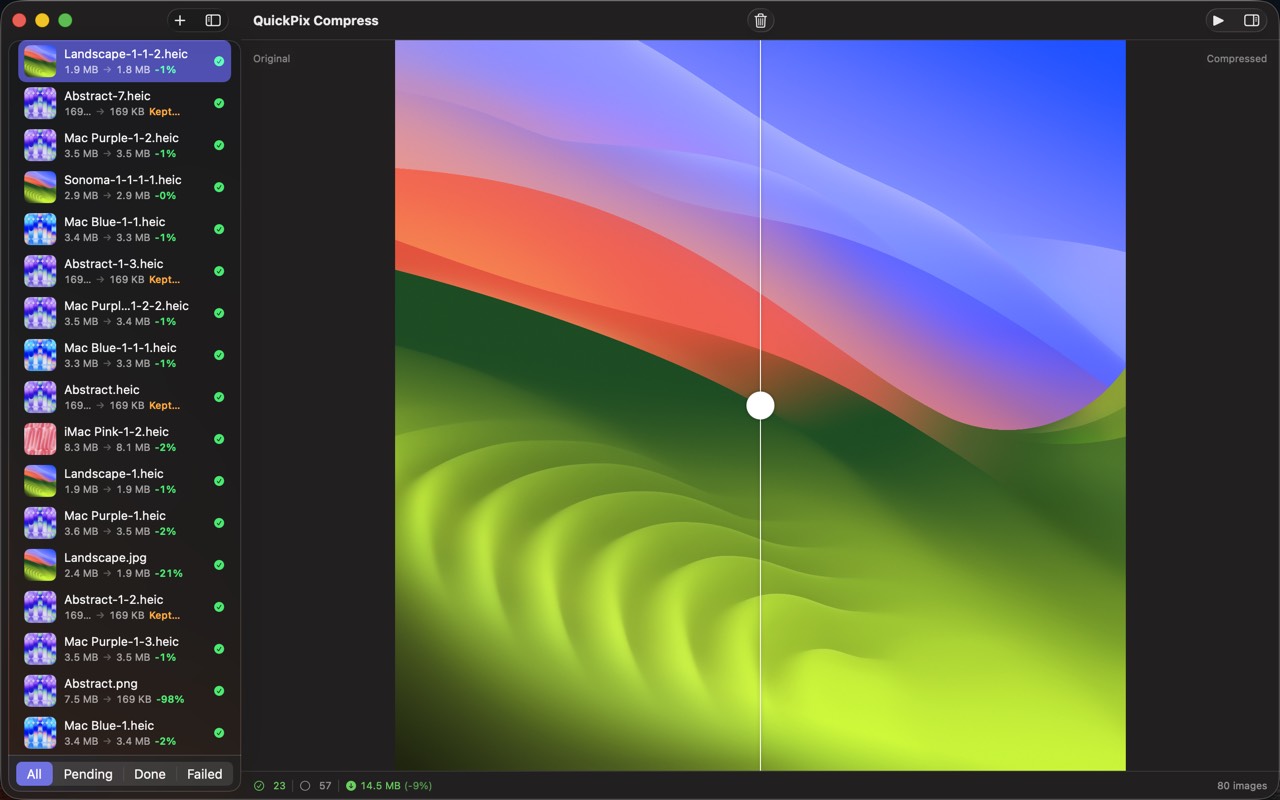
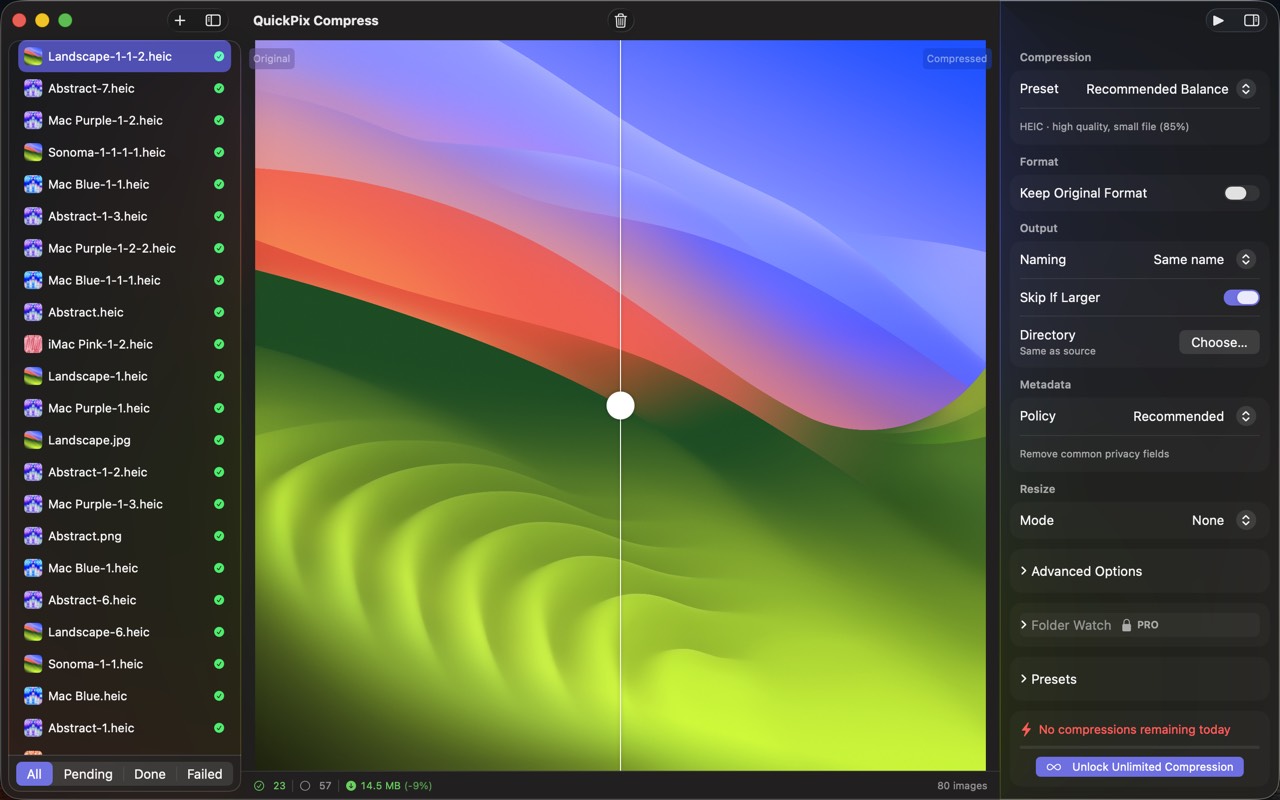
QuickPix screenshot 1QuickPix screenshot 2QuickPix screenshot 3QuickPix screenshot 4QuickPix screenshot 5QuickPix screenshot 6QuickPix screenshot 7

Boilerplate description

Use any portion freely. For coverage assistance, email below.

QuickPix is a fast, native macOS image compressor that runs entirely on your Mac. No upload, no account, no telemetry. Just drag and drop. Built on macOS's native sips engine — the same image-processing system Apple uses internally — so output quality matches what Preview's Export gives you, with the speed of a CLI and the convenience of a drag-and-drop GUI. — WHAT MAKES QUICKPIX DIFFERENT — • 100% OFFLINE Your images never leave your Mac. No upload to a server, no third-party processing. Internal screenshots, unreleased product renders, client work — none of it touches the internet. • 28+ FORMATS SUPPORTED JPEG, PNG, HEIC, WebP, AVIF, TIFF, GIF, BMP, PSD, JPEG 2000 — read and write. The iPhone HEIC format that ImageOptim can't handle? QuickPix compresses it natively. • BATCH ANY SIZE Drop a folder, get a folder. 1,000 images? 10,000? No daily caps, no per-batch limits like TinyPNG's web tool imposes. • BEFORE / AFTER SLIDER Built-in visual comparison with pixel-level zoom. Don't trust a file-size number alone — see the actual quality difference, then ship with confidence. • FOLDER WATCHING (Pro) Pick a folder, let QuickPix watch it. Anything you drop in gets compressed automatically. Built for designers and teams who receive assets via Dropbox, Slack, or Finder. • PRESERVES COLOR PROFILE sRGB stays sRGB, Display P3 stays Display P3. Strips EXIF and GPS by default for shareable images. Pro lets you keep specific metadata. • PASTE FROM CLIPBOARD ⌘⇧V from any clipboard. Useful for screenshots that have to be compressed before sharing. — WHO IS QUICKPIX FOR? — • Designers shipping images to a CMS, design system, or marketing site • Developers building image-heavy web apps • Product photographers who need batch processing without subscriptions • Anyone who has used ImageOptim and missed HEIC support • Anyone who has hit TinyPNG's 20-image batch cap — PRICING — Free forever for everyday use, unlimited single-format batches, all the formats. One-time Pro unlock adds folder watching, custom presets, and parallel batch processing. Never a subscription. — FEEDBACK — Made by Peter Zhang. Every email at obeliskclubclub@gmail.com is read personally. Found a format we miss? Tell us. Learn more: obelisk.club/quickpix-image-compressor

Key features

  • One-Click Compression

    Drag and drop images, pick a preset (Maximum, Recommended, Web Optimized, Lossless, or Custom), and compress — it's that simple.

  • 28+ Format Support

    Import JPEG, PNG, HEIC, WebP, RAW, PSD, and more. Export to 12 formats including HEIC, PNG, JPEG, TIFF, and GIF.

  • Before/After Comparison

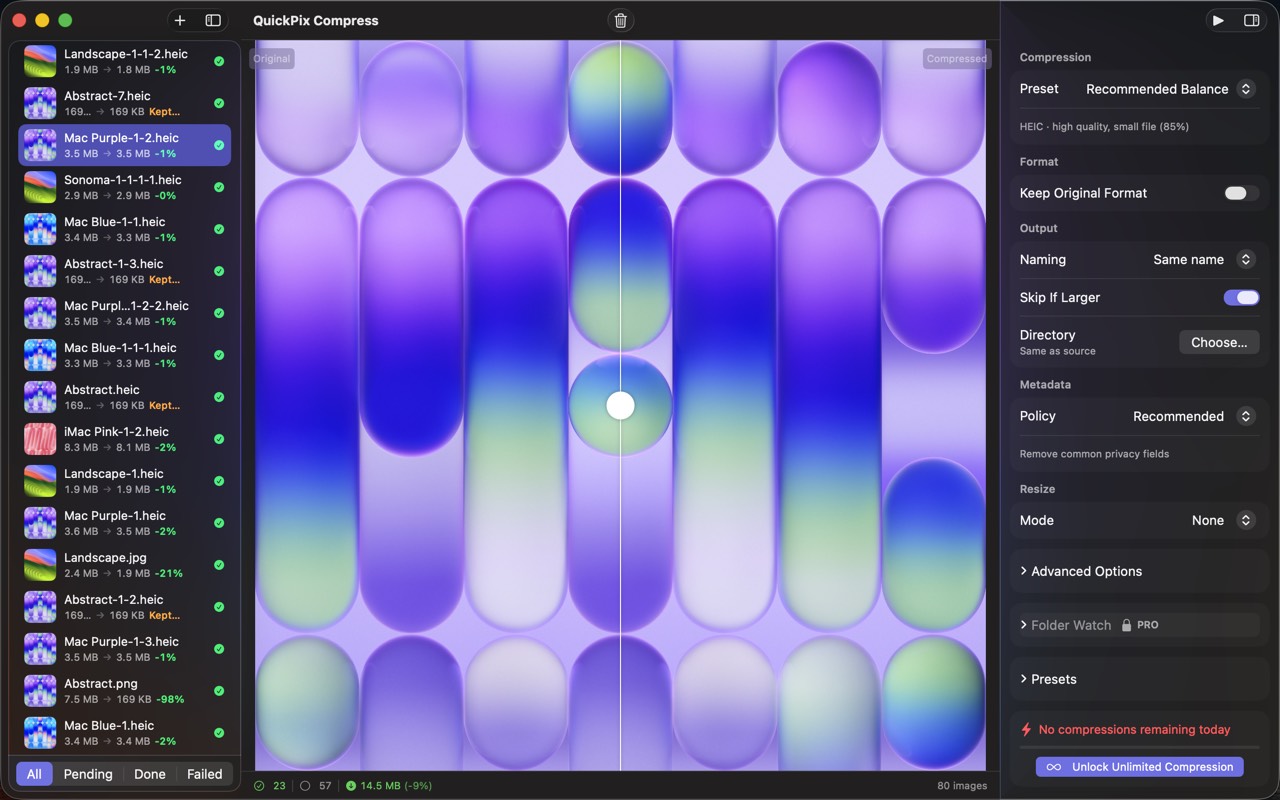
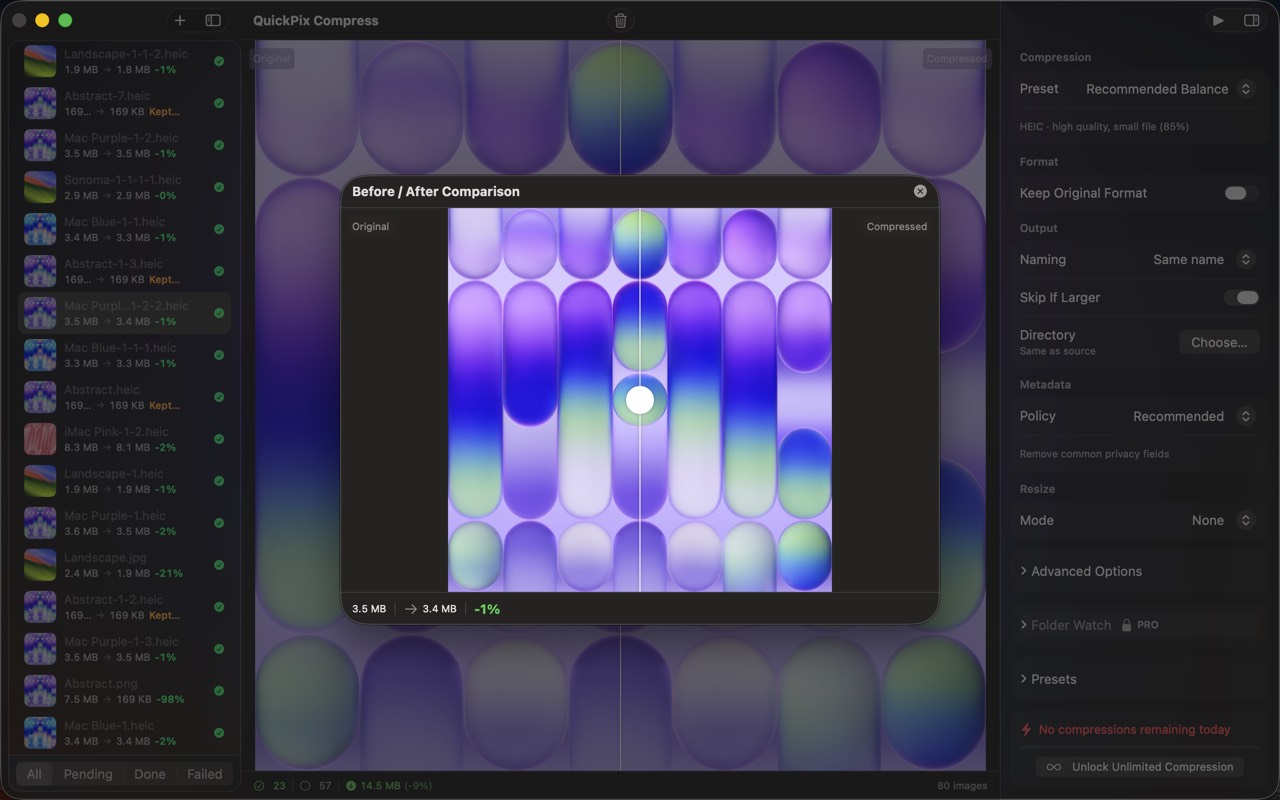
    Slider-based comparison view lets you verify quality before committing — see exactly what changes and what doesn't.

  • Smart Recommendations

    Auto-suggest optimal format and quality based on image properties — alpha channels, resolution, and color space are all considered.

Download links

Founder quote

QuickPixis built around one principle: your data stays on your device. We don't want it, we don't store it, and we don't need it to make the app work. Everything that can run locally, does.”
— Peter Zhang, solo developer, Obelisk Club

About Obelisk Club

Obelisk Club is a portfolio of focused, local-first Mac and iOS productivity apps built by a solo developer. The portfolio includes 13 apps spanning note-taking, screenshots, photo workflow, beverage tracking, file compression, and more — all sharing a single principle: software that works without an account, without a cloud, and without a subscription.

Press contact

obeliskclubclub@gmail.com

https://obelisk.club

Happy to share a complimentary Pro promo code, schedule a Q&A, or provide additional materials. Typical response within 24 hours.

Quick facts

App name
QuickPix
Maker
Peter Zhang · Obelisk Club
Theme color
#5856D6