Back to PhotoBridge

Press Kit

PhotoBridge

PhotoBridge backs up your iPhone photos directly to storage you own — Synology, QNAP, Nextcloud, AWS S3, MinIO, Aliyun OSS, or an external drive. No third-party cloud. No subscription to a stranger's photo silo. Built for the moment your iCloud bill stops making sense, or you si…

App icon

Screenshots

Right-click any image to save the original. All images are licensed for editorial use covering PhotoBridge.
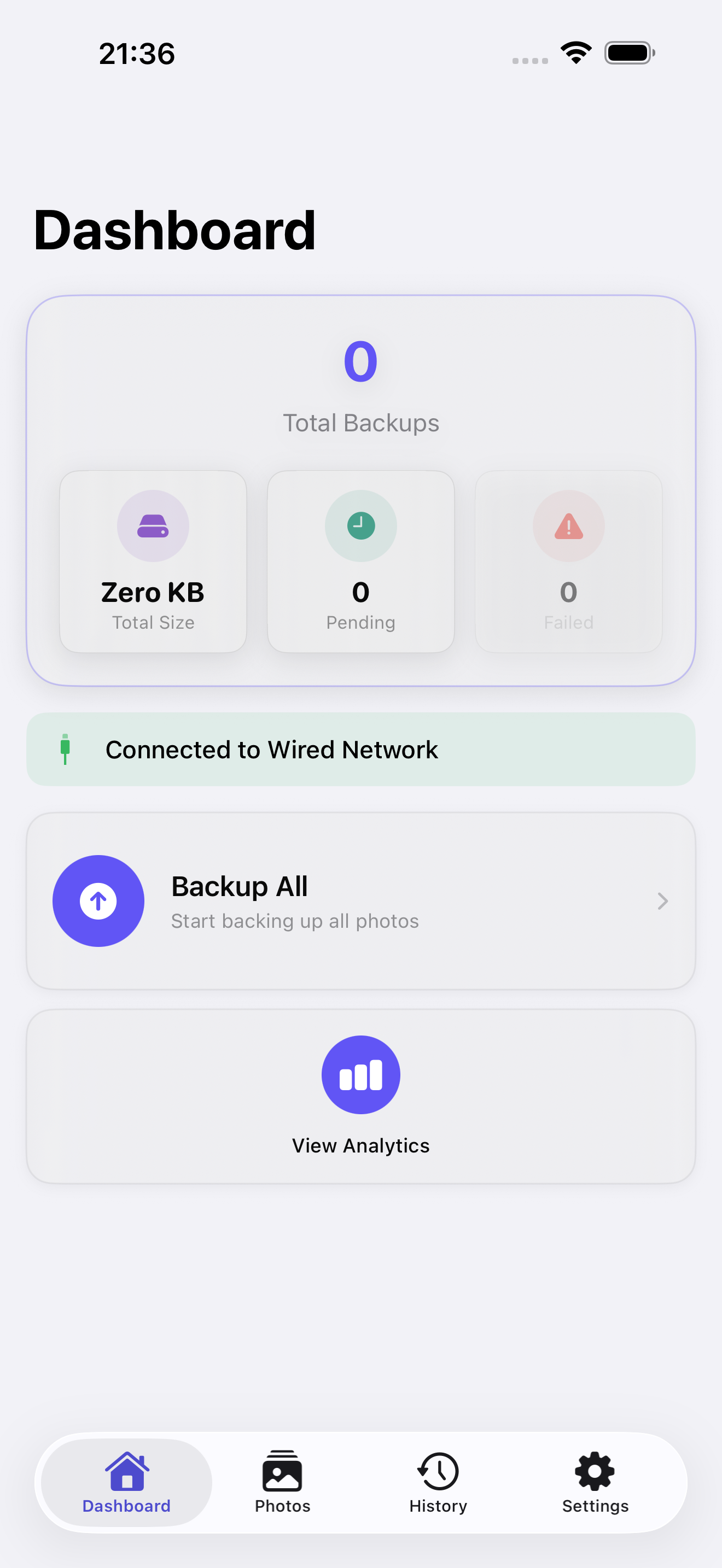
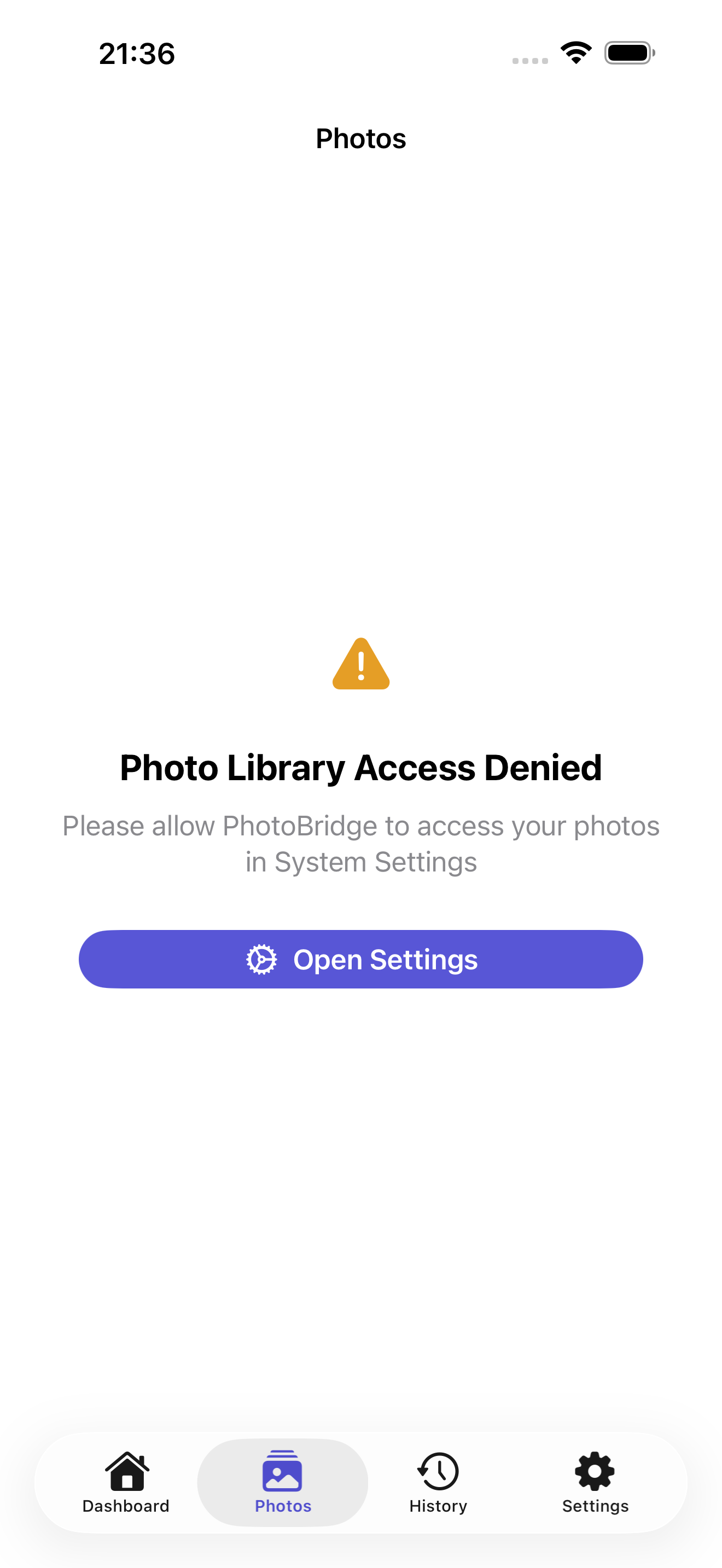
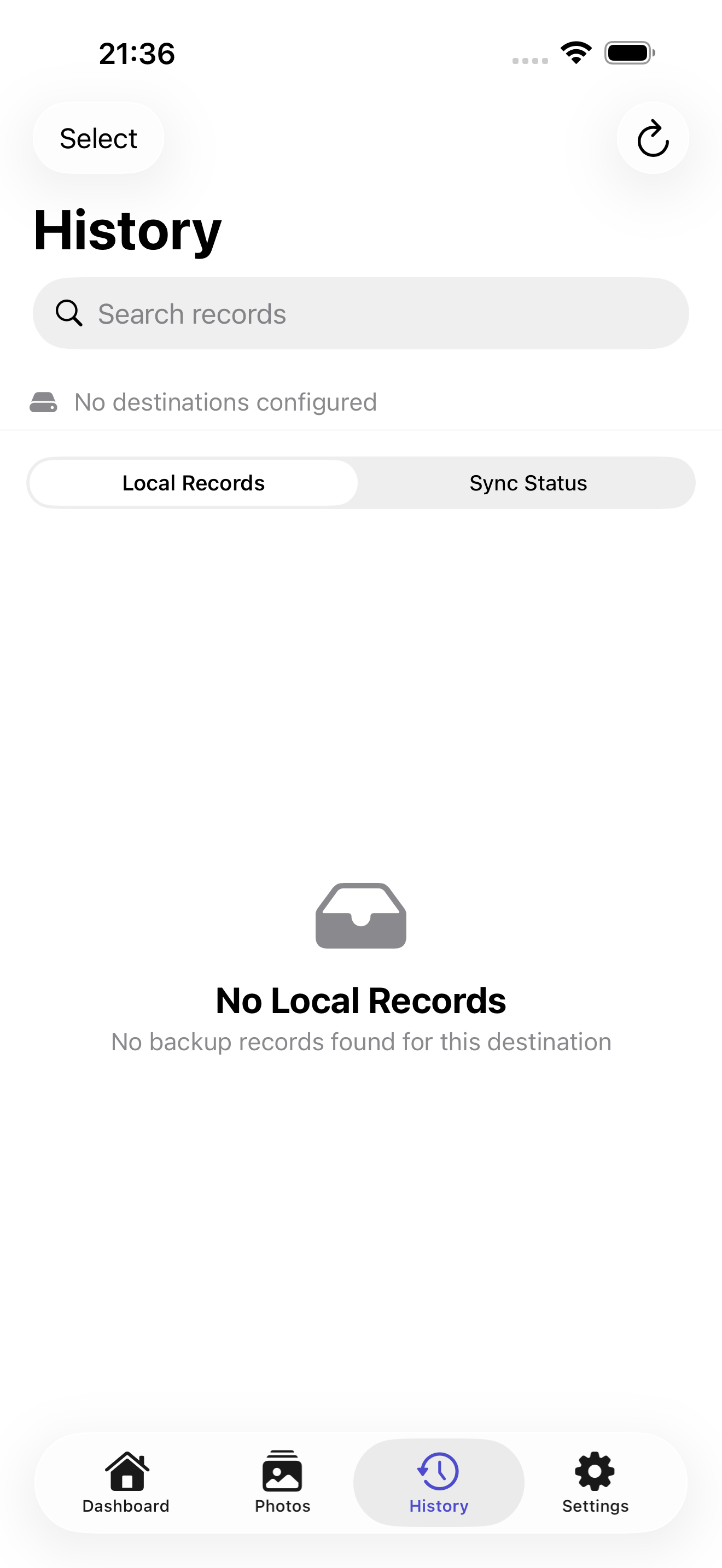
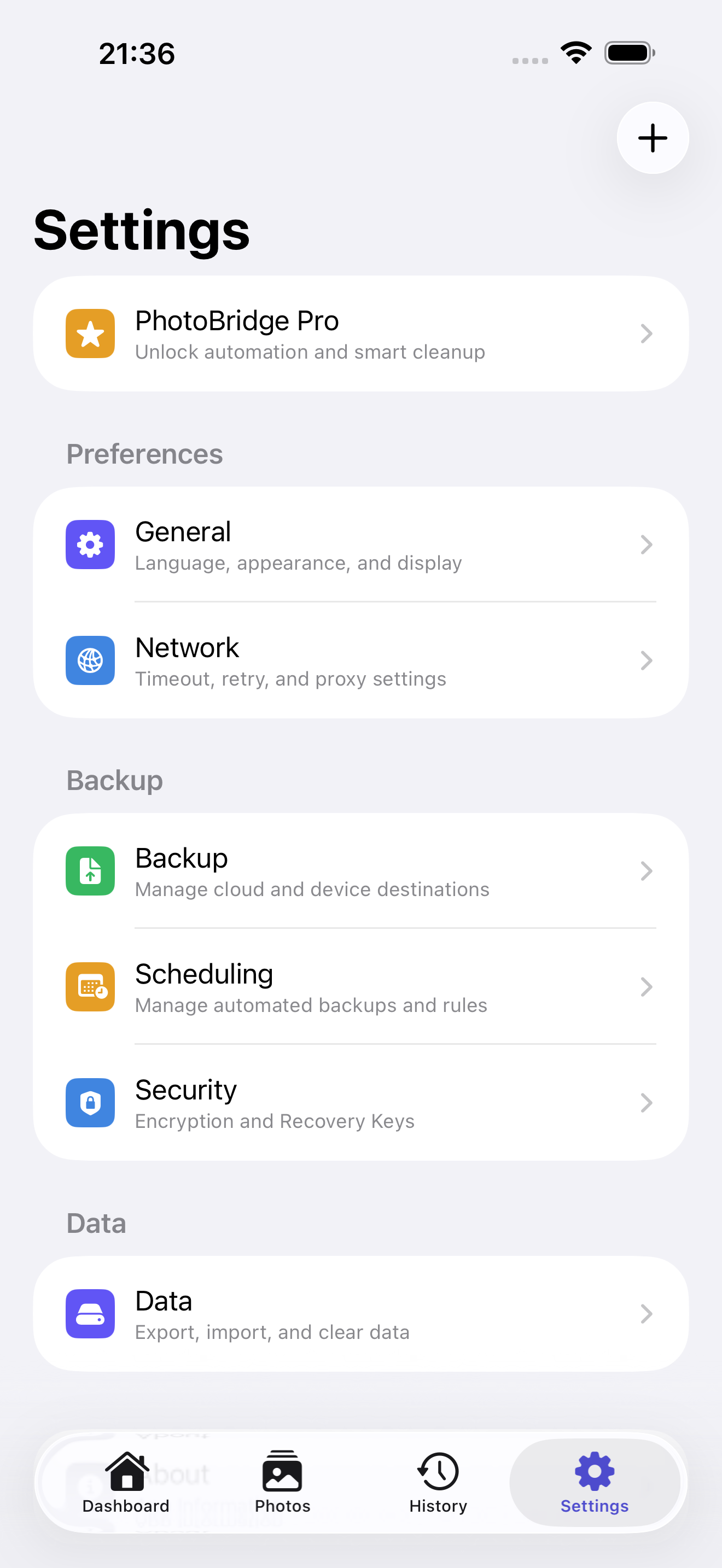
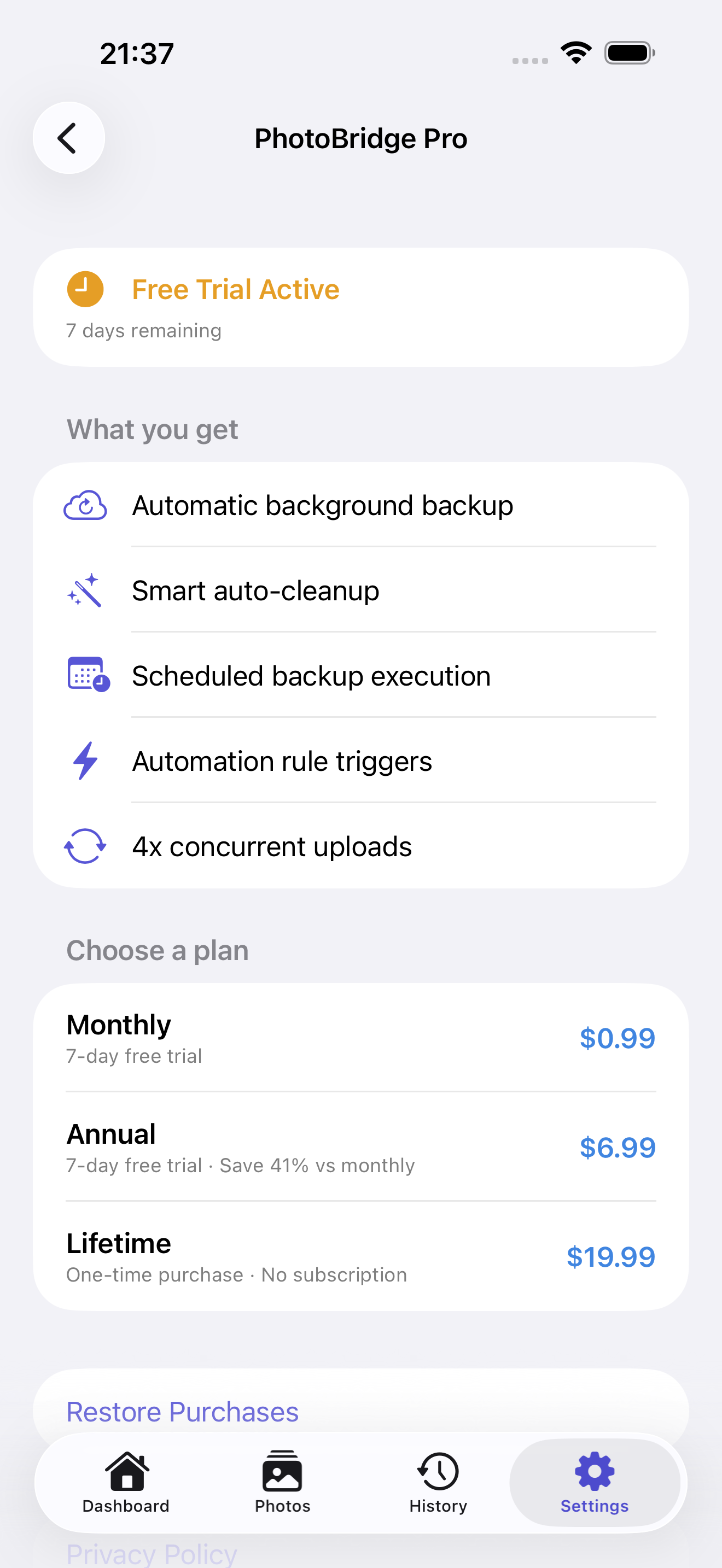
PhotoBridge screenshot 1PhotoBridge screenshot 2PhotoBridge screenshot 3PhotoBridge screenshot 4PhotoBridge screenshot 5

Boilerplate description

Use any portion freely. For coverage assistance, email below.

PhotoBridge backs up your iPhone photos directly to storage you own — Synology, QNAP, Nextcloud, AWS S3, MinIO, Aliyun OSS, or an external drive. No third-party cloud. No subscription to a stranger's photo silo. Built for the moment your iCloud bill stops making sense, or you simply want your photos on a drive you can hold. — WHAT MAKES PHOTOBRIDGE DIFFERENT — • YOUR STORAGE, DIRECTLY Photos travel from your iPhone straight to your destination. They never pass through our servers. We literally cannot see them — there's no infrastructure on our side to see anything with. • MULTIPLE DESTINATIONS, ONE APP WebDAV (Synology, QNAP, Nextcloud, Owncloud), S3 (AWS, MinIO, Aliyun OSS, any S3-compatible bucket), or external drives via the Files app. Set up multiple destinations and back up to all of them. • OPTIONAL END-TO-END ENCRYPTION E2EE encrypts each file before it leaves the iPhone. Even your NAS administrator can't read the archive without your recovery key. You hold the key. We don't. • BACKGROUND AUTO-UPLOAD (Pro) Uploads continue when you switch apps or lock the phone. Smart retry with exponential backoff recovers from flaky Wi-Fi. Resume capability picks up where a failed upload stopped. • AUTOMATION RULES (Pro) Trigger uploads on Wi-Fi connect, on charging, on app launch, or on schedule (daily, weekly, custom). Set it once, never think about it again. • SMART CLEANUP (Pro) After dual-checksum-verified backup, optionally free phone storage by deleting the local copy. 24-hour cooldown, auto-skip favorites, full undo history — designed paranoid because losing photos is unacceptable. • BROWSE & RESTORE View your remote files inside the app. One-tap restore to Camera Roll for single photos or entire folders. Automatic decryption when restoring E2EE backups. • PRIVACY BY DEFAULT Zero tracking, zero ads, zero analytics SDKs. Credentials live in iOS Keychain, never on our servers (we don't have servers). — WHO IS PHOTOBRIDGE FOR? — • People paying more for iCloud each year and wondering why • Synology, QNAP, and Unraid owners with an unused photos folder waiting to fill • Self-hosters running Nextcloud, Immich, or PhotoPrism who need an iOS uploader that doesn't suck • Photographers who want full-resolution originals on a drive they own • Anyone moving away from Google Photos or iCloud for privacy reasons — PRICING — Free forever: full manual backup and restore to all destination types. Pro unlocks background auto-upload, scheduling, automation, and smart cleanup. Monthly $0.99 / Annual $6.99 / Lifetime $19.99. 7-day free Pro trial on first install. — FEEDBACK — Made by Peter Zhang. Every email at obeliskclubclub@gmail.com is read personally. NAS brand we don't connect to yet? Tell me. Learn more: obelisk.club/photobridge-nas-backup

Key features

  • Multi-Destination Backup

    Back up to WebDAV (Synology, QNAP, Nextcloud), S3-compatible storage (AWS, Alibaba Cloud, MinIO), or external drives — all from one app.

  • Remote Browse & Restore

    Browse remote files, restore to Photo Library, compare local vs. remote sync status, and auto-decrypt encrypted backups.

  • Pro: Smart Automation

    Background silent uploads, custom schedules (daily/weekly/monthly), smart triggers (Wi-Fi, charging, app launch), and action chains — set it once, forget it.

  • Pro: Smart Cleanup

    After verified backup, automatically free phone space. Dual checksum verification, 24-hour cooldown, skip favorites — safe by design.

  • Privacy First

    All data stored on-device. Passwords in iOS Keychain. Zero analytics, ads, or tracking SDKs. Full data export/import.

Download links

Founder quote

PhotoBridgeis built around one principle: your data stays on your device. We don't want it, we don't store it, and we don't need it to make the app work. Everything that can run locally, does.”
— Peter Zhang, solo developer, Obelisk Club

About Obelisk Club

Obelisk Club is a portfolio of focused, local-first Mac and iOS productivity apps built by a solo developer. The portfolio includes 13 apps spanning note-taking, screenshots, photo workflow, beverage tracking, file compression, and more — all sharing a single principle: software that works without an account, without a cloud, and without a subscription.

Press contact

obeliskclubclub@gmail.com

https://obelisk.club

Happy to share a complimentary Pro promo code, schedule a Q&A, or provide additional materials. Typical response within 24 hours.

Quick facts

App name
PhotoBridge
Maker
Peter Zhang · Obelisk Club
Theme color
#5856D6